
Key Takeaways
- Coda, now rebranded as Superhuman Docs, connects collaborative text documents, relational databases, workflow automations, and intake forms within an adaptable workspace.
- Coda offers a free plan alongside Pro at twelve euros per Doc Maker monthly billed annually, unlocking unlimited document sizes and thirty-day revision histories.
- Coda incorporates artificial intelligence capabilities across all subscription tiers, while providing Model Context Protocol support as a trial on Free and standard on Pro.
- Coda requires organizations to assign dedicated workspace administrators to maintain database schemas, page layouts, and permission structures across scaling teams.
When your brief, tracker and lightweight workflow are scattered, Coda, now Superhuman Docs, gives your team one place to connect them. Start free to prove the structure, then use Pro at €12 per Doc Maker per month, billed annually, when the workspace needs unlimited doc size and 30-day history. Choose a more focused review or knowledge tool if you do not want someone responsible for keeping a flexible system orderly.
Agent access
- API
- Yes, all users
- MCP server
- Official, hosted, OAuth 2.0 with PKCE or personal API token
- Works with
 ChatGPT
 ClaudeClaude Code
 Cursor
- Automation
- Zapier
What are the main benefits and drawbacks of Coda?
What works
- Free provides collaborative docs, linked tables, views, intake forms, formulas and automation
- Pro adds unlimited doc size and 30-day version history for €12 per Doc Maker per month, billed annually
- Business includes unlimited automations and version history
What to watch
- Free shared docs have limits on pages and objects
- Automation quotas vary by plan
- Enterprise security and governance require a custom quote
How does Coda connect interactive documents and relational databases?
Coda unifies disconnected work by consolidating product briefs, project tracking tables, and team decision records into structured, interactive documents. Coda, which is now Superhuman Docs, brings collaborative documents, tables and workflows into one workspace. It is a sensible option for a team that wants a hub shaped around its own process, not a pre-set project board.
That flexibility is valuable only when the team gives it a job. A campaign hub can hold the plan, a connected table can hold its work, and views can give different people a useful way into the same information. If you are still narrowing down the type of workspace you need, the marketing tools directory can help put the category in context.
I would not treat Coda as a blank canvas to roll out everywhere at once. Pick one recurring process where scattered context is already slowing people down. If the owner can keep fields, pages and access clear, Coda's building blocks can replace a messy chain of documents and sheets. If not, its freedom can turn into another system people avoid.
Which product and operations teams should adopt Coda?
Marketing teams
Keep campaign briefs, decisions and trackers together when one owner maintains the shared structure.
Small operations teams
Use Free to test a tailored hub before assigning Doc Maker seats more widely.
Process owners
Build repeatable workflows with forms, tables and automations, then assign maintenance responsibility clearly.
Governed organizations
Choose Enterprise when SAML SSO, SCIM, audit events and governance become essential.
Coda is a poor fit when the team needs a fixed, narrow workflow with almost no design decisions. It is also the wrong place to make a complex process disappear behind formulas and automations that only one person understands. The best Coda workspace makes responsibilities easier to see, not harder.
What doc building and automation features does Coda provide?
Docs that act as a team hub
Coda describes its product as a collaborative platform blending documents, spreadsheets and applications. Its docs and team hubs are useful when a group needs a shared place for context and decisions, not merely a list of tasks. A hub earns its place when its structure follows the work people already do and its owner has authority to retire old pages.
Connected tables, views and forms
Free includes connected tables, views and forms. The vendor describes tables whose edits sync everywhere and whose views can be personalized, so one source of information can meet different needs without duplicating it. Use that to make a single tracker legible to contributors and decision-makers, but agree on fields and definitions before the team starts filling it in.
Formulas and automations
Free also includes formulas and automations, with a low automation quota. Pro raises that quota to medium, while Business lists unlimited automations. The practical distinction is not a reason to automate every handoff. Start with a visible, low-risk job and make sure the person who owns it can explain what happens when an input changes.
Packs and connected work
Coda's Packs extend documents through tables, buttons and other customizations. The product pages describe workflows that bring calendar information into a team wiki, push updates to  Slack and create
 Jira tickets from feedback tables. It is attractive when your workspace should coordinate existing tools, although permissions and the exact workflow deserve a small pilot before the process depends on it.
AI, history and controls
Docs AI is presented as an assistant for writing, building documents and automating tasks. Pro includes a 30-day version history; Business offers unlimited history, private folders and doc and page locking. Enterprise adds SAML SSO, SCIM provisioning, AI admin controls, audit events and governance. Those are meaningful upgrades once the workspace becomes an operational record rather than a team experiment.
How does the Coda Doc Maker pricing model work?
Price checked 27 Nov 2026
| Plan detail | Free€0 | Pro€12/mo | Business€33/mo | EnterpriseCustom |
|---|---|---|---|---|
| Billing basis | Free | Per Doc Maker, annual | Per Doc Maker, annual | Contact sales |
| Monthly rate | €0 | €15 per Doc Maker | €40 per Doc Maker | Custom |
| Version history | 7 days | 30 days | Unlimited | Unlimited |
| Automations | Low quota | Medium quota | Unlimited | Unlimited |
| Attachments per doc | 1 GB | 5 GB | Unlimited | Unlimited |
Coda prices in euros, 27 Nov 2026.Coda pricing
The published paid rate is for each Doc Maker, so model that role before you approve a rollout. Three Doc Makers on annual Pro cost €36 a month, while three on annual Business cost €99 a month. People who only need access may change the practical team bill, but the vendor page does not publish a complete role-by-role pricing rule, so confirm the intended permissions before treating either number as your final cost.
- Free has collaborative docs, tables, views, forms, formulas and automations, with limits on shared-doc pages and objects
- Pro includes unlimited doc size, 30-day history, hidden pages and custom icons, branding and domains
- Business adds databases, unlimited automations, private team folders, subfolders and doc and page locking
What enterprise governance controls does Coda Enterprise include?
Coda Enterprise equips large organizations with centralized identity management, administrative audit logs, and advanced workspace data governance. It is custom priced, not a simple upgrade for a bigger document. Its published features include SAML SSO, SCIM provisioning, advanced access controls, audit events, AI admin controls and document and folder governance.
Bring Enterprise into the conversation when the workspace has to meet a security, retention or administration requirement that Pro and Business cannot satisfy. Define the documents, users and controls that make the conversation necessary before asking for a quote.
What are the common organizational challenges when using Coda?
Coda pricing transparency requires planning because total workspace costs depend strictly on determining which team members require paid Doc Maker status. The vendor publishes the per-Doc-Maker rate and the monthly alternative, rather than a simple whole-team package. That is reasonable for a workspace built around makers, but it means a team should map its roles before it compares the headline price with another product.
Free works as a genuine trial, not as an assurance that every process will fit without limits. Shared docs have limited pages and objects, automations have a low quota, and history lasts seven days. More importantly, a team still has to decide how to organize a workspace before the free plan can show whether the approach will stick.
AI and MCP details also deserve care. The pricing table describes Docs AI as beta, and MCP as a limited trial on Free, while Pro names creation with Claude and more through MCP. Those labels establish availability, not a complete implementation plan. Confirm the exact plan, access and controls needed before making an agent workflow depend on them.
Which wiki and document management tools compete with Coda?
If your main problem is a living team knowledge base rather than a tailored doc-and-table workspace, read the Confluence review. Its nested content tree is a more direct fit when people need to find projects and related knowledge quickly.
If the work stalls at the review and approval stage, the  Filestage review is more relevant. Filestage focuses on online proofing and approvals for videos, designs, documents and websites, which is a different job from building a team hub or tracker.
Is Coda the top connected workspace for operations teams?
Coda, now Superhuman Docs, is worth choosing when your team needs connected documents and structured work to live together, and someone can own the rules that keep them useful. Free gives you a credible way to shape one real hub. Pro is the practical first paid step when unlimited doc size and longer history matter, while Business earns its price only when unlimited automation, history and private folders solve a real operating need.
Build one active hub or tracker on Free with the people who will maintain it. Define its fields, access and owner before moving Doc Makers to Pro. Choose Business when its automation, history and folder controls answer a requirement you can name.
How were Coda packs, rebrand details, and plan tiers verified?
Coda pricing structures, Superhuman Docs rebranding disclosures, and integration Packs documentation were audited on 27 Nov 2026. Coda is now Superhuman Docs, and prices are shown in euros as the vendor displayed them. Every figure follows how we check figures.
- Coda pricing page for plan rates, billing, quotas and plan features
- Coda product pages for docs, hubs, tables, views, forms and workflows
- Coda Packs page for connected-work examples and stated security approach
- Coda rename page for the Superhuman Docs lifecycle change
What are the most common questions regarding Coda?
What happened to Coda?
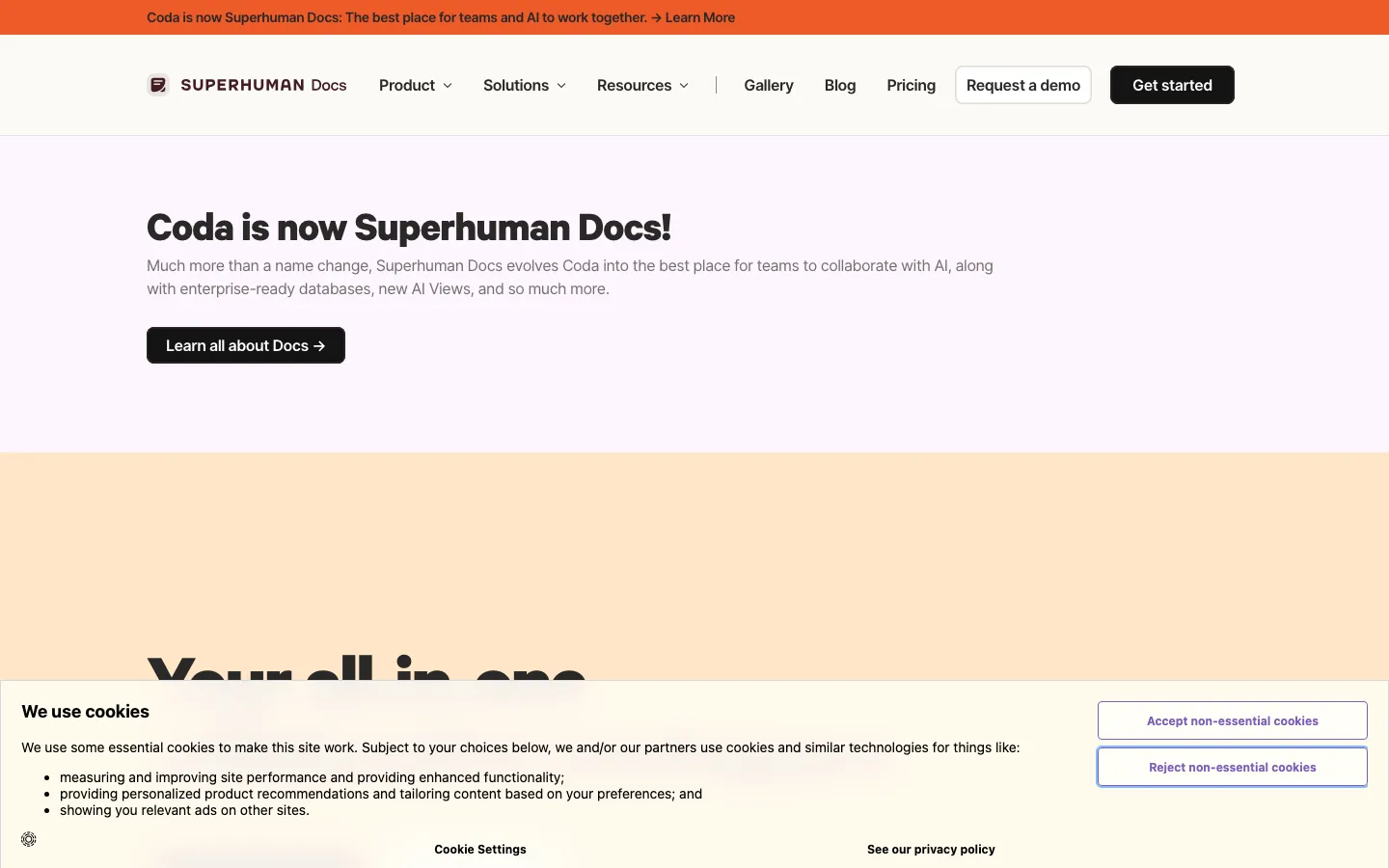
Coda is now Superhuman Docs. The vendor describes the change as an evolution toward a place for teams and AI to work together, with enterprise-ready databases and new AI Views.
Is Coda free?
Yes. Free is €0 and covers collaborative documents, tables, views, forms, formulas and automation. Shared docs have limits on pages and objects, automations have a low quota, and version history lasts seven days.
How much does Coda cost for a team?
Pro is €12 per Doc Maker per month, billed annually, or €15 per Doc Maker per month on monthly billing. On annual billing, Business costs €33 each month for every Doc Maker, or €40 per Doc Maker per month on monthly billing. Map the people who need that role before treating the per-maker rate as a whole-team bill.
Does Coda work with AI agents?
Docs AI is listed on the pricing page, and MCP is a limited trial on Free. Pro names creation with Claude and more through MCP. Confirm the plan-specific access and controls before relying on it for an agent workflow.
 Reviewed byDanny Kirk
Founder of ReddiReach.
 Checked byAndrés Felipe
Digital designer and marketer.
Every figure is checked against the vendor's own page. Read our editorial standards.