
Key Takeaways
- DataPins enables field service contractors to convert completed job site photos and technician check-ins into automated local search website content and customer review requests.
- DataPins does not publish standard subscription pricing, instead requiring contractors to book a sales consultation, while stating that no long-term contracts are enforced.
- DataPins publishes job Pins from its mobile application to local landing pages, but does not provide documented public API or Model Context Protocol access.
- DataPins is not suitable for businesses that do not perform on-site customer work or organizations requiring transparent pricing without speaking to a sales representative.
DataPins is the strongest fit for a contractor that wants every completed field job to create useful local website content and a review opportunity without asking technicians to use a CMS. Skip it if you need a published price or a general-purpose local marketing platform. If AI-answer monitoring is also part of the job, start with the AI Peekaboo review.
Agent access
- API
- Not found on official pages
- MCP server
- Not found on official pages
What are the pros and cons of DataPins?
What works
- One job record can publish photos, coordinates and schema to the relevant site page
- Short technician notes become fuller AI-written job descriptions
- SMS and email review requests sit in the same job-closing workflow
What to watch
- No public plan or monthly price to compare before a consultation
- The product is positioned for contractors and service-area businesses
- AI search appearance is possible, not something any vendor can guarantee
What does DataPins do for field contractors?
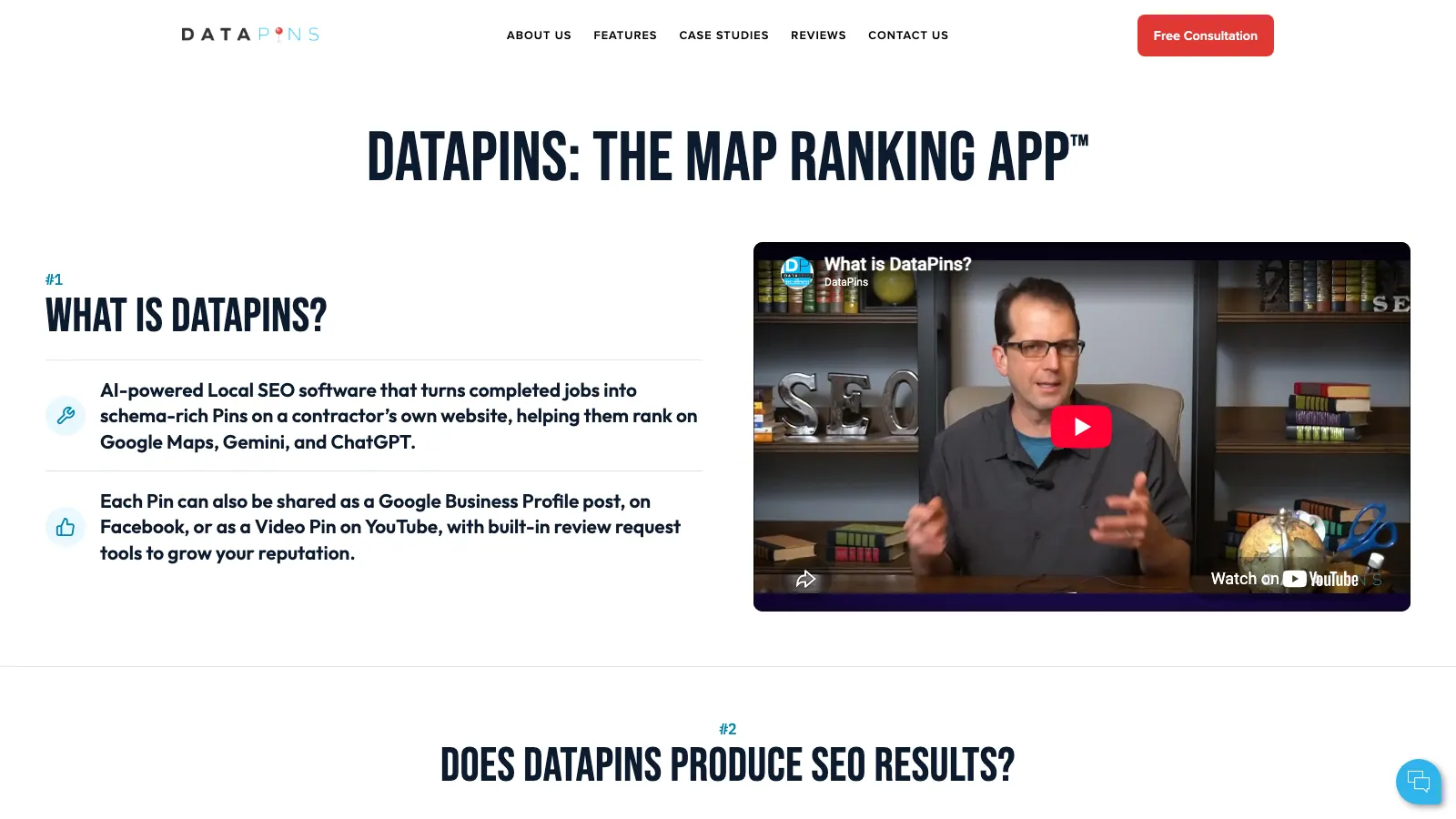
DataPins addresses the reality that the difficult part of local marketing for a contractor is rarely finding work worth showing. It is getting the evidence out of a technician's phone and onto the right page while the job is still fresh. DataPins turns that handoff into its core workflow: a field technician records a completed job in the app, and the matching service or location page receives the photos, job description, location data and structured information.
That is a more focused job than a broad local SEO dashboard. It is local SEO and reputation management software for contractors and service-area businesses, designed around the work a crew already completes. Each Pin is assigned to an existing service or city page instead of creating a new page for every job. That restraint matters: a plumber can keep adding proof to the page that sells drain cleaning, rather than leaving a web team to turn scattered photos into a publishing project.
The payoff is clearest when your team already has regular field activity but thin service pages and an inconsistent review ask. If you also need to monitor what AI systems say about the business, that is a separate monitoring job.
Who is DataPins designed for?
Home-service contractors
Roofers, plumbers, HVAC firms and pest-control teams can turn routine job evidence into material for their own sites.
Service-area businesses
Teams that sell through service and city pages get a defined place for each completed job to publish.
Regional operators
Multi-city businesses can route location-specific job details to the corresponding city page.
Busy field crews
Technicians supply the job details and a short description while DataPins handles the written page copy.
I would not put DataPins in front of a restaurant, retailer or professional-services firm just because it wants better local visibility. The product's advantage comes from repeatable work at a customer property. Without that stream of real jobs to document, its Pin workflow is solving the wrong problem.
Which features does DataPins include?
Pins for service and city pages
A technician can drop a Pin after a job, and DataPins publishes it to the service or location page chosen by its tag. The Pin can include photos, a project description, coordinates and a mini map. A location can come from the technician's phone or be entered manually, and DataPins offers a coordinate-scramble setting to avoid displaying a customer's exact address. That makes the documented work useful without turning a private home into a precise public marker.
Job details shaped into page copy
The technician provides a short description of the work. DataPins AI expands it into a job description based on the service, location and what the technician reported. This is the feature that keeps the field workflow realistic. A crew can provide the firsthand facts at the jobsite, while the business still gets readable copy for the page that needs refreshing.
Check-in schema
Every Pin uses JSON-LD check-in schema describing the job, where it happened and which business performed it. DataPins places that structured data in the site's HTML alongside the Pin. I see this as a publishing discipline rather than a ranking trick: it gives a service page a consistent record of real work, with enough structure for search systems and AI tools to read it.
Review requests at job close
DataPins supports both SMS and email review requests. The app can send a direct review link while the customer still has the completed work in mind, and an email can reach people who prefer that channel. The important operational choice is to make the request part of closing every job, not a task someone remembers to do at the end of a busy week.
Video Pins for three publishing surfaces
Video Pins take one jobsite upload and publish it as a Pin on the company's website, a YouTube video and a Facebook post. The video includes a search-oriented title and description drawn from job details. This is useful when the crew can show the work, such as a repair, installation or before-and-after result.
Local and AI search context
DataPins says Pins can be read by Google AI Overviews, ChatGPT and Perplexity because they are published in page HTML with structured data. Its own local SEO guidance is appropriately careful: whether an AI tool cites a page depends on the question and DataPins, so a citation cannot be guaranteed. Treat that as the right expectation. The job records make better source material available, but they do not buy a place in an answer.
How is DataPins pricing structured?
Price checked 27 Nov 2026
| Plan detail | Published offer |
|---|---|
| Monthly price | Not published |
| Next step | Free consultation |
| Contract term | No long-term contracts stated |
DataPins features page, 27 Nov 2026.DataPins features
DataPins does not publish monthly prices or seat charges, so request a quote for your crews and locations. Ask for the recurring price, what changes it and whether video publishing or a website build changes the quote before you compare it with another tool.
The vendor does state that there are no long-term contracts. That is useful flexibility, but it does not make the cost transparent. A small contractor should get the full monthly figure in writing and judge it against the number of jobs its crew can realistically document.
Where does DataPins fall short for buyers?
DataPins suffers from pricing opacity as its primary limitation for prospective buyers. A product built around a clear, repeatable field process still asks you to begin with a sales conversation, so you cannot compare one technician, three crews or several locations on monthly cost from the public pages. For a buyer trying to set a budget before a call, that is a real delay.
The second limit is fit. DataPins is not trying to serve every local business, and that focus is a strength for contractors. It also means the workflow depends on jobs a crew can photograph, describe and attach to a service or city page. A business without mobile field activity should choose a local marketing process that begins somewhere else.
Finally, do not turn the AI-search promise into a forecast. DataPins can make pages more legible to AI search tools, but an answer engine decides what to cite for a particular question. Keep the value case rooted in the job content, structured records and review process you control.
Which DataPins alternatives should you evaluate?
 DataPins alternative AI Peekaboo belongs first in the comparison when the problem is understanding how AI answers name a local business. It compares the same buyer questions across ChatGPT, Gemini, Perplexity, Google AI Mode and Google AI Overviews, which complements DataPins' publishing workflow.
DataPins sends review requests from the job-closing process. If review collection becomes the priority rather than publishing job records to your own site, read the  GatherUp review, which sends review requests by SMS alongside email.
For a local-presence comparison centered on Google Business Profile work, read the  GBPPromote review. It offers Google Business Profile management, including geo-grid rank tracking and review replies. If your comparison has widened beyond local SEO, the marketing tools directory is a better place to reset the options.
What is the final verdict on DataPins?
DataPins helps turn a completed job into valuable local proof once it reaches the service or city page where prospective customers find it. DataPins closes that publishing gap, then puts review outreach in the same field workflow. That is a smartly narrow answer for a service contractor.
Book the consultation only after deciding which service and city pages should receive Pins. Ask for the monthly price, the setup work, the video options and the ongoing responsibilities for the crew, then run the process on one active service line before making it the default.
How was DataPins evaluated for this review?
DataPins prices, limits and features in this review come from the company's own feature, FAQ and product pages, read on 27 Nov 2026. DataPins does not publish a monthly price, and every figure follows the rules in how we check figures.
- DataPins home, features and local SEO pages
- DataPins SMS review-request and Video Pins pages
- DataPins FAQ and contact pages
What are common questions about DataPins?
Who is DataPins for?
DataPins is for contractors and service-area businesses. Its workflow is built around documenting work a technician has completed at a jobsite, then publishing that record to a service or location page.
How does a DataPins Pin work?
A technician records a completed job in the app. DataPins can publish photos, job details, coordinates, a mini map and JSON-LD check-in schema to the matching service or city page, with AI expanding the technician's short description.
Can DataPins help with AI search?
DataPins publishes structured Pins in page HTML that AI search tools can read. It names Google AI Overviews, ChatGPT and Perplexity, while also saying that no one can guarantee an AI citation.
How much does DataPins cost?
DataPins does not publish a plan price. It offers a free consultation and says there are no long-term contracts, so ask for the recurring monthly price and what changes it.
Can DataPins work with an existing website?
Yes. DataPins says it can publish Pins to existing service and location pages. Its team also builds new websites with DataPins installed.
 Reviewed byDanny Kirk
Founder of ReddiReach.
 Checked byAndrés Felipe
Digital designer and marketer.
Every figure is checked against the vendor's own page. Read our editorial standards.