
Key Takeaways
- Gumloop provides a collaborative workflow builder enabling cross-functional teams to design, run, and share autonomous AI agents without charging additional fees per software seat.
- Gumloop charges thirty-seven dollars monthly for Pro, granting twenty thousand credits alongside unlimited active agents, unlimited team seats, and custom enterprise licensing options.
- Gumloop supports advanced agent automation through native Model Context Protocol connectivity, a local command-line interface, and hosting for one custom MCP server on Pro.
- Gumloop operates on a monthly credit consumption model where unused balances reset each billing cycle, which can produce unexpected budget spikes during heavy operational runs.
You need to give colleagues shared AI agents without turning each new seat into another software bill. Gumloop is the best fit for that job: Pro costs $37 a month for unlimited agents, seats and teams. Choose IFTTT for trigger-and-action Applets, keeping in mind that IFTTT also uses monthly credits, or Integrately when a task allowance better fits the work.
Agent access
- API
- Yes, OAuth 2.0 requires Pro or above; API keys have no plan check.
- MCP server
- Official, hosted, OAuth 2.0 or API key
- Works with
 ClaudeClaude Code
 Cursor
 VS Code
- Automation
- Zapier
What are the key Gumloop pros and cons?
What works
- Unlimited agents, seats and teams on the $37 Pro plan
- More than 35 models and over 300 supported integrations
- MCP, CLI and shared credentials for technical teams
What to watch
- Credits reset at the end of each billing period
- Overage is off until it is enabled
- Enterprise controls require a custom contract
What does Gumloop do for workflow automation teams?
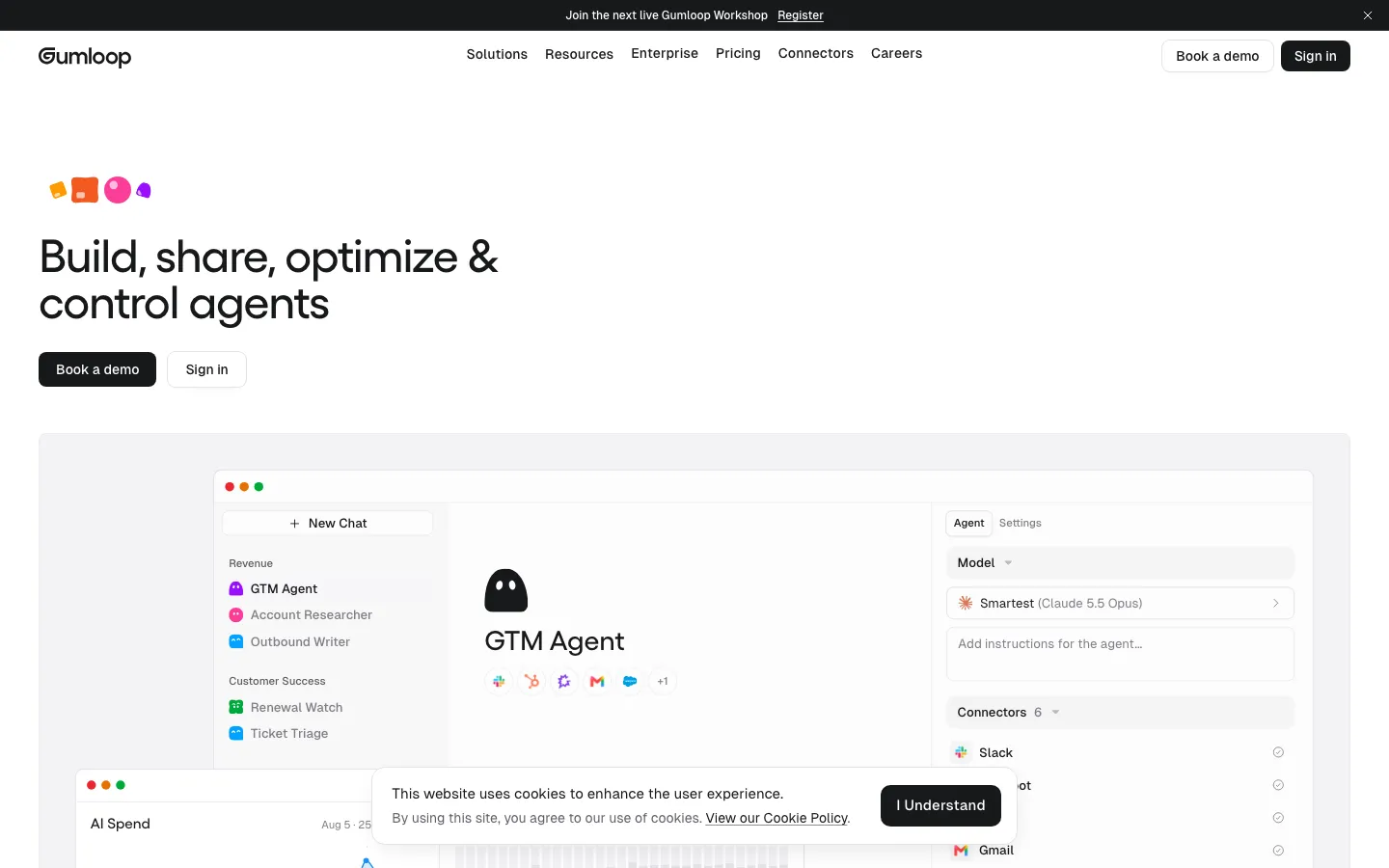
Gumloop calls itself a multiplayer AI agent builder. That description matters because the product is not trying to be one person's private automation board. A shared agent can be used in Slack, Teams, email or Gumloop itself, and several people can work in the same agent thread. For a team comparing the broader marketing tools directory, Gumloop is the option for putting an agent where work already happens rather than creating a separate destination for every workflow.
The practical appeal is the price shape. Pro includes unlimited people and unlimited shared workspaces, so a marketing, sales operations or support group can give colleagues access without doing seat arithmetic first. The bill follows credits instead. That can be cleaner than per-user pricing when adoption is wide, but it shifts the planning question from headcount to how often agents run and which models and tools they call.
I would treat Gumloop as a platform choice, not a quick connector purchase. It gives teams an agent builder, shared credentials, skills and knowledge sources in one place. The payoff comes when a useful agent becomes a shared piece of operating infrastructure, not when it merely replaces a single trigger and action.
Who is Gumloop best suited for?
Collaborative GTM teams
Build shared agents for leads, content and CRM work without adding a seat charge for each colleague.
Operations leaders
Set spend caps and inspect usage across agents, users and the wider organization from one view.
Technical builders
Use MCP, the CLI and hosted custom MCP servers while nontechnical teammates build alongside them.
Security-conscious enterprises
Use custom controls, audit trails, identity options and private-cloud deployment through an Enterprise agreement.
Gumloop is less comfortable for a buyer who has to know the maximum monthly bill before automation begins. The included credits are useful only if they match the work you actually run. A simple workflow that needs a predictable, task-led plan is a different buying problem.
Which agent-building features does Gumloop provide?
Agents that a team can share
Pro and Enterprise both list unlimited agents. Agents can combine skills, knowledge sources, artifact generation, evaluations, email inboxes, hosted pages, custom Slack apps, code sandboxes, a secrets vault and reflections. Collaborators can see each other's agents, share credentials and track shared usage inside a team workspace. That makes Gumloop better for a repeatable team process than an automation someone silently owns.
Models, skills and spend visibility
Pro provides access to more than 35 models, while Enterprise adds custom proxy support. Gumloop says its dashboards show spend across agents, users and the organization, alongside per-user and per-agent caps. That is useful when teams need to match a task to a model rather than hand every job to one provider, but it also means usage needs an owner. The model menu does not turn credit spend into a flat subscription.
Connectors and MCP
Gumloop's connector directory lists 334 MCP servers. Its natively supported integrations include the workplace tools a typical team already needs for documents, messages, customer records and reporting. You can also connect an external MCP server or deploy a custom one on Gumloop. Pro includes hosting for one custom MCP server, with a custom allowance on Enterprise, so Gumloop can reach beyond its catalog without every integration becoming a separate build.
Developer access without isolating the builders
Gumloop MCP lets an MCP client use the agents, tools and skills a team has built. The command-line tool builds and runs agents and workflows from the terminal. Pro allows five concurrent workflow runs and 25 concurrent agent chats. Workflow runs over their concurrent limit are queued until capacity frees up. A busy operation should model concurrency before it promises instant turnarounds.
Enterprise governance
Enterprise is where Gumloop puts organization-wide guardrails. The plan includes role-based access control, organization-wide connector policies, audit logs, identity support and incognito mode for zero data retention. Optional virtual private cloud deployment and an optional embedded Gumloop expert are also available. Gumloop lists SOC 2 Type II and GDPR compliance. Those controls make a case for Enterprise when agents touch sensitive systems, but they are not a reason to upgrade before the organization has a genuine governance need.
How is Gumloop priced across its tiers?
Price checked 27 Nov 2026
| Plan detail | Pro$37/mo | EnterpriseCustom |
|---|---|---|
| Included credits | 20,000 per month | Custom |
| Orchestration fee | 8% | Discounts available |
| Agents, seats and teams | Unlimited | Unlimited |
| Models | 35+ | 35+ with custom proxy support |
| Concurrent workflow runs | 5 | Custom |
| Concurrent agent chats | 25 | Custom |
| Custom MCP hosting | 1 server | Custom |
| Audit logs | Not specified | ✓ |
Gumloop prices in US dollars, 27 Nov 2026.Gumloop pricing
The $37 price is not the whole budget. It buys 20,000 credits, and credit consumption covers model tokens, compute and paid tool calls. Gumloop says it sells tokens and compute at cost, then adds an 8% orchestration fee on the full list cost of a task. That is transparent, but it is variable: the monthly subscription is the floor, not necessarily the final bill.
- Unused Pro credits reset each billing period, so they do not build a reserve for a busier month
- When the included 20,000 credits run out, agents stop until credit overage is enabled
- Enabled overage bills at $0.005 per credit
- Using your own API key for a model provider drops token credits to zero, but raises the orchestration fee from 8% to 16%
For a five-person team, the base subscription remains $37 a month because Pro has unlimited seats. There is no honest single total after that, because it depends on the tasks, models and paid calls your agents make. Watch a representative month before rolling the same pattern out across departments.
When does Gumloop Enterprise become necessary?
Gumloop Enterprise is custom priced and becomes valuable when governance and operational control matter more than raw execution capacity. Pro already has unlimited seats and agents. The Enterprise case begins when your organization needs role-based access, organization-wide policies, audit logs, SCIM or SAML support, incognito mode, optional private-cloud deployment or a custom concurrency and MCP allowance.
Ask for the full credit allowance, orchestration discount and data-retention terms in writing before treating an Enterprise quote as comparable with Pro. The contract can solve security and scale requirements, but it changes a self-serve product decision into a procurement decision.
Where does Gumloop fall short for budgeting teams?
Gumloop presents budgeting friction primarily because monthly credit expirations and variable overage complicate long-term software forecasting. It is that the useful number, your eventual workload, only emerges after you start running agents. Credits reset monthly, and a heavier-than-planned month either halts work until overage is enabled or adds overage charges. Teams accustomed to a fixed subscription need a real usage budget, not only approval for the $37 plan.
Bring-your-own-key support has a similar trade-off. It reduces the credits an agent consumes, but the orchestration fee rises from 8% to 16% for model providers. That can still be the right setup for an organization with its own provider relationships, yet it should be priced against Gumloop-managed usage rather than treated as an automatic saving.
The governance features are also deliberately split. Agent-scoped connector policies arrive on Pro, while organization-wide controls, audit logs, role-based access and identity features belong to Enterprise. A small team can start quickly. A large organization with compliance requirements needs to start the sales conversation earlier.
What are the best Gumloop alternatives to consider?
 IFTTT review is the better next read when the job is linking apps through straightforward triggers and actions rather than giving a team a shared agent environment. IFTTT's Applet runs, MCP usage and AI features draw from a monthly credit allowance.
The Integrately review is useful when a team wants ready-made app-to-app automation before taking on a credit-based agent platform. Integrately advertises more than 20 million ready automations for 1,500+ apps, so it is the more direct fit when an existing automation matches the job. Choose Gumloop when shared agents, model choice and governance are the point.
What is the overall verdict on Gumloop?
Gumloop earns the first look when your team needs shared agents and can manage a credit-based bill. Unlimited seats on Pro make the $37 entry price unusually friendly to broad adoption, and the MCP, CLI and connector choices give technical teams room to extend what nontechnical colleagues build. The compromise is a variable bill, so the team must manage credits as carefully as it manages access.
Start with one shared agent on Pro, define a usage budget, and review its credit use after one billing cycle before opening access across the organization. Ask Gumloop to confirm Pro spend-cap availability before relying on that control. Bring sales in early if audit logs, organization-wide rules or SSO are requirements.
How was Gumloop researched and evaluated?
Gumloop published the official subscription plans, product features, connector directories, enterprise agreements, and developer guides verified on 27 Nov 2026. Prices are in US dollars, as Gumloop shows them, and every figure follows how we check figures.
- Gumloop pricing and pricing FAQ pages
- Gumloop about, connectors and Enterprise pages
- Gumloop documentation for API, MCP and organization features
What are the most common questions about Gumloop?
How much does Gumloop cost?
Gumloop Pro costs $37 a month and includes 20,000 credits, unlimited agents, unlimited seats and unlimited teams. Enterprise is custom priced.
What happens after Gumloop uses its included credits?
Agents stop until credit overage is enabled. Overage is off by default and bills at $0.005 per credit once enabled.
Can a team share Gumloop agents?
Yes. Gumloop says agents are built to be shared, and team workspaces let collaborators see agents, share credentials and track shared usage.
Does Gumloop work with AI agents?
Yes. Gumloop offers an MCP connection for its agents, tools and skills, plus a CLI for building and running agents and workflows. Pro also hosts one custom MCP server.
 Reviewed byDanny Kirk
Founder of ReddiReach.
 Checked byAndrés Felipe
Digital designer and marketer.
Every figure is checked against the vendor's own page. Read our editorial standards.