
Key Takeaways
- Influence adapts core concepts into platform-specific social posts with built-in editorial review stages before scheduling content across multiple destinations.
- Influence provides monthly tiers starting at seventeen euros for Starter, thirty-four for Growth, and sixty-one on Pro with annual savings.
- Influence publishes extensive developer resources including HTTP APIs, command line interfaces, software development kits, and Model Context Protocol servers.
- Influence cannot deliver standardized analytics across all social networks because reporting metrics strictly mirror data exposed by individual platform partners.
Influence is the right social scheduler for an owner or creator who wants AI-assisted drafts to become channel-specific posts that still stop for a final review. Skip it when you need the same depth of reporting from every channel, because the available insights follow what each provider exposes.
Agent access
- API
- Yes
- MCP server
- Official, hosted, OAuth or scoped API key
- Works with
 ClaudeClaude Code
 ChatGPT
 Gemini
 Cursor
What are the primary pros and cons of Influence?
What works
- Unlimited account connections on 20+ platforms
- Separate copy and media versions for each account
- Fresh approval required after an assistant changes a post
What to watch
- Monthly plan credits expire each subscription month, but purchased extra credits do not
- AI scheduling has a rolling destination allowance
- Channel insights depend on each provider's data
What does Influence do for social scheduling?
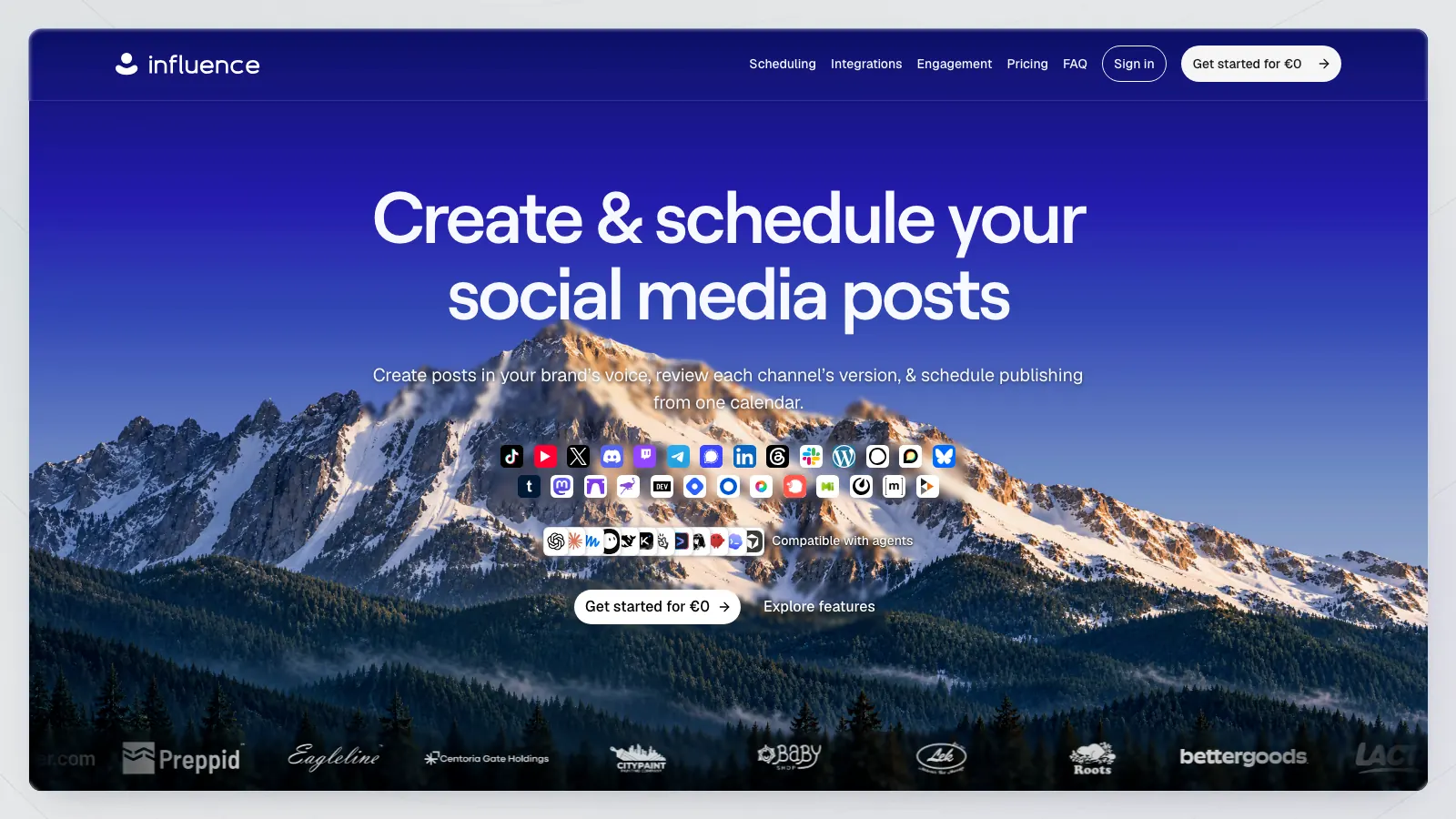
Influence ensures social calendars remain organized and consistent after drafting by adapting content across distinct platforms. Influence puts one post or a campaign beside connected accounts, media, scheduled dates, and a per-account version of the work. That makes it a credible fit when your problem is not generating another caption, but getting approved material into the right format before it is sent. If you are still mapping the category, the marketing tools directory gives the wider set of options around it.
The product starts with a Single Post or a Campaign. You choose the accounts, adapt text and media for each one, and can leave the work as a draft. A campaign can then be scheduled from the calendar. Upcoming lets you reschedule or cancel before delivery starts, while Activity shows the outcome for every account. I think that last part is Influence's best argument: it keeps an operational record next to the content rather than treating publication as the end of the process.
Influence is not confined to one social network. Its directory includes major social destinations and also messaging, community, and publishing channels. The range is useful for a business that turns one announcement into a social post, a community update, and a publishing entry. Individual formats and settings vary by provider, however, so a non-standard destination deserves a practical check before it becomes central to your calendar.
Who should choose Influence for social content?
Business owners
Plan and schedule approved content in one calendar while managing each connected account.
Creators
Adapt one idea into channel-ready versions while keeping media and timing together.
Small marketing teams
Review every destination before scheduling a campaign across their active publishing channels.
AI-assisted publishers
Keep assistant-prepared drafts behind explicit review before any scheduled delivery begins.
The stronger fit is a team that owns the final publishing decision and needs account-specific versions. It is less compelling if your main requirement is comparable insights from every channel. For a second scheduler to weigh beside it,  INX Social review is useful reading.
Which publishing features does Influence provide?
Campaigns with per-account versions
Influence lets you start with one update or group related updates into a campaign. Each selected account gets its own text and media preview, so an update can be adapted for the channel rather than copied everywhere unchanged. Drafts remain available for more work, and the calendar shows both planned and scheduled activity. That is a sensible workflow for a small business with several active profiles, because it replaces parallel documents with a single place to review what is going out.
Final review and delivery status
Publishing now opens a final review. Scheduling first asks for a local date and time, then presents the same decision point. The review covers the account, text, links, attached media, settings, and timing. If delivery has not begun, Upcoming can change or cancel the campaign. After that, Activity records the outcome for each account, including a result that needs inspection before another attempt. This is more careful than an automated queue that makes a duplicate easy when one destination is uncertain.
Influence IQ and brand guidance
Influence IQ prepares and revises campaign plans using saved Brand Guidelines. You can give it a goal, selected accounts, timing, and ready media, then edit the proposed plan before approving it. Text planning consumes workspace IQ credits after confirmation, and image generation is available only where enabled. The important boundary is clear: generated content is still a draft, so facts, names, links, claims, and media need a human check. That makes the AI useful for shaping a plan, not for bypassing editorial responsibility.
Agent connections and developer access
Developer documentation covers an HTTP API, SDK, CLI, and MCP integration. The help material also describes compatible assistant connections and a workflow in which an assistant can prepare posts and a schedule for review. A set can contain up to 10 posts and 50 account deliveries. The assistant must show the exact accounts, caption, settings, media preview or link, and time before a fresh explicit approval. Changing those details calls for another review, which is the safeguard I would want before connecting an agent to live social accounts.
Connected channels and available insights
Every public tier includes unlimited account connections across 20+ platforms. That is a better buying signal than a profile-based limit for a brand that has several publishing homes. Channel insights cover likes, comments, and shares where the connected provider makes them available. Treat that as a convenience report rather than a reason to replace a dedicated analytics stack: the reporting coverage follows the channel, not a uniform Influence promise.
How is Influence priced across subscription tiers?
Price checked 27 Nov 2026
| Plan detail | Starter$19/mo or $190/yr | Growth$39/mo or $390/yr | Pro$69/mo or $690/yr |
|---|---|---|---|
| Posts each month | 50 | 150 | Unlimited |
| Influence IQ credits each month | 1,500 | 3,750 | 7,500 |
| Account connections | Unlimited | Unlimited | Unlimited |
| Connected platforms | 20+ | 20+ | 20+ |
| Calendar and campaign planning | ✓ | ✓ | ✓ |
| New AI scheduling destinations, rolling 24 hours | 20 | 50 | 100 |
Influence plans in USD (EUR listed at €17/€34/€61 monthly), 27 Nov 2026.Influence pricing
Influence publishes both monthly and annual billing. For an owner-operated workspace, Starter costs €17 a month or €170 a year, with 50 posts and 1,500 IQ credits each month. The published information does not establish a multi-user total, so confirm seat terms before budgeting team use. Growth raises the limits to 150 posts and 3,750 credits, while Pro removes the post cap and provides 7,500 credits. Each plan starts with its full monthly allowance and has a seven-day trial.
There is one cost detail that needs care: monthly IQ credits expire at the end of the subscription month, while purchased extra credits do not expire, even if you cancel. The separate AI scheduling allowance is also not the same as ordinary web scheduling or API and CLI automation. It counts newly scheduled destinations through Influence IQ or a connected assistant across the workspace, so one post scheduled to three accounts uses three slots. Buy Growth or Pro for routine assistant scheduling headroom, not just the larger credit balance.
Where does Influence fall short for social publishers?
Influence focuses primarily on pre-publish editorial reviews rather than providing deep cross-channel analytics comparisons. Its public plans make the tradeoff clear through posts, credits, connected accounts, and scheduling allowance. That is practical for a publishing calendar, but it gives a different kind of value from a dedicated analytics product.
The credits also make planning less forgiving than the annual price alone suggests. Monthly IQ credits reset with the subscription month, and the AI scheduling allowance applies across Influence IQ and connected assistants. It means an agency or active publisher should forecast destinations, not merely count campaigns.
Finally, insights are conditional. Influence can show engagement measures where a provider exposes them, but a mixed channel program will not necessarily get the same reporting detail everywhere. If reporting is the primary job, choose a platform only after confirming that its supported metrics match the channels that matter to you.
What are the best alternatives to Influence?
 Influence alternatives like AI Peekaboo apply when teams prioritize monitoring AI search engine visibility over multi-platform social media scheduling. It monitors how brands appear in AI answers and offers a read/write API with white-label delivery. Read the AI Peekaboo review if your next decision is about getting into AI-generated answers, not publishing a social calendar.
 Later's Visual Planner lets you drag media or text-only posts across one visual calendar. The Later review covers that calendar-led planning approach and its approvals.
What is the final verdict on Influence?
Influence delivers a focused social publishing system through platform tailoring, manual review gates, and explicit delivery tracking for teams using AI. Its monthly and annual pricing is unusually understandable for the work it promises, especially when unlimited connected accounts matter more than a single network's advanced tooling.
Starter suits an owner-led calendar when 50 monthly posts, 1,500 IQ credits, and 20 new assistant-scheduled destinations in a rolling 24 hours leave room to review each account's version. Growth is the sensible step once those limits interrupt routine publishing, but confirm seat terms and reporting coverage before rolling it out to a wider team.
How was this Influence review researched?
Influence pricing details, platform features, and integration capabilities were reviewed across official vendor documentation on 27 Nov 2026. Prices are in euros as Influence shows them, and every figure follows the rules in how we check figures.
- Influence homepage for plans, channel connections, credits, and pricing
- Review and publishing guidance for approvals, scheduling, and delivery status
- Influence IQ and assistant guidance for brand context, agent controls, and allowances
- Developer documentation for HTTP API, SDK, CLI, and MCP integration
What are common questions about Influence?
How much does Influence cost?
Influence lists Starter at €17 a month or €170 a year, Growth at €34 a month or €340 a year, and Pro at €61 a month or €610 a year. Each plan has a seven-day trial, unlimited account connections across 20+ platforms, and its own monthly post and Influence IQ credit allowance.
Can Influence tailor one post for different channels?
Yes. Every selected connected account has its own text and media preview. You can edit each version before scheduling or publishing, although formats and settings depend on the individual provider.
Can an AI assistant publish through Influence?
An assistant can prepare posts and schedules, but Influence requires an exact review and fresh approval before publication or scheduling. A change to the account, text, media, settings, or time triggers another review.
What is the AI scheduling allowance?
It is a rolling 24-hour limit on newly scheduled destinations: 20 on Starter, 50 on Growth, and 100 on Pro. One post scheduled to three accounts uses three slots. It does not limit drafts, publish-now actions, manual web scheduling, or ordinary API and CLI automation.
 Reviewed byDanny Kirk
Founder of ReddiReach.
 Checked byAndrés Felipe
Digital designer and marketer.
Every figure is checked against the vendor's own page. Read our editorial standards.