
Key Takeaways
- InLinks automates contextual internal linking, topic clustering, and structured entity schema markup across content websites without requiring CMS rebuilds.
- InLinks offers Freelancer plans from forty-nine dollars monthly covering one hundred pages, while Agency plans start at one hundred ninety-six.
- InLinks provides programmatic API capabilities on mid-tier accounts and above, though entry-level subscription tiers omit developer access.
- InLinks lacks standalone free long-term subscriptions and provides unnecessary complexity for teams merely wanting basic WordPress linking plugins.
InLinks is the practical pick when your content team needs to repair internal links, clarify topical coverage and add schema without rebuilding every page in the CMS. Start elsewhere if your only job is link suggestions inside a WordPress workflow, or if you need a published, modern API plan for an agent from the entry tier.
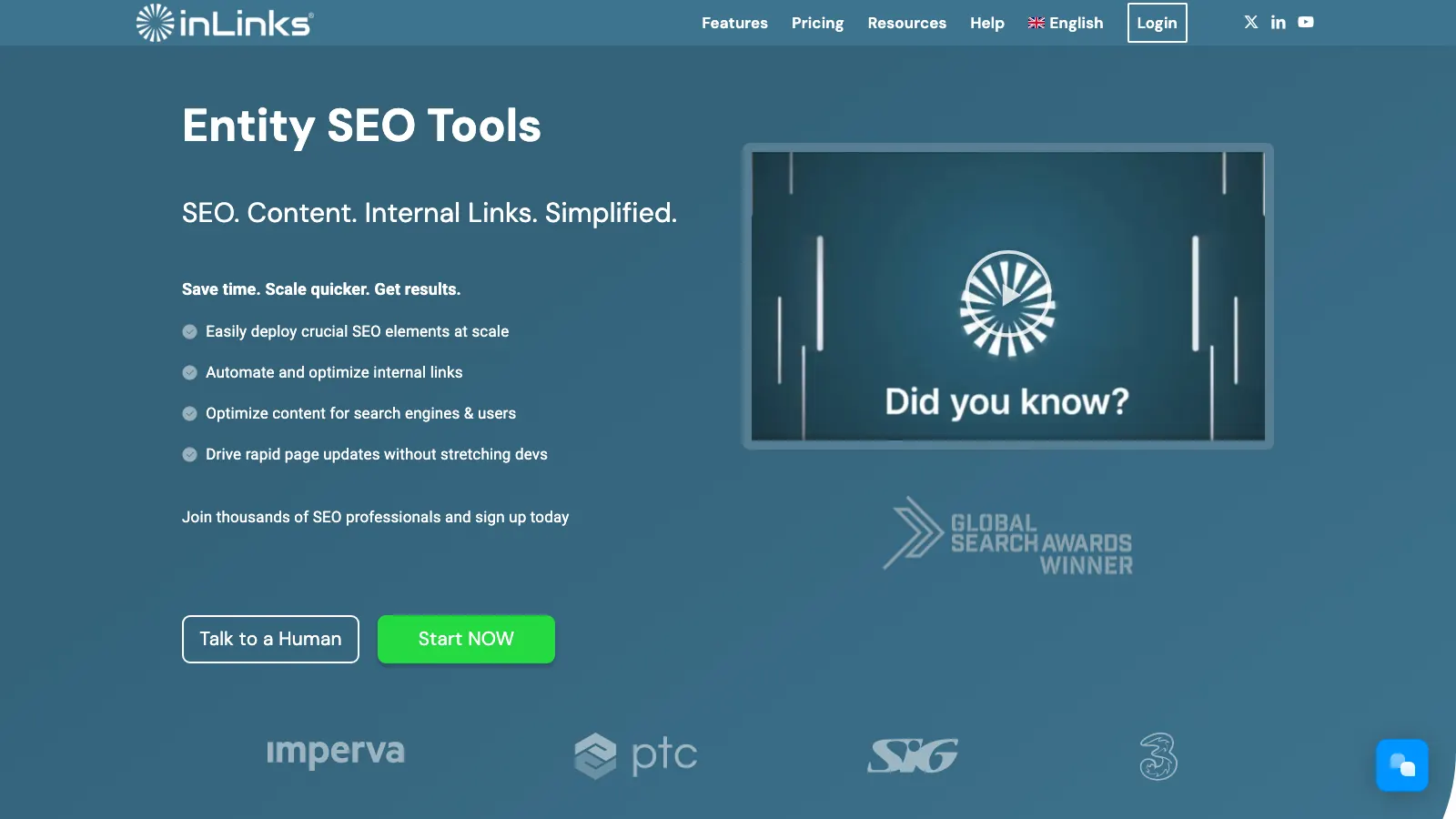
Agent access
- API
- Yes, Level 4 and above subscription.
- MCP server
- Not found on official pages
What are the pros and cons of using InLinks?
What works
- Links, content planning and schema use the same entity model
- Agency includes unlimited projects and users
- Schema can be injected without editing each page manually
What to watch
- There is no standalone free plan
- Credits can limit pages, audits and content briefs
- API access begins at level 4
What does InLinks do for search optimization?
InLinks structures websites around semantic entity concepts rather than managing isolated, keyword-targeted page URLs. That makes it useful when your writers have created a large library but can no longer see which articles support each other, where a missing topic belongs, or where internal links should go. Its three connected jobs are content architecture, entity-based links and schema markup.
The distinction matters. A keyword match can connect two pages that happen to use the same phrase. InLinks maps pages to entities and topics, then uses that map to connect related content. That is more useful for a team maintaining a coherent subject area than for someone who needs a few links added to a fresh post.
For a broader view of the category, the marketing tools directory is the sensible next stop. InLinks earns its place when internal linking is part of an editorial system, not an isolated cleanup task.
Who should use InLinks for entity optimization?
Content-heavy small sites
Freelancer suits teams mapping up to 100 pages before scaling their content operation.
SEO agencies
Agency supports unlimited projects and users for multi-client content and linking work.
Editorial leads
Content Architect shows your cluster gaps and where a new page belongs.
Technical SEO teams
Schema injection and entity analysis reduce repetitive markup work across large archives.
I would not buy InLinks just because a site has a few weak links. Its value arrives when the team will use the topic map to make publishing decisions, then keep links and schema aligned with that map. A lighter linking workflow is the better fit when that wider editorial system is not needed.
Which entity and schema features does InLinks provide?
Entity-based internal linking
InLinks can deploy links with JavaScript, so a team can add links across an archive without editing every post or template. It describes those links as entity-based: pages are connected through the topics and real-world concepts they cover, not a simple shared-word rule. The links are dynamically injected but presented to crawlers as native HTML. That deployment model is the feature to evaluate carefully with your developer, because it is how InLinks reaches scale without a CMS migration.
Content Architect
Content Architect starts with the pages already on your site. It maps entities into clusters, identifies pillar topics and supporting subjects, and surfaces missing or underdeveloped concepts. The useful judgment is not that every gap deserves a new article. InLinks explicitly lets you add, review or ignore a suggestion, and says a missing concept can belong inside an existing pillar or supporting page. That restraint is valuable when your site already has too many overlapping pages.
Schema markup
The schema tool converts page information to JSON-LD and can add it after you associate a page with a target topic. It adds “about” and “mentions” properties, and connects entities to a trusted reference through SameAs. It can also generate FAQ schema when it finds questions in multiple headings. InLinks says its one line of JavaScript is placed in the site footer and then pushes structured data into the page head. That makes InLinks strongest for a team that wants consistent markup at scale, not hand-crafted schema for a handful of key pages.
Content audits and briefs
InLinks uses credits for audits and content briefs. An audit costs five credits and examines up to 10 other pages to build a knowledge graph around a phrase; creating a brief costs the same. Reanalyzing updated text costs one credit. This is a meaningful constraint, not a minor billing detail. A writer who repeatedly refreshes a brief can use the monthly allowance faster than a team that plans the analysis before drafting.
API access for a custom workflow
Level 4 and higher subscriptions include the two published APIs: Search Engine Understanding and Natural Language Processing, plus Content Audit. The first returns detected entities, categories, an understanding score and semantic schema. The second returns a white-label SEO content audit as a web page. There is a one-call-every-five-seconds limit on the first API except for Enterprise users, while the Content Audit API has no stated rate limit. That is useful building material for a custom service. InLinks does not publish MCP availability, so confirm it before building an agent workflow. API access starts at level 4.
How is InLinks priced across page tiers?
Price checked 27 Nov 2026
| Plan detail | Freelancer$49/mo | AgencyFrom $196/mo | EnterpriseCustom |
|---|---|---|---|
| Starting page allowance | 100 pages | 430 pages | 100,000+ URLs |
| Briefs or audits | Up to 20 | Higher tier allowance | Not stated; ask for allowance |
| Internal links and schema | ✓ | ✓ | ✓ |
| Projects | Unlimited | Unlimited | Unlimited |
| Users | Not stated | Unlimited | Unlimited |
| API access | ✕ | Level 4+ | ✓ |
InLinks plan prices in US dollars, 27 Nov 2026.InLinks pricing calculator
The price depends on the level that covers both your page count and monthly analysis work. The public calculator recommends Freelancer level 1 at $49 a month for 100 pages and eight briefs or audits, with capacity for up to 20. Each new tier adds $49 and increases the page and brief limits. Sales taxes apply at the local rate.
- Credits renew each month, and unused credits do not carry forward
- Each new page uses one credit in the month you add it
- An audit or content brief uses five credits
- Reanalyzing a changed audit or brief uses one credit
For a three-person agency team, the published Agency starting bill is $196 a month before local sales tax, because that plan includes unlimited users. The key question is not seats, it is whether 430 starting pages and the included monthly credit allowance cover the client work you actually run.
When do large websites need InLinks Enterprise?
InLinks Enterprise supports enterprise-level web properties managing one hundred thousand or more indexed URLs. The vendor lists dedicated infrastructure, a dedicated account manager, tailored contracts and workflow control over every link, alongside the Agency features. That is a different purchase from a normal editorial subscription: it is infrastructure for a very large linking operation. Ask for both the page capacity and the workflow controls in writing before you treat it as a standard upgrade.
Where does InLinks fall short for content creators?
InLinks provides a limited trial experience that users often misunderstand when evaluating ongoing free usage options. You subscribe to a paid plan, attend a one-to-one demo, then InLinks refunds the first month up to $200. That can be a reasonable low-risk route for a team willing to attend a demo, but it is not a free plan you can quietly run alongside your existing stack.
Credits are the second catch. The lower levels make you choose between loading every page and retaining capacity for audits or briefs. InLinks recommends adding the 10 to 20 most important pages first when you are learning the system. That is sound advice, but it means the $49 plan is a focused starting point rather than an all-archive solution.
Finally, agent access is not an entry-tier feature. API access starts at level 4, and the published API describes URL analysis and content audits rather than a general reporting layer. Teams building an answer-monitoring workflow should look at the AI Peekaboo review for a tool with API and MCP access on every plan.
What are the top alternatives to InLinks?
 InLinks alternatives include AI Peekaboo, which focuses on tracking brand citations in AI responses rather than internal linking structure. Its plans start at $30 a month, checked 27 Nov 2026, and include API and MCP access, while InLinks focuses on the content structure underneath conventional search and does not list an entry-tier API.
For a WordPress site,  Internal Link Juicer review covers a plugin that automates internal linking after keywords are configured.
For content operations that need a review step before work is published,  Keytomic review covers a 30-day content plan your team can review and approve.
What is the final verdict on InLinks?
InLinks proves most valuable when digital marketing teams align editorial plans, internal linking, and schema markup to a unified entity model. Freelancer is a credible first step for a small, content-heavy site, while Agency includes unlimited users for client work. I would skip it for a one-off linking job, or when API access has to be included before the fourth subscription level.
Begin with the smallest tier that fits a defined group of high-value pages and planned briefs. Keep credits aside for audits, confirm the demo-refund conditions, then move to Agency when the work, not headcount, needs its larger allowance.
How was this InLinks review researched?
InLinks pricing tiers, schema capabilities, and API availability were analyzed directly from vendor documentation on 27 Nov 2026. Prices are in US dollars as InLinks shows them, and every figure follows the rules in how we check figures.
- InLinks pricing calculator and pricing help page
- InLinks internal linking, Content Architect and schema pages
- InLinks free trial and API pages
What are common questions about InLinks?
Is there a free version of InLinks?
No standalone free plan is listed. To use the try-for-free offer, you subscribe to a paid plan, attend a one-to-one demo and receive a refund of your first month, up to $200.
How much does InLinks cost for a small site?
Freelancer starts at $49 a month. The starting level covers up to 100 pages and up to 20 briefs or audits, with the actual fit determined by your monthly credit use.
Can InLinks add internal links automatically?
Yes. InLinks says it can deploy thousands of entity-based internal links through JavaScript without CMS changes, and that search engines crawl them as native HTML.
Does InLinks work with AI agents?
It publishes two APIs, for entity analysis and content audits, from level 4 subscriptions. InLinks does not publish MCP availability, so confirm it before building an agent workflow.
 Reviewed byDanny Kirk
Founder of ReddiReach.
 Checked byAndrés Felipe
Digital designer and marketer.
Every figure is checked against the vendor's own page. Read our editorial standards.