
Key Takeaways
- Insightly converts won sales opportunities into structured delivery projects with associated milestones, pipelines, and tasks in a unified CRM.
- Insightly prices its Plus plan at twenty-nine dollars per user monthly, with Professional at forty-nine and Enterprise at ninety-nine.
- Insightly promotes Model Context Protocol support alongside comprehensive REST APIs and developer sandboxes for building custom integrations.
- Insightly requires annual billing commitments across all plans, making it unsuitable for organizations requiring monthly subscriptions or lacking project handoffs.
Insightly is the CRM to choose when your sales team needs a won opportunity converted into a delivery project with its details and tasks copied across, and its Plus plan gives a small team a published $29-per-user monthly starting point on annual billing. Since Unbounce acquired Insightly in July 2024, it sits in a broader go-to-market product family. Skip it if you need month-to-month CRM pricing, or if your sales motion has no project handoff to manage.
Agent access
- API
- Yes, all Insightly plans
- MCP server
- Official, OAuth
- Works with
 ClaudeClaude Code
 ChatGPT
- Automation
- Zapier
What are the main pros and cons of Insightly?
What works
- Plus includes lead and contact management
- Won opportunities can become projects with related work copied across
- Professional adds lead assignment, routing and workflow automation
What to watch
- Every published CRM price is billed annually
- Products, pricebooks and quotes appear on Enterprise
- Marketing, support and AppConnect are separate products
What does Insightly do for sales and delivery teams?
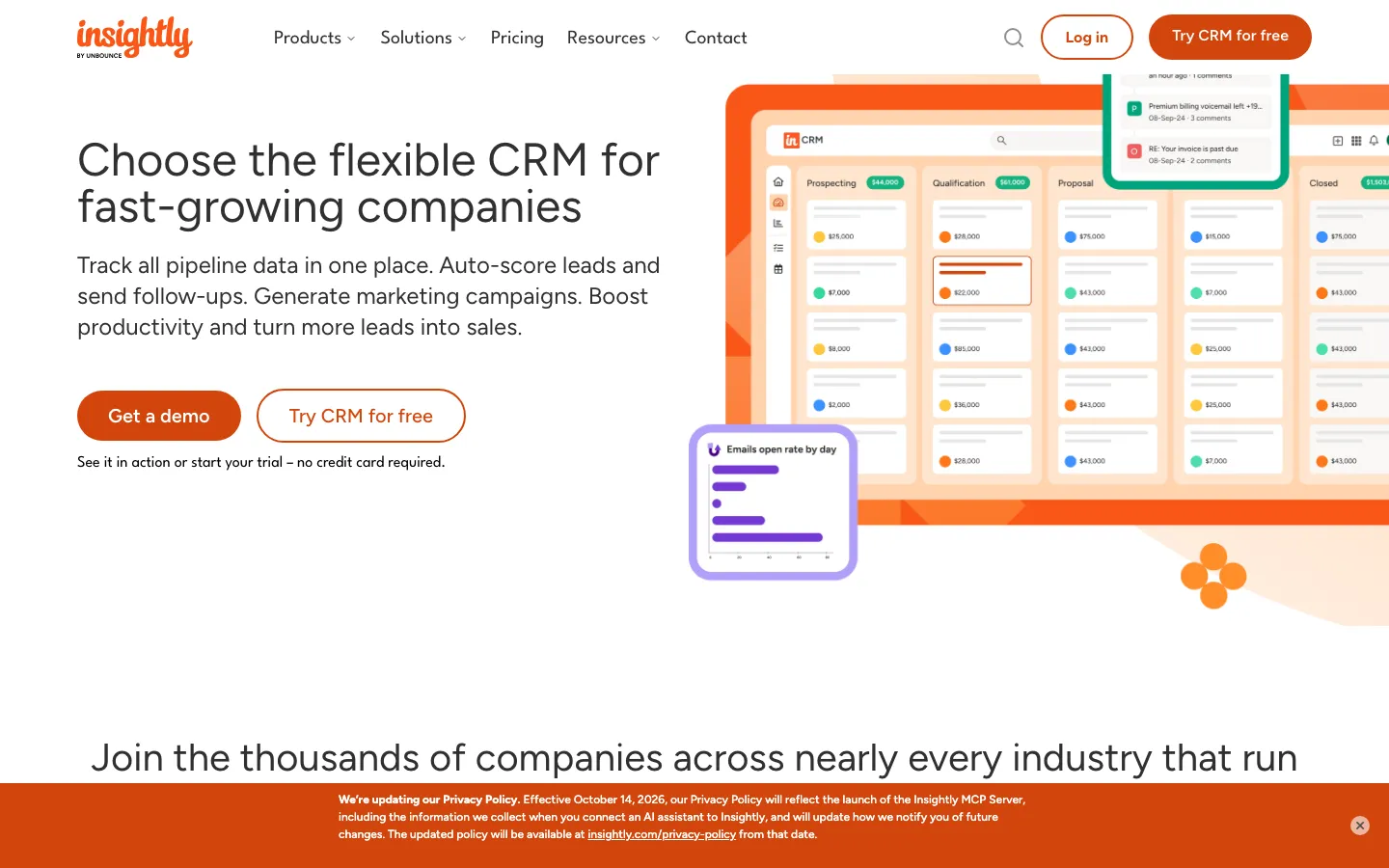
Insightly combines contact records and deal pipelines into a single CRM while giving teams tools to convert closed opportunities into delivery projects. That handoff is its strongest reason to consider it: sales can pass the customer context, tasks and related details to delivery instead of rebuilding the brief. If you are still deciding which category of platform fits the job, the marketing tools directory is a useful place to compare the wider market.
The CRM supports customizable opportunity pipelines, lead capture and distribution, email sync, dashboards, validation rules and advanced permissions. The distinction is whether your team will use the project layer after the deal closes. A consultancy, installer or other service business can bring the opportunity's details, records and tasks into the project that begins delivery work.
Insightly says the CRM is aimed at mid-market companies looking for a modern, affordable and customizable option. I would narrow that further: it fits a team whose customer journey crosses sales and delivery, not a simpler pipeline that needs no project handoff.
Who is Insightly CRM designed for?
Service businesses
Carry the details of a won opportunity into the project that delivers the promised work.
Growing sales teams
Use shared lead records, customizable pipelines and routing to make ownership and next steps visible.
Operations leaders
Connect sales, delivery and customer data through projects, dashboards, permissions and common records.
Teams building integrations
Use the REST API, AppConnect and CRM MCP where connected customer data is the priority.
A team that only needs contacts and a straightforward deal board should be careful not to buy for a future workflow it has not designed. Insightly earns its place when the handoff after the sale is real, repeatable and important enough to make shared project data valuable.
Which project and CRM features does Insightly include?
Sales pipelines and lead management
Insightly records leads, contacts, opportunities and customer communication, with customizable pipelines for tracking where each deal stands. Teams can capture lead details, distribute leads using their own criteria and give stakeholders a view of deal progress. The practical benefit is a shared definition of the next step, provided your stages and required fields match the way your team actually qualifies work.
Projects after the sale
Insightly can convert a closed opportunity into a project and copy corresponding records, details and tasks into it. Project pipelines, milestones, custom fields and page layouts are available for organizing delivery. That is the feature to evaluate first: map one real sale from qualified lead to completed project, then see whether the copied information gives delivery what it needs without a parallel spreadsheet.
Workflow automation and controls
Professional lists lead assignment and routing, workflow automation and AI Copilot. The CRM also describes validation rules, advanced permissions, custom code and webhooks. The point is not to automate every handoff at once. Begin with the repeatable task that causes the most delay, then decide whether the Professional price is justified by a process your team will maintain.
Reporting and dashboards
Plus includes advanced reports and pre-built business dashboards. The CRM page says Professional supports up to 100 shareable dashboards, while Enterprise removes that stated dashboard limit. These reports are most useful when they answer an agreed operational question, such as what is stuck in a pipeline or whether a project is missing a milestone, rather than becoming another place to collect vanity metrics.
API, MCP and integrations
Insightly publishes a REST API that uses REST and JSON conventions, offers client libraries for Java, .NET and Python, and includes a web-based sandbox. Its CRM MCP connects customer data to AI assistants including Claude and ChatGPT, and the integrations directory presents AppConnect as a no-code workflow builder for connecting apps, mapping fields, transforming data and scheduling triggers. Confirm API, MCP and AppConnect access, limits and any separate charges for your chosen plan before building an agent workflow.
Marketing, support and AppConnect
Insightly also sells marketing automation, support and ticketing, and AppConnect alongside CRM. The marketing product covers email, landing pages and forms, journeys, segmentation, lead scoring, dashboards and testing. That broader family can appeal to a team that wants a connected go-to-market stack, but the CRM price table alone is not the complete cost of those separate products.
How is Insightly priced across annual tiers?
Price checked 27 Nov 2026
| Plan detail | Plus$29/user/mo | Professional$49/user/mo | Enterprise$99/user/mo |
|---|---|---|---|
| Billing basis | USD, annually | USD, annually | USD, annually |
| Trial | 14 days, no card | 14 days, no card | Contact sales |
| Lead and contact management | ✓ | ✓ | ✓ |
| Project management | ✓ | ✓ | ✓ |
| Workflow automation | Not stated in summary | ✓ | ✓ |
| Products, pricebooks and quotes | Not stated in summary | Not stated in summary | ✓ |
Insightly CRM prices in USD, 27 Nov 2026.Insightly pricing
The prices are per user and billed annually, so compare the full team commitment rather than the $29 headline. Three people on Plus cost $87 per month, or $1,044 for the year. On Professional, they cost $147 per month, or $1,764 for the year. That $720 annual difference is worth it only if routing, workflow automation and AI Copilot support a workflow you will use.
Insightly gives Plus and Professional a free 14-day trial without a credit card. Use it to follow a real lead through a real handoff: can sales, delivery and operations find the details they need from that one path?
When should growing companies upgrade to Insightly Enterprise?
Insightly Enterprise accommodates larger companies requiring advanced governance controls and commercial workflow automation tools beyond Professional capabilities. It includes Professional features, sandboxes, products, pricebooks, quotes and comprehensive audit logging, at $99 per user a month on annual billing. The price is still transparent, but it is more than three times the Plus rate, so Enterprise should solve a specific governance or quote-management need rather than act as a default upgrade.
Insightly also offers guided onboarding and premier support and success plans. The published CRM page does not state their prices. Treat those as a separate discussion, especially if the project handoff requires custom fields, permissions or integrations that the internal team cannot own alone.
Where does Insightly fall short for prospective buyers?
Insightly requires annual upfront billing, which represents a primary financial hurdle for teams needing monthly flexibility. The published rates are clear, but they are not month-to-month prices. That is manageable for a team with a stable CRM budget, less attractive for a small business still proving that everyone will keep the pipeline and project records up to date.
Professional lists lead routing, workflow automation and AI Copilot. Enterprise lists products, pricebooks and quotes. If these are central to the way you sell, confirm which plan provides the capabilities you need before setting your team budget.
Finally, the product family is broader than the CRM subscription. Marketing automation, support and ticketing, and AppConnect are named separately. That does not make the CRM incomplete, but it means a team should scope the data flows it truly needs before assuming one per-user rate covers every customer-facing workflow.
What are the best alternatives to Insightly?
If your sales process starts with phone conversations, the JustCall review is the relevant sibling read: JustCall combines calls, texts and follow-up in one platform. It is more relevant when the communication workflow needs attention before Insightly's CRM-to-project handoff.
If your bottleneck sits earlier, when a rep needs the right contact details before creating a CRM record, read the  Kaspr review. Kaspr's Chrome extension provides contact data directly from prospect profiles, so it fits when prospect data needs attention before the sales conversation or the CRM-to-project handoff.
What is the final verdict on Insightly?
Insightly represents an excellent CRM investment for professional service firms seeking seamless continuity between sales wins and client onboarding. Plus is a credible small-team starting point, while Professional becomes the more realistic choice when lead routing and workflow automation are part of the job. The product is less compelling when your work ends at the pipeline, or when yearly billing makes the commitment premature.
Run one live sales-to-delivery path in the 14-day trial, using the fields, tasks and milestones your team already needs. Then choose the lowest plan that covers that path, and get machine-access, onboarding and separate-product costs confirmed before you sign an annual contract.
How was Insightly evaluated for this review?
Insightly pricing schedules, API documentation, and platform capabilities were examined directly on official vendor pages on 27 Nov 2026. Prices are shown in US dollars as the vendor presents them. The approach follows how we check figures.
- Insightly CRM and pricing pages
- Insightly API and CRM MCP pages
- Insightly integrations, marketing and corporate pages
What are common questions about Insightly?
How much does Insightly CRM cost?
Plus costs $29 per user a month, Professional costs $49, and Enterprise costs $99. All three published rates are in US dollars and billed annually.
Does Insightly offer a free trial?
Yes. Plus and Professional each list a 14-day free trial with no credit card required. Enterprise directs buyers to contact sales.
Can Insightly turn a deal into a project?
Yes. Insightly says a closed opportunity can be converted to a project, with corresponding records, details and tasks copied into the project.
Does Insightly work with AI assistants?
Insightly promotes CRM MCP for AI assistants including Claude and ChatGPT. It also publishes a REST API with SDKs and a web-based sandbox. Confirm plan access and limits before you depend on either capability.
 Reviewed byDanny Kirk
Founder of ReddiReach.
 Checked byAndrés Felipe
Digital designer and marketer.
Every figure is checked against the vendor's own page. Read our editorial standards.