
Key Takeaways
- Instapage provides marketing teams with reusable design blocks, collaborative review workflows, and server-side experimentation for paid advertising campaigns.
- Instapage charges ninety-nine dollars monthly for Create on monthly billing, while Optimize costs one hundred ninety-nine dollars.
- Instapage allocates daily API call limits ranging from five thousand on Create to ten thousand on Optimize for external integrations.
- Instapage proves expensive for teams publishing occasional landing pages or those unwilling to pay premium rates for server-side split testing.
When you build landing pages for recurring paid campaigns, Instapage puts production work, testing and visitor limits into one plan decision. Create suits the production workflow, while Optimize is the better fit when your team needs server-side testing.
Agent access
- API
- Yes, Create, Optimize, and Convert
- MCP server
- Official, hosted, Instapage API key in request headers
- Works with
 ClaudeClaude Code
 ChatGPT
 Cursor
 VS Code
- Automation
- Zapier
What are the pros and cons of Instapage?
What works
- Drag-and-drop builder with 500+ customizable layouts
- Reusable Instablocks and Global Blocks for shared page elements
- Optimize adds server-side A/B testing and traffic splitting
What to watch
- Create is limited to 15,000 unique monthly visitors
- Server-side A/B testing requires Optimize: $199 a month on monthly billing or $159 a month on annual billing
- Heatmaps and personalization sit on custom-priced Convert
What does Instapage do for paid marketing campaigns?
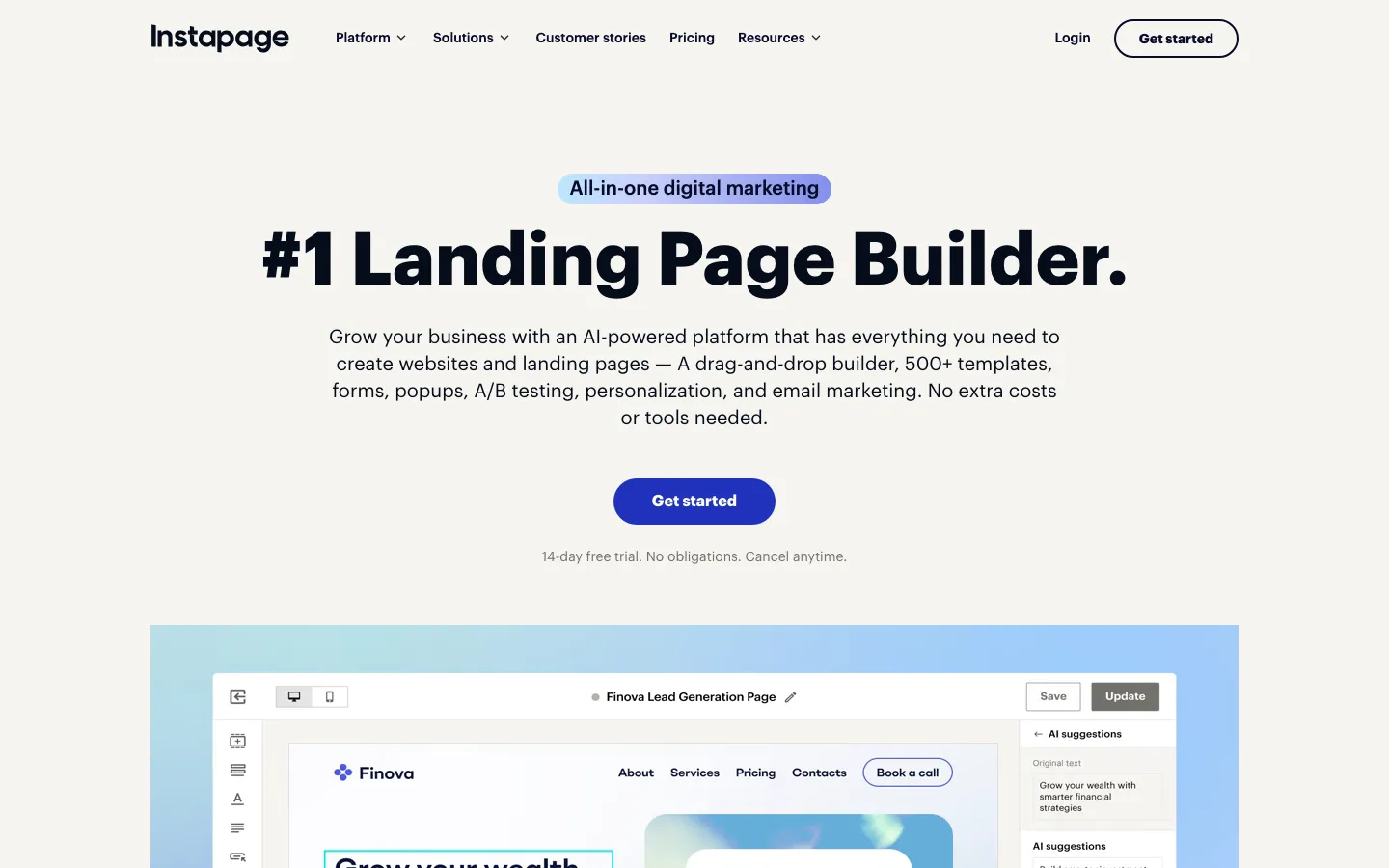
Instapage focuses on converting paid traffic through modular landing page development, collaboration tools, and visitor experimentation. You can start from one of more than 500 customizable layouts, adjust it in a drag-and-drop builder, then use reusable blocks and forms to avoid rebuilding common parts of a campaign page. For a team managing paid acquisition, that is a more focused proposition than a general-purpose site builder. The marketing tools directory can help you separate this campaign job from a broader site-building decision.
The important distinction is between publishing and learning. Create includes the builder, reusable page blocks and forms, real-time visual collaboration, popups, sticky bars and AI content. Optimize adds server-side A/B testing, hypothesis setting, experimentation history and customizable traffic splitting. That makes the higher plan the real starting point when experimentation is central to your campaign process.
Instapage also makes its traffic allowance visible. All plans list unlimited pages, conversions and contacts, but Create has 15,000 unique monthly visitors and Optimize has 30,000. Unlimited publishing does not mean unlimited paid traffic, so put visitor volume beside page volume before you choose a plan.
Who is Instapage best suited for?
Paid campaign teams
They can pair audience-specific pages with reusable forms, blocks and a defined visitor allowance.
Marketing teams with reviewers
Create includes real-time visual collaboration, helping page owners collect and act on feedback in one place.
Teams running experiments
Optimize bundles server-side A/B tests, hypothesis setting, history and customizable traffic splitting for structured testing.
Teams serving multiple audiences
Convert lists ad-to-page personalization and global elements when scale requires more than individual page edits.
It is less convincing when your work ends once one page goes live. The strength of Instapage is the repeatable loop of publishing, measuring and changing campaign pages, not merely putting a brochure page online. Before committing, compare the 15,000 or 30,000 visitor allowance with the traffic your campaigns already attract.
Which landing page and testing features does Instapage provide?
Landing page builder
The no-code builder combines a drag-and-drop workflow with more than 500 customizable layouts. That gives marketers a practical starting point for campaign pages without making every new audience or offer a fresh design project. A layout does not settle the message, though. The page still needs an offer, form and call to action that match the traffic arriving on it.
Reusable blocks and collaboration
Instapage says you can save, reuse and update Instablocks and Global Blocks globally. Create also includes real-time visual collaboration. Together, those features make the product make sense for a team with recurring campaign parts, such as forms, proof blocks or footer details. They also raise the stakes of a shared update, so give one person a clear approval role before changing a block used across active pages.
Experimentation and reporting
Optimize lists server-side A/B testing, hypothesis setting, experimentation history and customizable traffic splitting. Instapage also describes reporting on visitors, conversions, conversion rate, cost per visitor and cost per lead. I would treat that as a decision system, not a collection of test buttons: use it when your team can state what change it wants to judge and has enough relevant traffic to learn from the result.
Forms and personalization
Create includes reusable forms, triggered popups and sticky bars. Optimize adds multi-step forms and dynamic text replacement. Convert, the custom-priced plan, lists ad-to-page personalization, global elements and heatmaps. The plan boundaries matter more than the feature names. A simple lead-capture page can live on Create, while a personalized paid campaign may need a Convert conversation.
Integrations, AI content and API allowance
Instapage lists more than 120 marketing and sales integrations across categories including analytics, CRM, ecommerce and email marketing. Its builder can generate headlines, paragraphs and calls to action with AI. For programmatic work, the published allowance is 5,000 API calls a day on Create and 10,000 on Optimize. Confirm the authentication and workflow your agent needs before building an integration.
How is Instapage priced across plan tiers?
Price checked 27 Nov 2026
| Plan detail | Create$99/mo | Optimize$199/mo | ConvertCustom |
|---|---|---|---|
| Annual-billing price | $79/mo | $159/mo | Talk to sales |
| Unique monthly visitors | 15,000 | 30,000 | Custom |
| Published pages | Unlimited | Unlimited | Unlimited |
| Team members | 10 | 10 | Custom |
| API calls per day | 5,000 | 10,000 | Custom |
| Server-side A/B testing | ✕ | ✓ | ✓ |
Instapage prices in US dollars, 27 Nov 2026.Instapage plans
The headline price is only useful beside the limit that can change your plan. For a team of five, Create is still a $99 monthly bill because it lists up to 10 team members. The decision point is traffic and whether you need testing, not a per-seat calculation. Annual billing lowers Create by $20 a month and Optimize by $40 a month, but only choose it after the visitor limit and feature boundary fit the work.
- Create: 15,000 unique monthly visitors, one workspace and 5,000 API calls a day
- Optimize: 30,000 unique monthly visitors, one workspace and 10,000 API calls a day
- Convert: custom visitors, team members, workspaces and pricing, plus heatmaps and personalization
Create and Optimize have a 14-day trial. Instapage says the trial needs a credit card, and that trial traffic limits differ from plan limits. Put the end date and cancellation owner in the same campaign brief as the landing page itself.
When should enterprise teams consider Instapage Convert?
Instapage Convert offers custom enterprise terms for organizations requiring advanced governance and compliance beyond fixed visitor limits. It includes the Optimize features and lists ad-to-page personalization, global elements, root domain publishing, heatmaps, direct lead bypass, a customer success manager and professional services.
That package is sensible only when the work calls for those controls. A buyer should ask for the visitor, workspace and team-member limits in writing, then decide whether personalization and heatmaps are essential to the next campaign. If they are not, Optimize gives the testing layer without putting the whole bill behind a sales conversation.
Where does Instapage fall short for campaign teams?
Instapage omits server-side A/B testing from its introductory Create tier, restricting experimental testing to more expensive plans. A team that expects to test from day one needs to budget $199 a month on monthly billing or $159 a month on annual billing, not $99. It is a clean plan boundary, but it makes the entry figure less relevant for a testing-led acquisition program.
The second is traffic. Create and Optimize list unlimited pages but fixed unique monthly visitor allowances. A high-spend campaign can reach that boundary even when the team has only a few active pages, so a publishing plan should not be selected by template count alone.
Finally, the most advanced conversion features are not spread across the public plans. Heatmaps and ad-to-page personalization appear under custom-priced Convert. If those features are part of your buying requirement, get the commercial terms before treating either fixed-price plan as a final answer.
What are the top alternatives to Instapage?
For a general website rather than a campaign landing-page workflow, read the  Jimdo review: Jimdo says its AI can build a website in minutes, and its Free plan is €0 a month. For managed WordPress hosting, see the
 Kinsta review, which uses isolated containers for each site and includes one-click staging. Neither is a like-for-like replacement for Instapage's experimentation stack, which is exactly why defining whether you need pages, hosting or testing before comparing prices matters.
What is the final verdict on Instapage?
Instapage provides effective campaign conversion software when teams choose appropriately between Create's builder features and Optimize's testing capabilities. Create gives a capable production setup for up to 15,000 unique monthly visitors, while Optimize is the clearer choice when testing is part of the job. The price jump is easier to justify when your team has an actual hypothesis and enough traffic to act on it.
Start with Create if you need the builder, reusable blocks and collaboration. Move straight to Optimize when server-side tests and traffic splitting are requirements, then compare your real monthly visitors with its 30,000-visitor allowance before accepting annual billing.
How was this Instapage review researched?
Instapage feature sets, testing capabilities, and plan limits were reviewed on 27 Nov 2026. Prices, plan limits and product features were checked against Instapage's public plans, builder, product, optimization and integrations pages. See how we check figures for the rules behind the numbers.
What are common questions regarding Instapage?
How much does Instapage cost?
Monthly billing is $99 a month for Create and $199 a month for Optimize. Annual billing is listed at $79 and $159 a month respectively. Convert is custom priced. Compare the price with visitor limits and testing needs, since those are the boundaries most likely to change the plan you need.
Does Instapage have a free trial?
Yes. Create and Optimize each have a 14-day trial. Instapage says you need a credit card to start it, and its trial traffic limits differ from the plan limits. Assign the cancellation decision before the trial begins if the account will support a live campaign.
Which Instapage plan includes A/B testing?
Optimize lists server-side A/B testing, hypothesis setting, experimentation history and customizable traffic splitting. Create does not list those features. Convert includes Optimize features, but its price and limits are custom, so Optimize is the public-plan starting point for a team that needs testing.
Does Instapage integrate with other marketing tools?
Yes. Instapage lists more than 120 integrations across analytics, call tracking, CRM, ecommerce and email marketing. Check the particular connection and data flow before committing, especially where a landing-page conversion needs to create or update a record in another system.
 Reviewed byDanny Kirk
Founder of ReddiReach.
 Checked byAndrés Felipe
Digital designer and marketer.
Every figure is checked against the vendor's own page. Read our editorial standards.