
Key Takeaways
- Mural provides an interactive digital workspace optimized for running live collaborative workshops with visual facilitation controls, timers, and structured design templates.
- Mural offers a free plan with unlimited members and three editable murals, with Team+ priced at nine dollars and ninety-nine cents per user monthly billed annually.
- Mural supports custom engineering integrations through general and enterprise reporting APIs, though explicit Model Context Protocol availability remains unlisted on self-serve tiers.
- Mural focuses primarily on visual canvas brainstorming rather than comprehensive project management, task dependency tracking, and automated milestone scheduling.
Mural is the right pick when your team runs recurring visual workshops and needs a shared canvas with facilitation controls, templates and clear participant access. Skip it if your main problem is assigning and following up on work, because Mural's documented tools focus on visual collaboration rather than a project-management system.
Agent access
- API
- Yes, all, subject to Mural packaging limitations
- MCP server
- Official, hosted, Mural account sign-in and authorization
- Works with
 Claude
 ChatGPT
 Cursor
- Automation
- Zapier
What are the primary Mural pros and cons for facilitators?
What works
- Free supports unlimited members and three editable murals
- Every plan includes timer, voting and private-mode facilitation tools
- Team+ unlocks unlimited editable murals and visitor editing
What to watch
- Free visitors can view but cannot edit
- Business is required for unlimited registered guests and SSO
- Enterprise pricing requires a sales conversation
What collaborative workshop capabilities does Mural provide distributed teams?
Mural brings scattered planning ideas from disjointed chat channels, slide decks, and personal notes onto a unified collaborative canvas. It is best for a team that needs to map a campaign, run a retrospective or agree priorities together, rather than one that simply needs another list of tasks. The marketing tools directory helps put that choice beside other collaboration models. If visual workshops are not a recurring part of your work, the canvas can become another place to look.
The product is organized around murals, its shared visual boards. Free lets unlimited members create unlimited murals, but only three can be editable at one time. Team+ removes that active editing limit and lets visitors edit. Business adds unlimited registered guests and single sign-on. Those boundaries are more important than the headline price: they decide whether a client, consultant or occasional participant can contribute in the way your workshop needs.
Mural earns its place when the workshop itself is valuable work. A timer makes an exercise finite, private mode gives people room to think before the group reacts, and voting makes a prioritization step visible. None of those controls answers the next question for you. Name the decision at the start, then assign the next step before people leave the board.
Who gets the greatest value from choosing Mural?
Campaign teams
Use one visual board to gather ideas, cluster them and prioritize a campaign before work moves into delivery.
Workshop facilitators
Use templates, timers, private mode and voting to give recurring sessions a clear, repeatable rhythm.
Consultants with clients
Choose Team+ when outside participants need to edit, or Business when registered guests need ongoing access.
Governed organizations
Evaluate Enterprise when multiple workspaces, administrative controls, audit logs or data residency are genuine requirements.
It is less suitable for a team that wants a project system first. Mural can help a group shape the work, while its boards can hold ideas and action items as sticky notes or text boxes. My recommendation is to decide how your team will follow through before the workshop begins.
Which facilitation controls and whiteboard templates does Mural include?
Shared visual boards
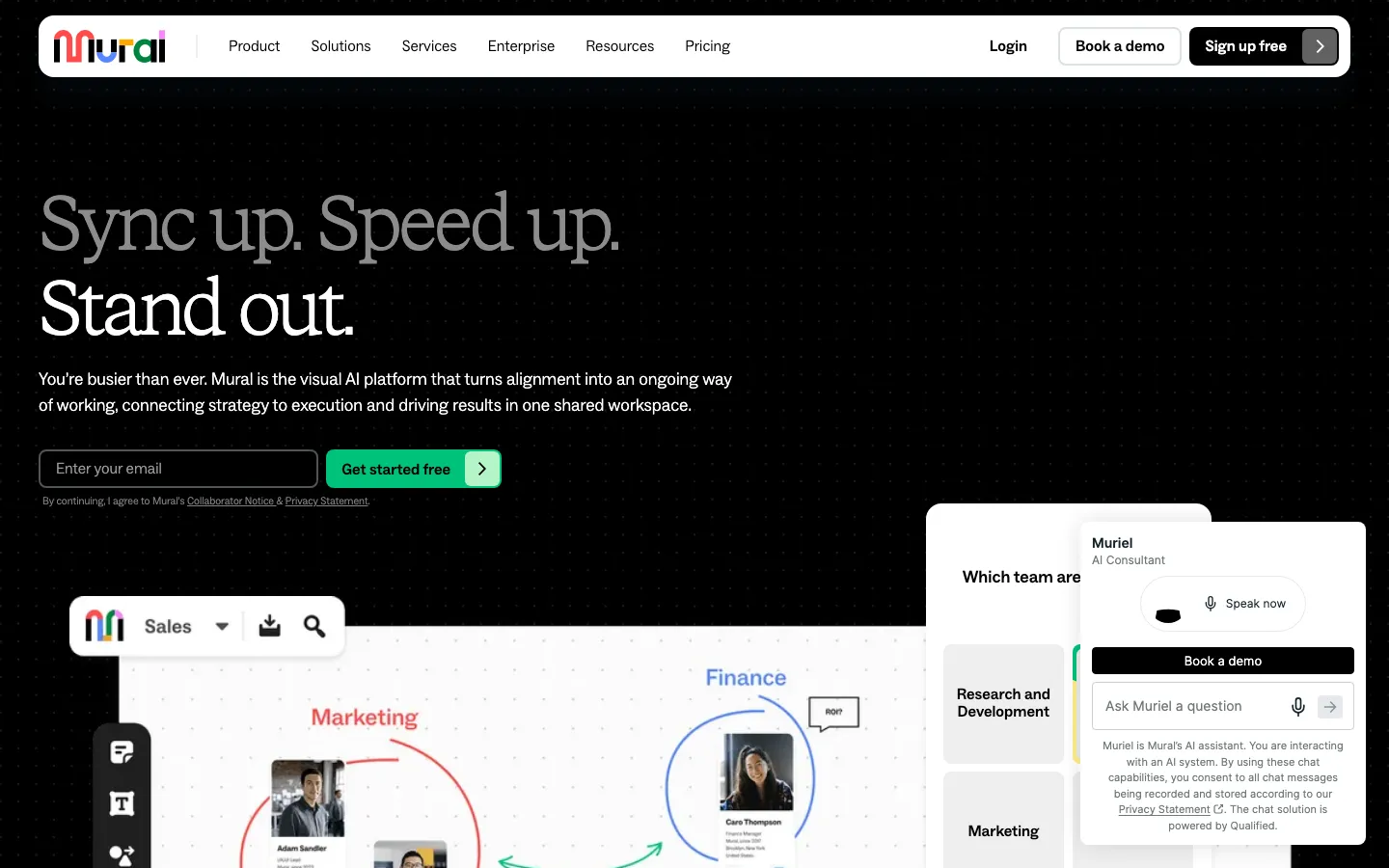
Mural provides a flexible visual space with sticky notes, text, drawing, images, icons, mapping and diagramming. Its canvas can be infinite or resizable, and permissions include view-only, edit and facilitator settings. That gives a facilitator enough structure to hold a workshop without prescribing a single method. Keep each board tied to one question, otherwise the board becomes a collection of material nobody can use.
Facilitation controls
The pricing page lists a timer, voting, private mode, a laser pointer, outline and instructions, hide and reveal content, facilitator lock and a custom toolbar across all plans. These tools are a practical reason to choose Mural over a blank whiteboard. Use the timer to bound individual work, private mode before discussion, and voting only after the group knows how the result will affect the decision.
Templates and rooms
Mural says it has more than 250 expert templates and supports custom template creation. Free workspaces have open rooms, Team+ and Business add private rooms, and Enterprise adds confidential rooms. A recurring planning format can therefore start from a common structure instead of a blank canvas. The useful discipline is to remove steps your team never uses, rather than turning every workshop into a template exercise.
External collaboration
Access rules are the product's most important practical detail for client work. Visitors are available on every plan, but they are view-only on Free and can edit on Team+. Business and Enterprise include unlimited guests, which Mural describes as registered users typically outside your company. Choose the participant type before you send the invitation, especially when the material is sensitive or a client needs to keep returning to the board.
Integrations and agent access
Mural lists connections for Microsoft Teams, Webex, Zoom, Jira, Google Workspace and Slack, among many others. Its integration directory also says custom work can be built with the Mural API. Business adds advanced integrations and SSO, while Enterprise adds SCIM, audit logs, reporting APIs and data residency. The plan comparison does not say which plan includes general API or MCP access, so confirm that detail before you make an automated workflow depend on it.
How are monthly user subscriptions priced for Mural?
Price checked 27 Nov 2026
| Plan detail | Free$0 | Team+$9.99/member/mo annually | Business$17.99/member/mo annually | EnterpriseCustom |
|---|---|---|---|---|
| Editable murals | 3 at a time | Unlimited | Unlimited | Unlimited |
| Workspaces | 1 | 1 | 1 | Multiple |
| Visitors and guests | Visitors, view-only | Visitors can edit | Unlimited guests | Unlimited guests |
| Rooms | Open | Open and private | Open and private | Open, private and confidential |
| Access and controls | 2FA for members | 2FA for members | SSO and 2FA | SCIM, audit logs and data residency |
Mural prices in US dollars, 27 Nov 2026.Mural pricing
For a four-person workshop team, Team+ is $39.96 a month on annual billing. That buys unlimited editable murals and editing rights for unlimited visitors. Team+ is also listed at $12 per member monthly on monthly billing, so the same four people cost $48 a month without the annual commitment. Business changes the access model, not just the bill: it adds unlimited guests, SSO, advanced integrations and priority support.
- Free includes unlimited members and unlimited murals, with three editable at a time
- Team+ includes Mural AI, basic integrations and private rooms
- Business accepts credit card or invoice payments and adds unlimited external users
- Enterprise adds multiple workspaces, reporting APIs, priority support, with premier support available at additional cost, and training options
What enterprise security and governance features does Mural Enterprise add?
Mural Enterprise serves organizations that require administrative controls and enterprise security alongside visual collaboration workspaces. Mural lists multiple workspaces, advanced security and administrative controls, SCIM user and group management, audit logs, downloadable reports, reporting APIs, required two-factor authentication, data residency and bring-your-own-key controls. It also lists expert collaboration training and tools.
Where does Mural fall short compared to full project management software?
Mural provides a functional free tier, yet its strict three-editable-mural cap creates rapid friction across multiple concurrent projects. View-only visitors are another deliberate boundary. If a client or partner must add ideas directly, Team+ is the practical starting point. If they need an ongoing registered account, Business is the next conversation.
Mural gives a facilitator a timer, voting and private mode, and boards can hold ideas and action items as sticky notes or text boxes. My recommendation is to define how the group will follow through before it begins, so the session has a clear purpose beyond the board itself.
Finally, Enterprise has no published price. That is reasonable for the governance features it contains, but it means a team cannot compare its final cost from the pricing page alone. Treat Enterprise as a requirements discussion, not as a simple upgrade from the per-member plans.
Which visual collaboration platforms serve as Mural alternatives?
If your team needs to turn workshop outcomes into tasks with dependencies and Gantt roadmaps, read the  Nifty review. Those documented capabilities make it the more useful comparison when the visual session needs to connect to scheduled project work.
If your team needs to maintain written decisions, the  Notion review is the closer read. Notion includes wikis and docs for the same price, which suits a team that wants those written decisions in its workspace after the session.
What is the overall verdict on adopting Mural for workshops?
Mural is a capable choice for teams that treat visual workshops as real operating work, not an occasional novelty. Free is generous enough to prove the method with unlimited members. Team+ is the sensible upgrade once three active editable boards or view-only visitors slow the work down. Business and Enterprise are about external access and governance, so buy them when those conditions are real rather than as a precaution.
Run one representative planning session on Free with the people who will actually contribute. Define the decision before the session, use a template only where it helps, and assign the next action before you leave the mural. Upgrade when the active-board limit or participant permissions block that routine.
How were Mural features and pricing details audited?
Mural official feature sets, pricing matrices, and technical integrations were audited on 27 Nov 2026. Prices are in US dollars, as Mural shows them, and every figure follows how we check figures.
- Mural pricing page for plan prices, access, rooms, controls and support
- Mural features page for visual collaboration and facilitation controls
- Mural integrations page for workflow connections and the Mural API
What are common questions about running meetings in Mural?
Is Mural free?
Yes. Free supports unlimited members and unlimited murals, with three editable murals at a time. Visitors on the Free plan have view-only rights.
What does Mural cost for a team?
Team+ costs $9.99 per member monthly when billed annually, or $12 per member monthly on monthly billing. Business costs $17.99 per member monthly when billed annually. Enterprise pricing is available from Mural.
Can external people edit a Mural board?
Yes. Team+ includes unlimited visitors with editing rights. Business and Enterprise include unlimited guests, which Mural describes as registered users typically outside your company.
Does Mural have workshop facilitation tools?
Yes. Mural lists a timer, voting, private mode, outline and instructions, laser pointer, facilitator lock and other facilitation features on every plan.
 Reviewed byDanny Kirk
Founder of ReddiReach.
 Checked byAndrés Felipe
Digital designer and marketer.
Every figure is checked against the vendor's own page. Read our editorial standards.