
Key Takeaways
- Outreach serves large B2B sales organizations by consolidating automated outreach sequences, conversation intelligence recording, deal pipeline management, and revenue forecasting into one ecosystem.
- Outreach prices all four Amplify packages through bespoke sales negotiations that calculate bills from user seat counts combined with consumption-based AI credits.
- Outreach provides both a Model Context Protocol Server and Client interface across plans, adding programmatic API call limits on Core tiers and above.
- Outreach does not publish fixed monthly rates, making the platform unsuitable for smaller teams requiring self-serve onboarding and simple outbound email sequences.
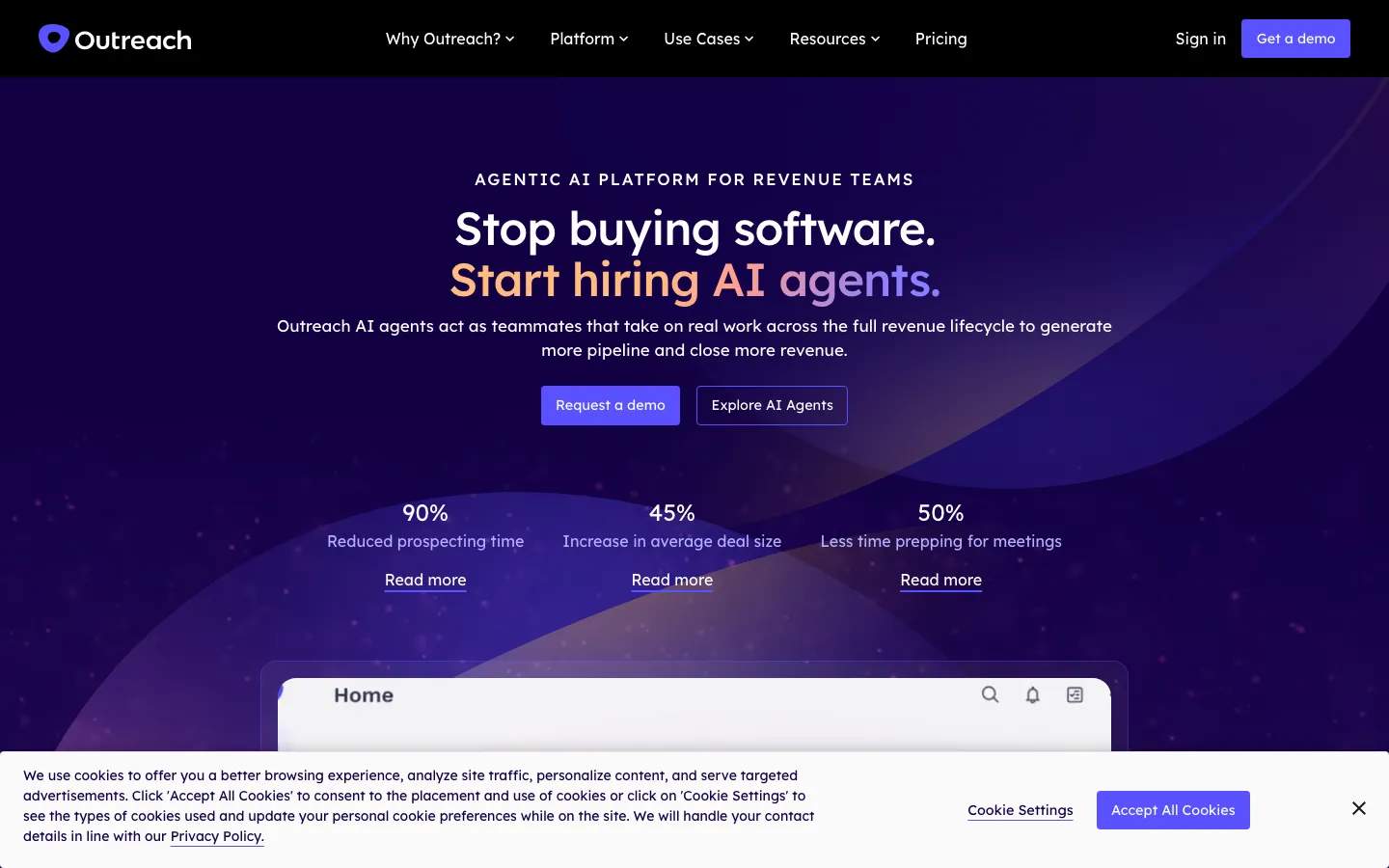
Outreach is the revenue platform to choose when your sales organization needs agents, engagement, conversation intelligence and forecasting to work from the same account. Skip it if a fixed team bill is essential before you buy, because every package is quoted and combines user seats with consumption-based AI credits.
Agent access
- API
- Yes
- MCP server
- Official, OAuth 2.1 with Dynamic Client Registration and PKCE
- Works with
 Claude
 ChatGPT
 Gemini
 VS Code
 Cursor
What are the primary advantages and drawbacks of using Outreach?
What works
- Engagement, conversation intelligence, deal work and forecasting sit in one platform
- AI agents can research, personalize, sequence and prepare deal work
- MCP Server and Client are listed across all four packages
What to watch
- No public package or per-seat prices
- AI usage credits make the total bill variable
- Forecasting and territory features are listed on Amplify Pro
How does Outreach consolidate sales execution and revenue intelligence?
Outreach earns its place when the work around a sale has become fragmented: one system for sequences, another for calls, a third for forecast meetings and a growing collection of AI tools on the side. It combines sales engagement, conversation intelligence, deal management and forecasting, making it a substantial option in the marketing tools directory for a revenue group that wants those operations to share the same context.
The point is not merely a longer feature list. Outreach uses the account, conversation and deal data around a rep to drive the next action, from researching a target to preparing a meeting, updating a deal or identifying pipeline risk. Its packages span the early work of pipeline creation through to forecasting and territory management, so a RevOps leader can choose one platform rather than coordinate several narrow products.
That breadth is the reason to buy it, and the reason to be careful. I would choose Outreach for a team that already has a defined revenue process and needs it to run consistently across roles. A smaller operation that mainly needs contacts, a CRM or an email sequence should not pay for a revenue operating system just because the AI story is compelling.
Which enterprise revenue teams derive the greatest benefit from Outreach?
Revenue leadership teams
See pipeline, deal health, coaching and forecasts in one operating view across the sales organization.
RevOps teams
Connect engagement, account planning and pipeline management when coordination is more valuable than another point solution.
Sales teams adopting agents
Use research, personalization, sequencing and meeting preparation agents within the revenue workflow sellers already follow.
Enterprise forecast owners
Use the Pro package for forecast rollups, scenarios, territories and multi-currency when leadership needs broader control.
The best fit is a mid-sized or enterprise revenue organization with several connected jobs to manage. Essentials centers on conversation intelligence and coaching; Core moves toward pipeline creation and account management. That lets a team begin with the part of the workflow it actually needs, rather than assuming Pro is the default.
What pipeline execution and conversation intelligence features does Outreach include?
Agents that act in the workflow
Outreach lists an Omni Agent alongside Research, Revenue, Personalization, Deal and Meeting Prep agents, with availability varying by package. The useful distinction is that these agents are positioned to take work forward inside the revenue process, not just summarize it. Research can surface context for an account, personalization can shape a message and Revenue Agents can handle sequencing while reps focus on customer conversations.
Engagement and account coordination
Core, Plus and Pro list multi-channel engagement and sequences, meeting scheduling and tasks, revenue-attribution reporting, a mobile app and a  Slack app integration. Account planning and relationship maps are also listed. For a leader, that makes Core the first package to examine if the problem is coordinated pipeline work rather than post-call analysis alone.
Conversation intelligence and coaching
Essentials, Plus and Pro list real-time transcription, action-item detection and sentiment analysis. The Outreach Voice integrated dialer is listed across all four packages. Essentials also lists AI coach cards with automated scoring, live coaching content cards, meeting summaries and deal health alerts. These are practical features when coaching needs to happen close to the customer interaction, not only in a monthly review.
Deals, pipeline and forecasting
Essentials, Plus and Pro list deal management, pipeline management and team performance with win-loss outcomes. Core availability needs confirmation because those items are not listed in its package details. Amplify Pro lists AI forecast projection, scenario planning, forecast rollups and trends, parallel forecasts, territory management and multi-currency. That is a meaningful line in the package structure: teams buying Outreach mainly for leadership forecasting should include Pro in the conversation from the start.
MCP and connected data
Outreach lists both an MCP Client and MCP Server in every Amplify package. The client brings information from other systems into Outreach, while the server lets external AI tools access Outreach insights and actions. Core lists 250,000 API calls, Plus 500,000 and Pro 1,000,000, alongside increasing custom-object limits. Confirm the exact access and governance conditions in your quote before making Outreach the data layer for an agent workflow.
How does Outreach calculate costs across its Amplify packages?
Price checked 27 Nov 2026
Outreach does not publish a dollar amount for any package, so there is no honest monthly bill to calculate for a team of three, 20 or 200. It prices platform access by seat and AI work by credit consumption, with the usage depending on actions such as a personalized message or an individual search.
| Plan detail | EssentialsCustom | CoreCustom | PlusCustom | ProCustom |
|---|---|---|---|---|
| AI credits included | 10,000 | 25,000 | 50,000 | 100,000 |
| Conversation intelligence | ✓ | ✓ | ✓ | ✓ |
| Multi-channel sequences | Not listed | ✓ | ✓ | ✓ |
| MCP Server and Client | ✓ | ✓ | ✓ | ✓ |
| API calls listed | Not listed | 250,000 | 500,000 | 1,000,000 |
| Forecasting and territories | Not listed | Not listed | Not listed | Listed on Pro |
Outreach package terms, 27 Nov 2026.Outreach pricing
Credits are not a simple feature allowance. Outreach says they are spent on discrete AI actions, and teams can buy more credit packs when their included balance runs out. The actual bill therefore depends on three things the public page does not price: the number of user seats, the workflows turned on and how often the team uses them.
- Ask for the seat price and included roles for every person who needs access
- Ask for the credit cost of the specific research, personalization and sequencing actions your team expects to run
- Ask whether Data Sharing, Connectors, Additional Instances or Listener Licenses are needed as paid add-ons
What enterprise capabilities are packaged in Outreach Amplify Pro?
Outreach Amplify Pro represents a comprehensive enterprise revenue package rather than an expanded bundle of AI usage credits. It lists the full suite of agents and AI, advanced forecasting, territory and currency controls, plus advanced managed services. It also lists 100,000 credits, 1,000,000 API calls, 20 custom objects and 1,500 MB of knowledge.
That package makes sense when sales leadership must make forecast calls across complex territories or currencies. If the immediate need is call intelligence, coaching or coordinated sequence work, Pro may be unnecessary scope. Start by identifying the decision that needs changing, then price the least broad package that supports it.
What cost complexity and deployment hurdles are present in Outreach?
Outreach presents unlisted, quote-based pricing as its most prominent weakness. A published per-seat platform price would let a sales leader compare a team budget immediately. Outreach instead asks you to combine a custom seat quote with an estimate of AI-credit consumption, which means a decision-maker has to model adoption before knowing whether Outreach fits the budget.
The package boundaries also matter. Core, Plus and Pro list multi-channel engagement and sequences, but Essentials does not list them, so ask Outreach to confirm Essentials availability. Forecasting, territory management and multi-currency are listed on Pro, while the lower package details do not list them. A buyer who starts from the smallest package may find that the feature that justified the evaluation sits materially higher in the range.
Finally, the add-on list creates another quote dependency. Data Sharing, Connectors, Additional Instances and Listener Licenses are available for purchase, but their cost is not public. Keep those items separate from the headline platform quote when you compare proposals, especially if an integration or a parallel instance is a firm requirement.
Which CRM and sales engagement tools serve as Outreach alternatives?
If you need to track a sales pipeline and connect it with a broad app stack instead of buying Outreach's full revenue platform, use the  Pipedrive review. Pipedrive lists sales-pipeline tracking and integrations with 500+ apps, which gives you two concrete points to compare against the parts of Outreach you would actually use.
For outbound, the  Reply.io review is the relevant next read. Its Multichannel plan bundles email,
 LinkedIn, SMS and calls at a per-user price. The useful comparison is whether your team needs those outreach channels or Outreach's broader revenue platform.
Is Outreach the right revenue operating system for enterprise sales teams?
Outreach is a strong choice for a coordinated revenue organization that wants agents, seller activity, conversations, deal health and forecasts to inform one another. Its strongest argument is operational breadth. Its weakest is commercial clarity: the combination of seats, credits and unpriced add-ons makes it difficult to compare until Outreach has produced a quote.
Bring Outreach a written list of the workflows, seats, agent actions and integrations your team needs. Ask for the monthly credit estimate and every add-on in the proposal, then compare that complete bill with a focused CRM or sales-engagement tool before you commit.
How were Outreach platform specifications and AI capabilities verified?
Outreach pricing disclosures, core platform tools, AI agent ecosystems, and protocol integrations were audited on 27 Nov 2026. The vendor publishes package allowances but not package prices, so this review does not estimate a team bill. The approach follows how we check figures.
- Outreach pricing and package page
- Outreach platform and AI-agent pages
- Outreach agentic-ecosystem page for MCP details
What are the common implementation questions regarding Outreach?
How much does Outreach cost?
Outreach does not publish package prices. It says the quote depends on team size, workflows and AI-agent usage, combining seat-based access with consumption-based AI credits.
What are Outreach AI credits?
AI credits pay for discrete AI-powered actions such as research, personalization, sequencing automation, conversation analysis and forecasting. Each package includes a credit balance, and extra packs are available to buy.
Which Outreach package includes forecasting?
Amplify Pro lists AI forecast projection, scenario planning, forecast rollups and trends, territory management, multi-currency and parallel forecasts.
Does Outreach work with AI agents?
Yes. Every Amplify package lists an Outreach MCP Client and MCP Server. Core, Plus and Pro also list increasing API-call allowances.
 Reviewed byDanny Kirk
Founder of ReddiReach.
 Checked byAndrés Felipe
Digital designer and marketer.
Every figure is checked against the vendor's own page. Read our editorial standards.