
Key Takeaways
- OutX tracks public discussions on LinkedIn using keyword, profile, and company monitoring to build a prioritized sales opportunity feed for account executives.
- OutX provides a free tier with two watchlists, alongside paid packages including Growth at $99, Expert at $249, and Ultimate at $999 monthly.
- OutX supplies a REST API and Model Context Protocol server covering watchlists, but requires an active browser session with its Chrome extension.
- OutX relies on an active browser extension to operate, making it poorly suited for 24/7 background social monitoring or broad multi-channel media tracking.
You need to catch public buying conversations while your sales team can still act on them. OutX is the better fit when LinkedIn is the center of that work, because it turns keyword, profile and company monitoring into a ranked feed and lets a team reply from its own LinkedIn session. It is a poor fit when monitoring must continue while every teammate's browser is closed, or when a broad communications-monitoring service matters more than sales signals.
Agent access
- API
- Yes, every plan, including Free
- MCP server
- Official, local, OutX API key in the OUTX_API_KEY environment variable
- Works with
 ClaudeClaude Code
 Cursor
- Automation
- n8n
What are the key advantages and drawbacks of using OutX?
What works
- Free plan with 2 private watchlists
- API access on every plan, including free
- Replies run through each user's own LinkedIn browser session
What to watch
- The extension must stay active for scanning and API access
- Growth refreshes watchlists every 24 hours
- Unlimited teammates require the $999 Ultimate plan
How does OutX turn LinkedIn activity into qualified sales prospects?
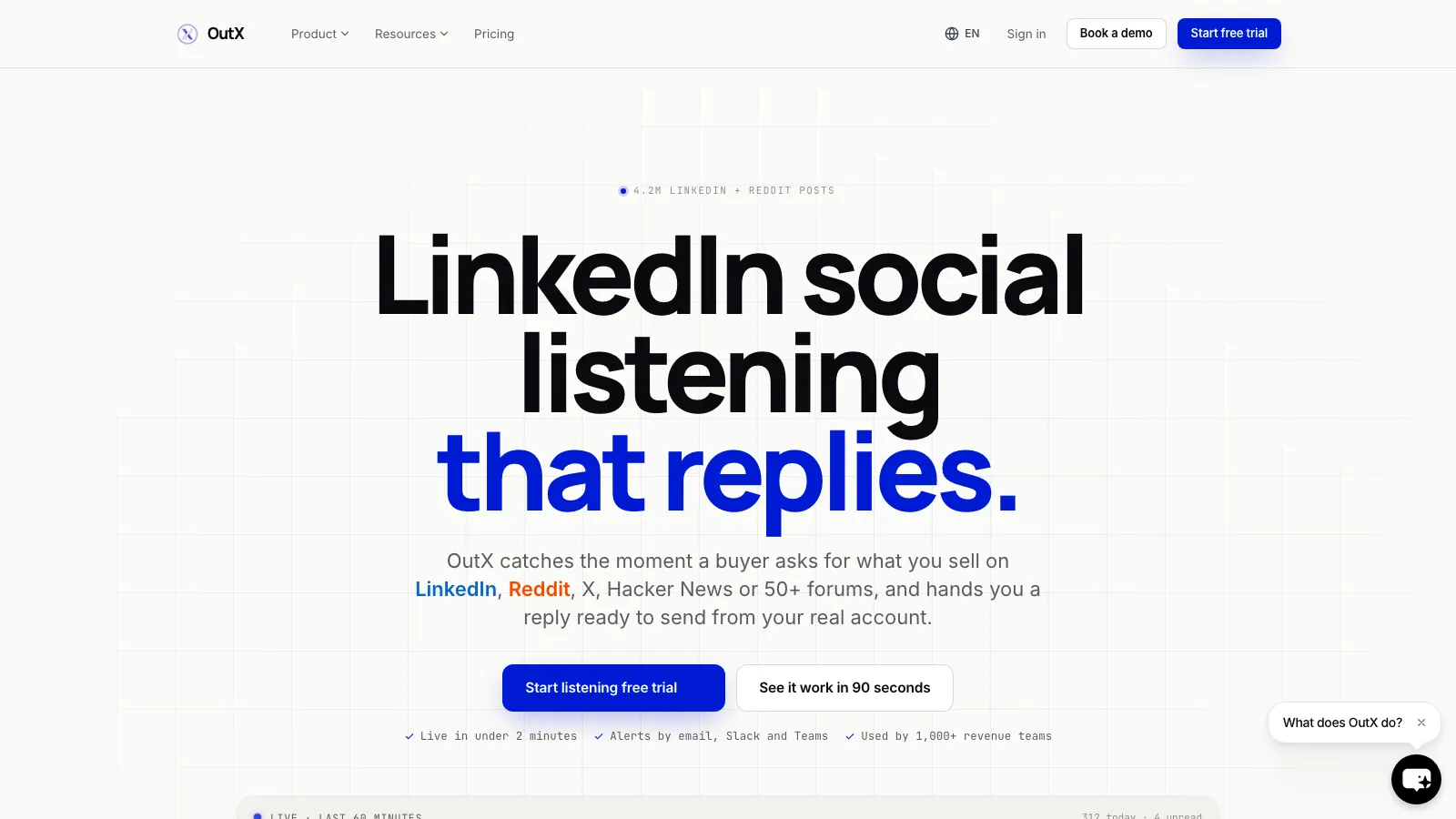
OutX is a sales-oriented social listening platform. It watches the keywords, people and companies you set across LinkedIn, Reddit, X, Hacker News and more than 50 forums, then ranks matching conversations by intent. The useful result is not another reporting dashboard. It is a work queue for the person who can join a relevant conversation while it is still current. If you need to measure how assistants describe a brand instead, see the AI Peekaboo review.
That distinction makes it narrower than a conventional listening suite, and more useful for a specific job. A sales team can follow a product category, a competitor, target accounts and individual prospects from one workspace. A match can lead to an AI-drafted reply in the team's voice, but the action still runs from the user's own LinkedIn account.
The product's operating model deserves as much attention as its feed. OutX runs through a Chrome extension in a browser on a team member's machine. The vendor says it does not store LinkedIn passwords or cookies, and that nothing is sent without the account holder. It also says the browser must be open with the extension active for scanning and engagement to run, and the extension must have been active in the last 48 hours for the API to work.
Which B2B sales development teams benefit most from OutX?
Founder-led sales teams
Use two free watchlists to test whether public conversations produce relevant early opportunities.
Outbound teams
Follow keywords, people and companies, then route timely conversations to individual sellers.
Account-based teams
Monitor activity from target companies and profiles alongside category and competitor keywords.
Teams with developers
Pull watchlists and posts through the API without buying a separate developer tier.
OutX fits poorly when nobody can keep a browser running, or when your team expects complete media intelligence without a sales-action workflow. It is also a harder recommendation for a larger group that needs frequent refreshes but does not need the Ultimate plan's scale. Growth supports 10 team members but refreshes every 24 hours; Expert supports 25 and refreshes every 12 hours.
What watchlist monitoring and engagement tools does OutX provide?
Keyword, profile and company watchlists
OutX organizes monitoring into watchlists. A keyword watchlist can begin with a plain-English description, which OutX says it uses to generate keywords. People watchlists follow specified profiles, while company watchlists track company pages and activity. Its social-listening pages also list hashtags and job changes among the items you can track. That gives a revenue team three different ways to frame the same market: what buyers are saying, who they are and which accounts are moving.
Signal feed and filters
Matching posts are placed in a feed with AI categorization and relevance scoring. The vendor describes real-time Slack and in-app alerts, with email set to instant, daily or weekly delivery. You can filter by job title, company size, geography or engagement level, although location filtering is explicitly included from Expert. CSV export is listed on every paid tier.
Replies and auto-engagement
OutX can draft a reply from the context of a matching post and your stated voice. It also supports auto-like and auto-comment rules. The important boundary is that the Chrome extension works through the user's own browser and LinkedIn session. That is more accountable than treating engagement as an unattended campaign, but it also means your process needs a clear owner for each account and each reply.
API, webhooks and data export
The API is a meaningful advantage at the entry level. OutX documents watchlist creation, post retrieval, engagement automation, usage and webhook capabilities, and says the API is included on every plan, free included. A separate LinkedIn Data API can fetch profiles and posts, and can like or comment with task polling. The Chrome extension can also push profiles and companies to HubSpot, Salesforce or Pipedrive, or export enriched data to CSV. OutX also documents an MCP server with 33 tools for API access through natural language. Its API and MCP workflows still require a team member's active Chrome extension and LinkedIn session.
Plans set the operating ceiling
Each paid tier keeps the same 15,000-post cap per watchlist, but changes the volume around it. Growth has 5 private watchlists, 1,000 tracked profiles and 100 monthly OutX Credits. Expert moves to 20 watchlists, 4,000 profiles and 500 credits. Ultimate carries 100 watchlists, 20,000 profiles and 2,000 credits.
What are the subscription plans and watchlist limits for OutX?
Price checked 27 Nov 2026
| Plan detail | Growth$99/mo | Expert$249/mo | Ultimate$999/mo |
|---|---|---|---|
| Annual price | $79/mo | $199/mo | $799/mo |
| Private watchlists | 5 | 20 | 100 |
| Profiles tracked | 1,000 | 4,000 | 20,000 |
| Data freshness | Every 24 hrs | Every 12 hrs | Every 6 hrs |
| Team members | 10 | 25 | Unlimited |
| Notifications | Email and  Slack | Email and Slack | |
| API access | ✓ | ✓ | ✓ |
OutX prices in US dollars, 27 Nov 2026.OutX pricing
There is also a free plan with 2 private watchlists, team members and basic fetching. Paid plans include a 7-day full-feature trial that requires a card but has no charge during the trial. A three-person team fits within Growth's 10-member allowance at the annual rate equivalent to $79 per month, or $948 per year. The first seat-based jump arrives only when the team needs more than Growth's 10 members or Expert's 25.
- Growth has email notifications, CSV exports and 2 auto-engagement rules per watchlist
- Expert adds Slack notifications, location filtering, 5 rules per watchlist and one-time setup
- Ultimate adds unlimited members, WhatsApp support, 10 rules per watchlist and weekly support for its first 3 months
- White-label options, volume pricing, a dedicated account manager and custom service levels require a sales conversation
What operational drawbacks stem from the OutX browser extension requirement?
OutX requires an active browser extension as its primary operational trade-off. OutX says monitoring and engagement pause when the computer is off or the browser is closed. That may be fine for a founder or a sales desk that already works in Chrome all day. It is less attractive if monitoring must run continuously without tying it to one team's machines.
The pricing ladder is steep at the top. Growth starts at $99 a month and carries useful limits for a small outbound motion, but it updates every 24 hours. Expert is the practical step up for Slack alerts and a 12-hour cycle. Ultimate reaches a six-hour cycle and unlimited teammates, but costs $999 a month. Do not buy the largest plan for a broad ambition before counting the watchlists, profiles and response capacity you actually have.
OutX's Chrome extension operates through a user's LinkedIn session, while its monitoring coverage includes LinkedIn, Reddit, X, Hacker News and more than 50 forums. Confirm that the network and response workflow you need fit your team's process before making OutX the system of record.
Which social listening and monitoring tools compete with OutX?
 OutX alternatives like AI Peekaboo offer a better approach when tracking brand mentions across conversational engines rather than LinkedIn conversations. Its plans start at $30 a month and include API and MCP access, but it is not a LinkedIn response workflow.
 Pulsar Platform review is worth reading when you need social listening alongside audience segmentation, including a view of how different communities discuss the same topic.
 Radarr review is useful when your team wants to manage social-media conversations from one dashboard and monitor public data across social media, news, blogs, P2P platforms, forums and Asia-focused social networks.
Does OutX justify its cost for social-selling sales teams?
OutX earns its place for sales teams that turn LinkedIn conversations into a disciplined response queue. The free plan, API on every tier and sensible progression from 5 to 100 watchlists make it straightforward to test. Treat the active-extension requirement and refresh cadence as buying criteria, not footnotes.
Start with two narrowly commercial watchlists on the free plan. If the results deserve a seller's attention, use the 7-day Growth trial to test the response workflow, then move to Expert only when Slack alerts or the 12-hour refresh actually change what your team can do.
How were OutX extension workflows and pricing validated?
OutX rates, watchlist limits, Chrome extension dependencies, and developer resources were reviewed directly on 27 Nov 2026. Prices are in US dollars, as OutX displays them, and every figure follows how we check figures. You can return to the marketing tools directory when you need to compare a different category.
- OutX pricing page, including monthly and annual plan displays
- OutX social-listening and product pages
- OutX documentation for the Chrome extension, API, webhooks and AI-agent guidance
What are the common technical questions about deploying OutX?
Is there a free version of OutX?
Yes. OutX lists a free plan with 2 private watchlists, team members and basic fetching. Its paid plans also have a 7-day trial with full feature access; a card is required but the vendor says there is no charge during the trial.
How much does OutX cost for a team?
Growth is $99 a month for up to 10 team members, Expert is $249 for up to 25, and Ultimate is $999 with unlimited members. Annual prices are $79, $199 and $799 a month respectively.
Does OutX have an API?
Yes. OutX says its API is on every plan, including free. Its documentation covers watchlists, posts, engagement, usage, webhooks and a LinkedIn Data API. It also documents an MCP server with 33 tools for API access through natural language. Both require a team member's active Chrome extension and LinkedIn session.
Does OutX work while my computer is off?
No. OutX says its Chrome extension needs the browser open and active for watchlist scanning and engagement. It also says the extension must have been active within 48 hours for API access to work.
 Reviewed byDanny Kirk
Founder of ReddiReach.
 Checked byAndrés Felipe
Digital designer and marketer.
Every figure is checked against the vendor's own page. Read our editorial standards.