
Key Takeaways
- Prismic pairs developer-configured visual page components known as slices with an intuitive visual editor that allows marketing teams to publish independently.
- Prismic offers a perpetual free tier alongside paid subscriptions spanning ten, twenty-five, one hundred fifty, and six hundred seventy-five dollars monthly.
- Prismic supports automated workflows using Model Context Protocol compatible tooling to assemble and revise modular layouts while leaving final publication control with human editors.
- Prismic requires substantial upfront development resources to model reusable components in code, making it unsuitable for teams lacking engineering support for custom site builds.
When campaign edits keep waiting on developers, Prismic gives your content team approved page sections to assemble visually. It is a good choice when your developers can build the reusable slices first, and a poor fit when you need to invent layouts without that technical foundation.
Agent access
- API
- Yes, every plan
- MCP server
- Official, hosted, Prismic account authorization, or a machine user Bearer token for enabled non-interactive environments.
- Works with
 ClaudeClaude Code
 ChatGPT
 Cursor
 VS Code
What are the main advantages and drawbacks of building with Prismic?
What works
- Editors add, reorder, and duplicate developer-approved slices
- Free includes the visual page builder and 4 million API calls a month
- Releases group changes for review and scheduled publication
What to watch
- A developer has to build the sections editors use
- Enterprise quotas and advanced support are custom priced
- Usage allowances are measured per repository, not per organization
How does Prismic accelerate content production through component-based page building?
Prismic separates the jobs cleanly. Developers keep the frontend in their own codebase and make the approved building blocks, called slices. Editors then compose pages from those blocks in a visual builder, rather than making a ticket for every campaign adjustment. To compare CMS choices in the wider market, use the marketing tools directory as a starting point.
The everyday workflow is broader than dragging sections around. Prismic lists preview, comments, version history, releases, scheduling, permissions, and a shared media library. A release lets a team bundle related page changes, review them together, and publish immediately or at a chosen time. The practical advantage is control: ordinary updates can move quickly without giving every editor freedom to alter the underlying presentation.
That division is also why Prismic deserves a deliberate rollout. A page builder can only offer the patterns its slice library contains. Start with the landing pages and content patterns your team actually produces, then decide whether this structure is more valuable than the flexibility of a different CMS.
Which engineering and marketing teams are best suited for Prismic?
Marketing teams with support
Publish campaign pages while developers keep control of approved design components.
Agencies handing over sites
Give clients approved sections for updates after the initial content structure is built.
Modern frontend teams
Keep frontend code in Next.js, Nuxt, or SvelteKit while editors work visually.
Teams with release discipline
Review grouped changes, share previews, and schedule launches across several related pages.
The wrong buyer is a team looking for a blank canvas with no developer involvement. Prismic does not remove the initial modeling work, it puts that work where it belongs: in the code and components that determine what editors can safely publish.
What visual editing and developer capabilities are provided by Prismic?
Slices and live page editing
A slice is a repeatable page block, for example a hero, pricing table, or testimonial. Editors can add, reorder, duplicate, and switch variations while they see the result in a live preview. Developers define each slice’s schema and render component in the project, so the page builder works from the same building blocks as the site itself. For brand-heavy websites, that boundary is Prismic’s main appeal.
Reviews, releases, and publishing
Comments stay with a page, version history records earlier work, and shareable previews show a single page or a release before it goes live. A release collects changes across pages for approval and can go out immediately or on a schedule. User roles decide who can edit, review, and publish, which is more useful than a loose handoff when several people own a launch.
Developer-owned frontend
Prismic documents workflows for Next.js, Nuxt, and SvelteKit. Its developer tools cover page types, fields, slices, generated TypeScript types, and model files that can go through code review. That will suit a team that wants its content system and frontend to stay connected, rather than accepting a hosted template as the permanent presentation layer.
Content delivery and assets
The platform serves content through a CDN API and includes media storage for uploading, finding, and reusing images. The Free plan includes image processing and optimization, 4 million API calls each month, 100 GB of built-in CDN bandwidth, and no overages. Once traffic or asset delivery matters, the allowance is as important as the monthly sticker price.
AI-assisted drafts through MCP
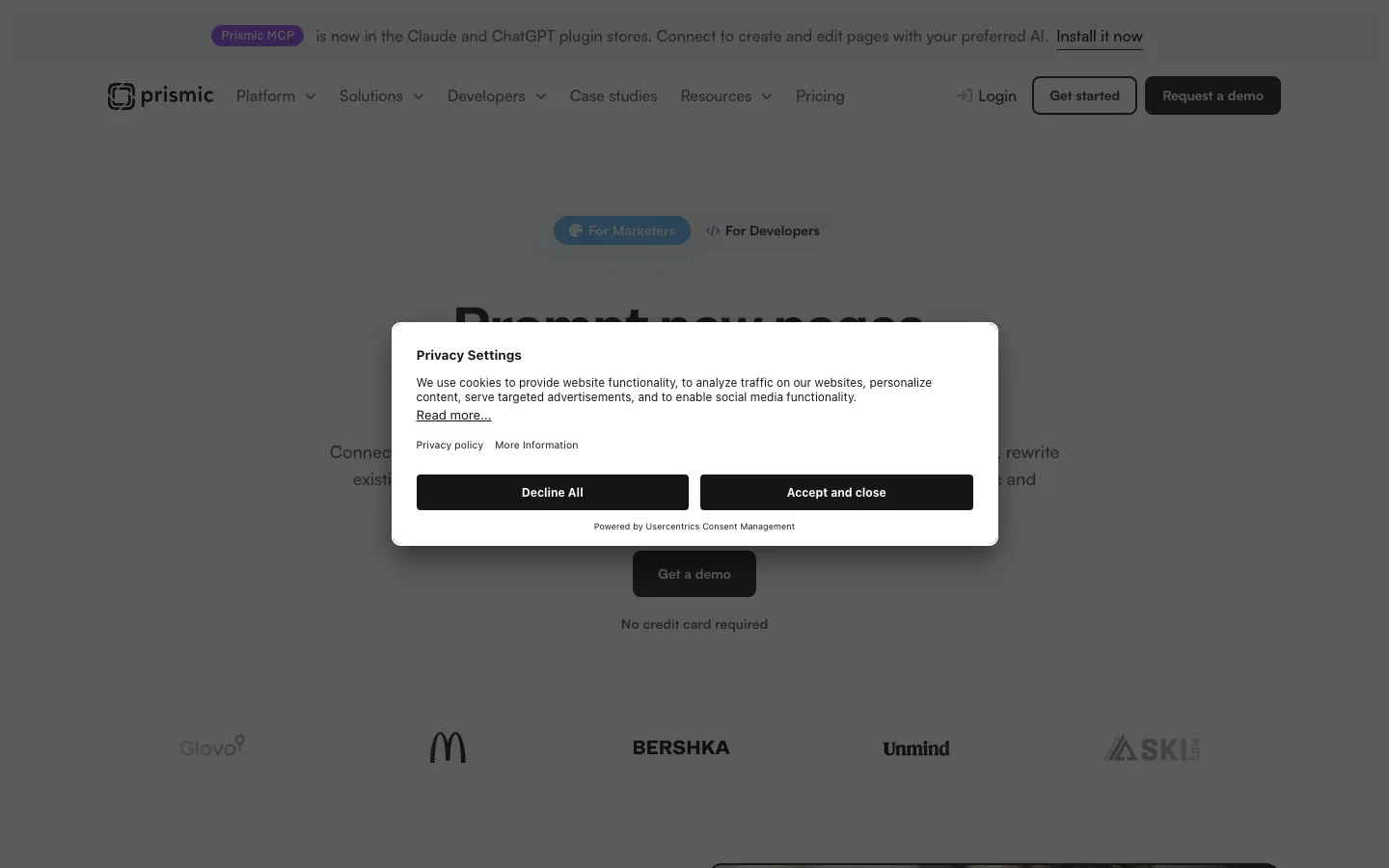
Prismic says you can connect Claude, ChatGPT, or another MCP-compatible tool to create pages, update existing copy, localize campaigns, complete missing SEO fields, and suggest image descriptions. The agent uses the same approved slices as editors, and changes land for review. Only a user granted publishing permission can take the result live, which is the right guardrail for public-facing content.
How are repository subscriptions and user tiers structured in Prismic?
Price checked 27 Nov 2026
| Plan detail | Free$0/mo | Starter$10/mo | Small$25/mo | Medium$150/mo | Platinum$675/mo |
|---|---|---|---|---|---|
| Billing basis | Per repository, annual | Per repository, annual | Per repository, annual | Per repository, annual | Per repository, annual |
| Users | 1 | 3 | 7 | 25 | Unlimited |
| Locales | 2 | 3 | 4 | 5 | 8 |
| API calls each month | 4 million | 4 million | 4 million | 5 million | 10 million |
| CDN bandwidth | 100 GB, no overages | 100 GB | 100 GB | 500 GB | 1 TB |
Prismic annual plan prices and allowances, shown with the vendor’s $ notation, 27 Nov 2026.Prismic pricing
The plan labels describe scale more clearly than they describe a universal starting point. Free is for a personal website or proof of concept, while Starter is positioned for a team investing in a custom-branded site. Budget by repository: two independent sites on Starter are $20 a month on annual billing, before any bandwidth overages.
- Starter and Small allow paid bandwidth overages up to 500 GB at $0.30 per GB
- Medium includes 500 GB of bandwidth and allows paid overages up to 1 TB at $0.30 per GB
- Platinum includes 1 TB and allows paid overages up to 5 TB at $0.25 per GB
- A development environment costs $3,000/year as a paid option on a yearly invoiced Platinum plan
When should growing enterprises upgrade to Prismic Enterprise?
Prismic Enterprise caters to larger organizations requiring enterprise security, tailored service level agreements, and custom bandwidth quotas. It is custom priced per repository and adds custom quotas for API calls, CDN, and locales, alongside two development environments, backups, SSO, infosec and legal review, support and uptime SLAs, priority support, and custom training. It is an operational purchase, not simply a bigger editing plan.
Where does Prismic create workflow friction for non-technical creators?
Prismic relies on a rigid component structure that simultaneously acts as a safeguard and an editorial constraint. An editor can only build with the slice models and variations the development team has provided. That protects the brand, but a novel campaign format may need a developer before it can exist in the editor’s toolbox. Treat the initial component library as part of the project cost, not an afterthought.
The pricing grid also needs reading as an operating model. Users, locales, API calls, and bandwidth increase in steps, and the cost is per repository. A team running a multilingual portfolio should count sites and delivery usage before choosing the $10 plan simply because its user count looks sufficient.
Finally, Prismic frames its AI workflow as a draft-and-review system. That is reassuring, but the same normal editorial checks still apply to AI-produced copy, links, metadata, image descriptions, and the rendered page before a publisher approves a release.
Which headless content management systems serve as viable alternatives to Prismic?
Compare the  Sanity review if up to 20 user seats on its Free plan suit your team. Treat the
 Shopify review as a commerce alternative: Shopify says you can sell online, in person, and in AI chats. Prismic is the comparison for a developer-defined page-building workflow.
Is Prismic the right headless content management system for your business?
Prismic delivers value primarily when engineering teams equip non-technical editors with a versatile library of pre-built slices. The Free plan lets a team validate the editing model without cost, and the $10 Starter plan is inexpensive once the slice library already exists. Its real cost is the thought and development that go into making those slices useful.
Build one real campaign page, put it through comments and a release, and have an editor make the changes they expect to make each month. If the available slices cover that work without developer rescue, Prismic has earned its place in your stack.
How were the features and pricing tiers of Prismic verified?
Prismic technical documentation, pricing tiers, API limits, and Page Builder features were evaluated on 27 Nov 2026. Prices use the vendor’s $ notation and are shown per repository on annual billing. For the approach behind the numbers, see how we check figures.
- Prismic pricing page
- Prismic features and Page Builder pages
- Prismic API and developer documentation
What are the common technical questions about implementing Prismic?
Does Prismic have a free plan?
Yes. Free is $0 per repository on annual billing and includes one user, 4 million API calls a month, 100 GB of built-in CDN bandwidth with no overages, two locales, and the visual page builder.
What is a Prismic slice?
It is a page block that can be used again, such as a hero, testimonial, or pricing table. Developers build the model and component, then editors can add, reorder, duplicate, and vary it in the page builder.
Can Prismic schedule a release?
Yes. A release brings related changes together for approval and can go live immediately or at a set time. It also supports preview links, comments, version history, and roles for editing, review, and publishing.
Does Prismic work with AI agents?
Prismic describes connections to Claude, ChatGPT, and other MCP-compatible tools. They can draft and update pages using approved slices, but only a user with publishing permission can make the result live.
 Reviewed byDanny Kirk
Founder of ReddiReach.
 Checked byAndrés Felipe
Digital designer and marketer.
Every figure is checked against the vendor's own page. Read our editorial standards.