
Key Takeaways
- SocialBee provides marketing teams with category-based social scheduling, recurring evergreen content recycling, post expiration dates, and multi-user editorial approval processes.
- SocialBee Accelerate plans cost $40.80 monthly billed annually for ten social profiles, one workspace, and two years of reporting analytics.
- SocialBee incorporates AI Copilot tools across its standard subscription tiers to generate customized social media strategies and ready-to-publish updates.
- SocialBee is unsuited for teams requiring direct native publishing across every channel, as API-restricted networks require manual reminder notifications.
SocialBee is the best fit when your social calendar has recurring themes, posts that should expire, and people who need to approve work before it goes live. Start at Accelerate if that workflow matters, because Bootstrap leaves out approvals, bulk editing, CSV uploads and advanced analytics; choose Pro when you need five workspaces and three users in each.
Agent access
- API
- Not found on official pages
- MCP server
- Not found on official pages
- Automation
- Zapier, Make
What are the main advantages and drawbacks of scheduling with SocialBee?
What works
- Category schedules, expiry rules and content recycling
- Approvals, bulk edits and CSV uploads from Accelerate
- Five workspaces and report exports on Pro
What to watch
- Bootstrap has one user and one workspace
- Branded report export and internal notes start on Pro
- Universal Posting is not direct publishing
How does SocialBee organize social content scheduling by category and topic?
SocialBee gives you a social calendar organized around categories rather than one long queue. You can separate education, promotion and timely news, set a cadence for each category, then pause, edit or recycle a category without rebuilding the whole plan. If you are still defining the stack around that work, the marketing tools directory can help distinguish a social scheduler from the other jobs your team needs covered. SocialBee is a better match for repeatable content pillars than for one-off campaigns.
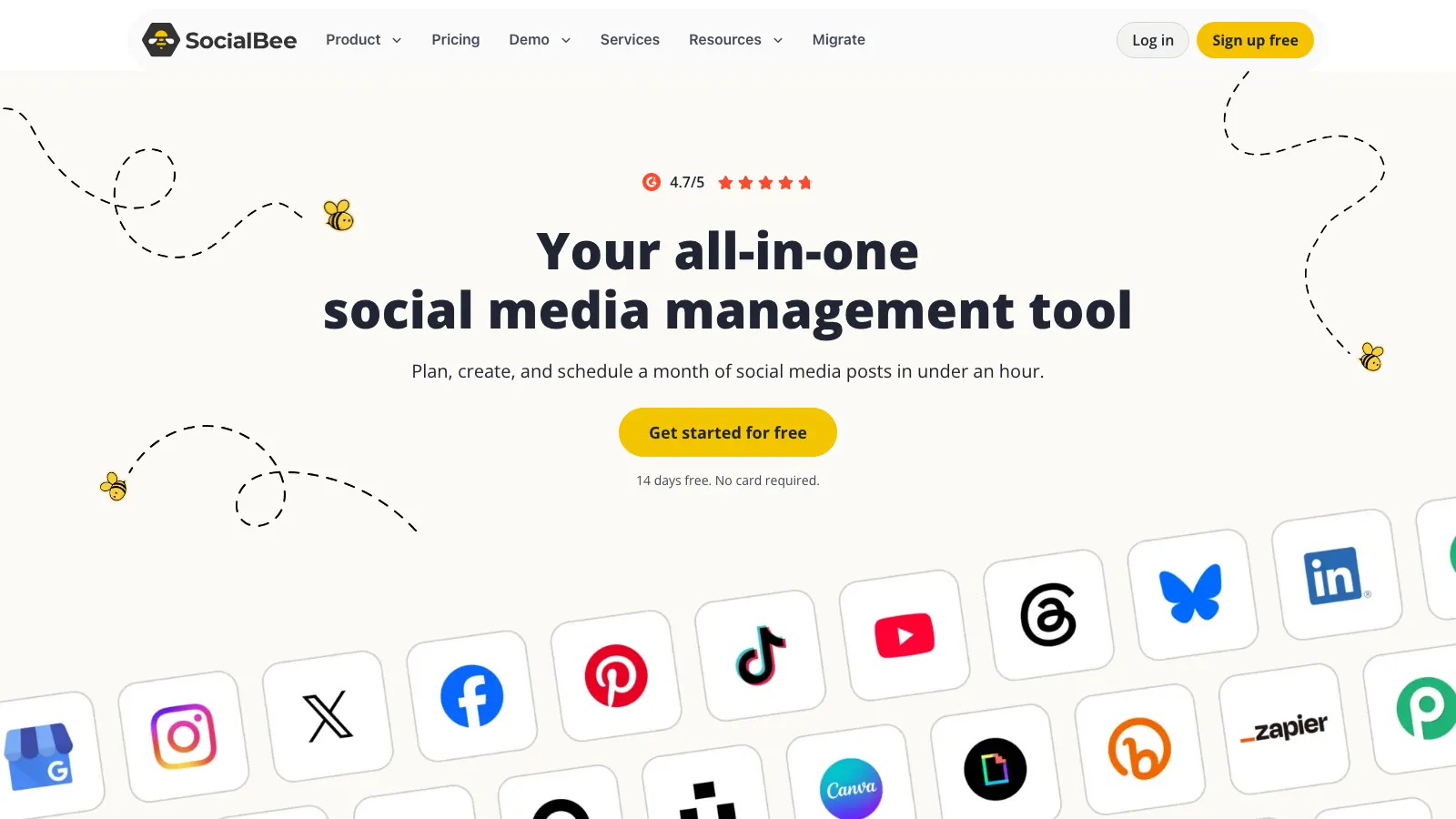
It directly publishes to Facebook, Instagram, Threads, X, LinkedIn, Pinterest, Google Business Profile, TikTok, YouTube and Bluesky. Each post can be tailored per network, including variations, alt text, locations, first comments and video thumbnails where those controls apply. That means a single idea does not have to become identical copy everywhere.
The paid plans divide the decision cleanly. Bootstrap is a solo workspace. Accelerate adds the practical controls for a reviewed publishing process. Pro brings five workspaces, three users per workspace, up to 25 profiles, exports and internal notes. I would choose the plan from the number of brands and editors you actually have, not from the promise of unlimited AI copy.
Which social media managers and agency teams get the most value from SocialBee?
Solo marketers
Bootstrap suits one person scheduling five profiles and recurring content across one workspace.
Approval-led small teams
Accelerate adds approvals, CSV imports and analytics for controlled recurring social publishing workflows.
Multi-brand managers
Pro provides five workspaces, three users each and room for 25 profiles.
Client service agencies
Agency plans separate client workspaces while retaining notes, reports and approval controls.
SocialBee is less compelling when your decision rests on automatic posting to channels with API restrictions. It can prepare a post for Facebook Groups, WhatsApp, Telegram, Mastodon and Quora, then remind someone to publish it, but that is a handoff, not a direct connection. Teams with no recurring content structure may also find category management more discipline than they need.
What evergreen recycling, approval, and AI tools are included in SocialBee?
Category scheduling and evergreen recycling
The category system is the reason to consider SocialBee. A category gets its own schedule, can be paused with one action and can feed several accounts. You can expire time-sensitive posts on a date or after a chosen number of shares, while evergreen material can return to the queue. Calendar, feed, grid and list views make different checks easier: cadence in the calendar, visual consistency in the grid and the next publishing action in the list.
Publishing by network, plus Universal Posting
SocialBee's composer lets you adapt a post to each connected network rather than sending the same asset and caption everywhere. Its direct-publishing list covers the major networks named above. Universal Posting is deliberately different: it prepares content for destinations with API limitations and sends a reminder when action is due. Treat that as a useful checklist for a human publisher, not as automation you can leave unattended.
AI Copilot and content creation
AI Copilot can propose a strategy with content pillars, categories, a posting plan and platform focus from the brand and goals you provide. The creation tools can generate captions, rewrite copy for platforms, suggest hashtags, create variations and generate visuals. Canva, Unsplash and GIPHY are available in the creation workflow, while RSS and bulk imports can move material into categories. It is a useful way to shape a calendar, but approvals still matter when the copy represents a client or regulated brand.
Analytics and reports
The analytics view filters performance by network and date range, with audience growth, profile and post performance, category performance, post type, post history and a daily engagement map where supported. It also recommends posting times from the connected account's past posts. Bootstrap retains up to three months of analytics; Accelerate and higher plans retain up to two years. Exporting analytics reports begins on Pro, which is the dividing line for agencies that need a shareable reporting artifact.
Engagement, roles and approvals
Mentions, comments and direct messages are organized into streams and boards. SocialBee lists engagement support across Facebook Pages, Instagram Business, Threads, LinkedIn Company, YouTube and X, with the available interaction types varying by channel. Owner, Manager, Publisher and Contributor roles separate who can manage a workspace, create content, see analytics or approve a post. Internal notes let an approver leave feedback on the post itself, but they are a Pro feature.
How are SocialBee subscription plans and profile allowances priced?
Price checked 27 Nov 2026
| Plan detail | Bootstrap$24.20/mo | Accelerate$40.80/mo | Pro$82.50/mo |
|---|---|---|---|
| Billed annually | $290/yr | $490/yr | $990/yr |
| Social profiles | Up to 5 | Up to 10 | Up to 25 |
| Users and workspaces | 1 user, 1 workspace | 1 user, 1 workspace | 3 users per workspace, 5 workspaces |
| Content categories | 10 | 50 | Unlimited |
| Analytics history | Up to 3 months | Up to 2 years | Up to 2 years |
| Approvals and CSV uploads | ✕ | ✓ | ✓ |
| Report export and notes | ✕ | ✕ | ✓ |
SocialBee prices use the vendor's $ notation, checked 27 Nov 2026.SocialBee pricing
Monthly pricing is $29, $49 and $99 for Bootstrap, Accelerate and Pro. Annual billing brings each plan down by 16%. A two-person approval workflow on Accelerate costs $590 a year before applicable taxes: $490 for Accelerate plus $100 for one additional annual user. That is about $49.17 a month equivalent. A single operator can use Accelerate's approval workflow alone, while a separate editor and approver need the added user. If three people need to work across five brands, Pro at $82.50 a month annually matches the published allowance of three users per workspace and five workspaces.
- Extra users cost $10 a month on monthly plans or $100 a year on annual plans
- Extra workspaces and sets of five profiles are available as plan add-ons
- Every published plan includes unlimited AI content generation and a 14-day trial
For agencies, Pro50 Small is $149.20 a month annually for 50 profiles, 10 workspaces and five users per workspace. Pro100 Medium and Pro150 Large cost $274.20 and $374.20 a month annually, adding profiles and workspaces rather than a new feature set.
What functional limitations and tier caps should buyers know about SocialBee?
SocialBee Bootstrap represents an intentionally restricted entry plan that omits collaboration, approvals, and bulk editing. Its five profiles, one user, one workspace, 10 categories, 10 sources and three months of analytics are enough for a single operator, but it excludes the functions that turn scheduling into a team workflow. If a manager must approve posts or you need to bulk-import posts from a CSV file, Accelerate is the real entry price. A separate editor and approver also need an additional user.
There is another break at Pro. Accelerate includes approvals, advanced analytics, the bulk editor, CSV uploads and the hashtag organizer, but it has one user and one workspace and does not include internal notes or analytics report export. Pro adds workspaces, reporting and notes, rather than being required simply to add a collaborator. A small agency can quickly outgrow Accelerate's structure even when 10 profiles sounds generous.
Finally, do not mistake Universal Posting for universal automation. Facebook Groups, WhatsApp, Telegram, Mastodon and Quora are part of the workflow through preparation and reminders because their APIs restrict direct publishing. If those channels are central to your plan, decide who owns the final posting step before you buy.
Which social media and brand intelligence tools serve as alternatives to SocialBee?
 AI Peekaboo review is useful when the job is measuring how AI answers mention a brand, not scheduling social content. It belongs beside SocialBee only when reporting on AI answers is a separate marketing need.
For publishing to TikTok Shop, read the  SocialEcho review: it supports 10 major platforms, including Facebook, Instagram, X, LinkedIn, TikTok, TikTok Shop, YouTube, Telegram, Pinterest and Threads. For text-led cross-posting, read the
 Typefully review, which cross-posts to X, LinkedIn, Bluesky, Threads and Mastodon. SocialBee makes the strongest case when categories, recycling and approvals are the daily work.
What is the final purchasing recommendation on SocialBee social scheduling?
SocialBee is a sensible buy for a team that needs to keep recurring social content balanced and reviewed. The category-first workflow is its practical advantage: it gives evergreen posts, time-sensitive posts and approvals a place in the same calendar. Accelerate suits a one-person workspace with self-approval. For a separate editor and approver, add a user; Pro adds workspaces, reporting and notes when those solve a present problem.
Use the 14-day Pro trial to test one recurring category and one approval handoff. The trial gives unrestricted access to every Pro feature for two weeks, with no credit card. Choose Accelerate for one workspace, add a user for a separate approver, then move to Pro only when five workspaces, three users per workspace, report exports or internal notes solve a present problem.
How were the features, limits, and pricing of SocialBee verified?
SocialBee official pricing pages, publishing guidelines, collaboration rules, and analytics documents were checked on 27 Nov 2026. Prices use the vendor's $ notation, and every figure follows how we check figures.
- SocialBee pricing pages for standard and agency plans
- SocialBee pages for posting, collaboration, analytics and engagement
- SocialBee's published plan allowances and trial details
What are the most common questions regarding SocialBee publishing workflows?
How much does SocialBee cost?
Annual plans cost $24.20 a month for Bootstrap, $40.80 for Accelerate and $82.50 for Pro. Monthly prices are $29, $49 and $99. Each published plan has a 14-day trial.
Which SocialBee plan includes approvals and CSV uploads?
Accelerate includes the post approval system, advanced analytics, hashtag organizer, bulk post editor and CSV uploads. Bootstrap does not list those features. Pro and agency plans include them too.
Can SocialBee publish directly to Facebook Groups and WhatsApp?
Not directly through Universal Posting. For Facebook Groups, WhatsApp, Telegram, Mastodon, Quora and other API-restricted channels, SocialBee prepares the post and sends a reminder when it is time to publish.
How do SocialBee agency plans handle client workspaces?
Pro50 Small has 10 workspaces, Pro100 Medium has 20 and Pro150 Large has 30. Each includes five users per workspace, with unlimited categories and sources, approvals, analytics, report export and internal notes.
 Reviewed byDanny Kirk
Founder of ReddiReach.
 Checked byAndrés Felipe
Digital designer and marketer.
Every figure is checked against the vendor's own page. Read our editorial standards.