
Key Takeaways
- Whalesync provides continuous two-way data synchronization between core operational platforms including Airtable, Webflow, Notion, and Google Sheets.
- Whalesync offers Starter at $16 monthly billed yearly for 2,000 synchronized records, scaling to Plus at $32 monthly.
- Whalesync supports agent-assisted data operations through a documented API, an official MCP server, client libraries, and onboarding quickstarts.
- Whalesync is tailored specifically for bidirectional updates, making simple one-way exports or permanent free tier requirements better suited to other tools.
Whalesync is the right pick when your content or operations team needs the same records to stay live in two tools, rather than merely export a copy. Choose another route if your main job is AI-answer reporting, or browse the marketing tools directory when the workflow needs a different kind of specialist.
Agent access
- API
- Yes
- MCP server
- Official, hosted, Browser OAuth sign-in
- Works with
 ClaudeClaude Code
 ChatGPT
 Cursor
 VS Code
What are the main pros and cons of using Whalesync?
What works
- Two-way sync and real-time updates on Starter and Plus
- Unlimited mappings and row changes on every paid plan
- Issues page alerts you when a record cannot sync
What to watch
- The free start ends after seven days
- Some connectors only appear on higher plans
- Annual billing is paid up front and cannot switch mid-year
What does Whalesync do to manage bidirectional data syncing?
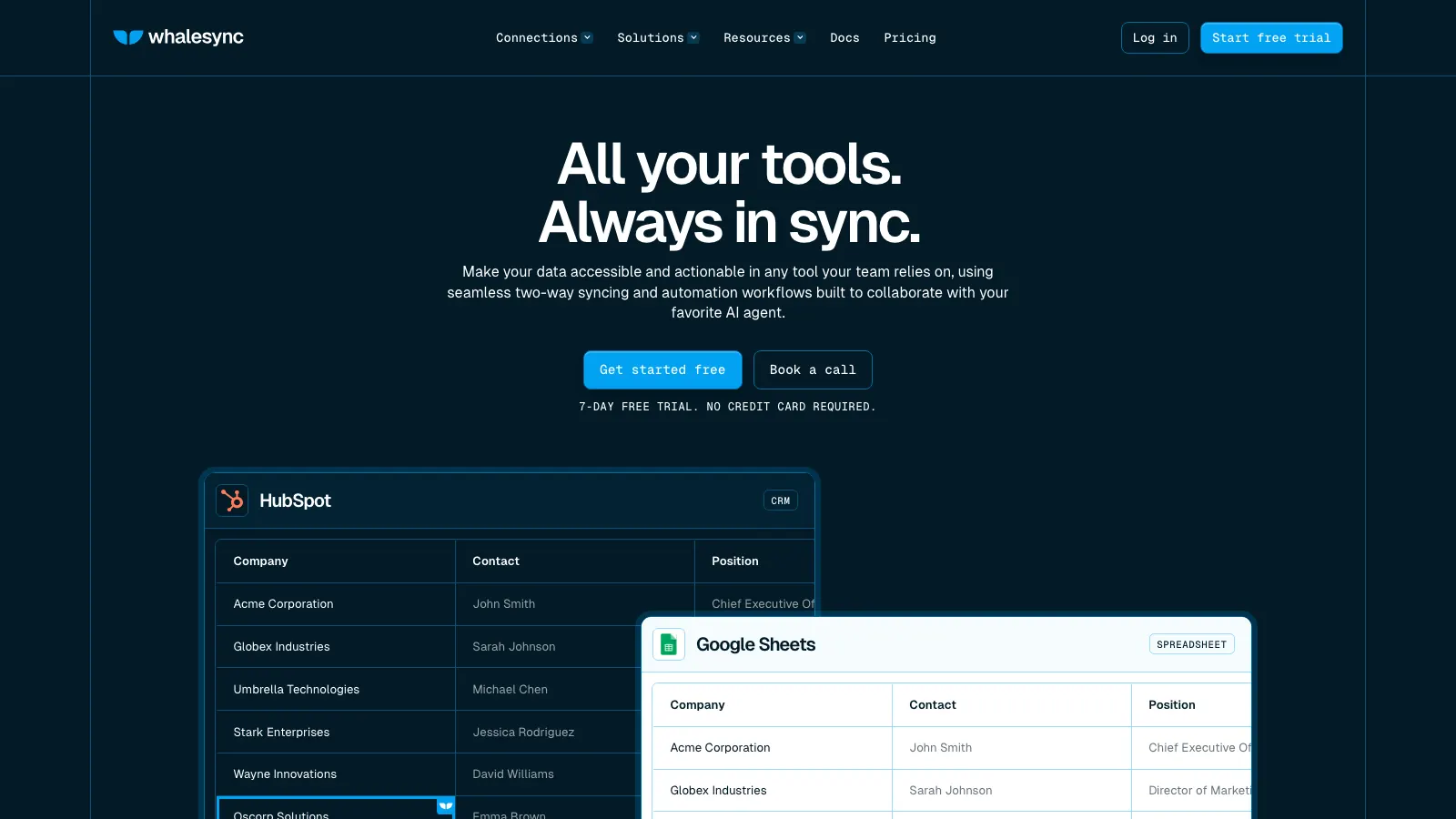
Whalesync keeps data moving in both directions between tools your team already uses, including Airtable, Webflow, Notion and Google Sheets. That matters when an editor changes a CMS entry after it was created in a spreadsheet, or when an operations colleague updates a CRM record that also feeds another system. One connected copy is not enough in those situations, because each team needs its own working surface without creating a stale second version.
The product is especially useful for a content operation that manages a catalog, event listing, inventory, blog queue, or programmatic pages in a flexible table and publishes them in a CMS. Whalesync says you choose the apps, map tables and fields, then turn on syncing. A change in one tool can then update the other, which makes it a practical content-engineering layer rather than another editorial workspace.
The decision comes down to whether both ends must remain editable. If they do, Whalesync's two-way model is a better fit than a one-time export. If they do not, you may be paying for control your workflow does not need.
Who benefits most from implementing Whalesync?
CMS content teams
Keep spreadsheet-managed content and CMS records aligned while editors work in either system.
Revenue operations teams
Share CRM records with another tool without asking everyone to change their workspace.
No-code builders
Map data between business apps without writing the integration code themselves.
Teams using AI agents
Use documented MCP and API options around approved, synchronized data in connected tools.
Whalesync is not the natural first purchase for a writer choosing a content brief or an SEO team measuring search visibility. It becomes valuable when the work already exists in separate systems and the risk is an out-of-date record, missing formatting, or a manually maintained copy.
What synchronization and data-mapping features does Whalesync provide?
Live two-way record sync
Whalesync offers two-way sync with real-time updates. The distinction is not cosmetic: your team can update a record in either connected app, which is the reason to consider it for an active CMS, spreadsheet, CRM, or database workflow rather than a read-only reporting job.
Field mapping for a real workflow
Each sync can cover as many tables and fields as you map, then run until you pause it. The docs also list filters, record matching, selective row-level sync, sync preview and a delay before syncing. Those controls are useful when not every record belongs in the destination, or when a team needs to review what will move before making the connection live.
Issues and monitoring
Whalesync includes automated monitoring, and its Issues page flags records that cannot sync, such as one missing a required field. It continues syncing records that do not have an error. That gives an operations owner a place to resolve the exception rather than treating a broken record as a reason to stop the entire connection.
Live Export
Live Export creates a read-only copy in another tool and keeps it current. It is included on every plan, which gives a team a lower-risk way to distribute approved data for a report, backup, or an AI agent without making the destination another editing surface.
API and MCP documentation
Whalesync's documentation includes an API, an MCP server, client setup, an agent quickstart and API reference. The public pricing comparison does not say which plan includes each of those options, so confirm the entitlement for your intended plan before making an agent workflow dependent on it.
How does Whalesync price record volumes and sync frequencies?
Price checked 27 Nov 2026
These published prices use annual billing. Whalesync says annual plans save 20%, are billed once a year up front, and cannot move to monthly billing until that year ends.
| Plan detail | Starter$16/mo | Plus$32/mo | Pro$160/mo |
|---|---|---|---|
| Annual bill | $192 | $384 | $1,920 |
| Records in sync, shown by default | 2,000 | 2,000 | 2,000 |
| Active syncs | Unlimited | Unlimited | Unlimited |
| Two-way sync | ✓ | ✓ | ✓ |
| Real-time updates | ✓ | ✓ | ✓ |
| Support | Email and chat | Priority support |
Whalesync prices in US dollars on annual billing, 27 Nov 2026.Whalesync pricing
Starter covers connectors such as Airtable, Google Sheets, Notion, Webflow, WordPress, Supabase and Postgres. Plus adds connectors including HubSpot, Attio, Close, Copper, Jira, Klaviyo, Pipedrive, Zendesk and Zoho CRM. Pro adds all two-way connectors, including Affinity and Salesforce.
- Every plan begins with a seven-day trial and no card is required
- Unlimited mappings and row changes are included on every plan
- Whalesync lists higher record choices of 5,000, 10,000 and 20,000 on Pro
- More than 20,000 records requires a demo conversation
Starter is published at $192 billed yearly, while Plus is published at $384 billed yearly. Whalesync's public pricing does not specify seat allowances or additional-user charges. Confirm two-person access and any extra-user cost before treating either published plan price as the complete bill for a two-person operation.
How does Whalesync handle high-volume enterprise synchronization?
Whalesync does not present a separate Enterprise plan in its public pricing table. It directs teams with more than 20,000 records to book a demo, while Pro lists security assessment and a custom agreement. Treat that conversation as necessary once your record volume crosses the published choices, rather than assuming the $160 plan covers every larger implementation.
Where does Whalesync fall short for long-term evaluation?
Whalesync limits initial evaluation through a short seven-day trial rather than offering a permanent free tier. You can start without a card, but syncing pauses when the seven days end until you select a plan. That makes it a clean way to validate a connection, not a permanent free route for a small internal workflow.
Second, connector choice shapes the price quickly. Starter has a useful set of CMS, spreadsheet and database connectors, but teams that need HubSpot, Pipedrive, Jira, Zendesk, or Zoho CRM start at Plus. Salesforce and Affinity are listed under Pro. Decide on the exact two tools first, then price the tier, rather than starting from the lowest number.
Finally, the agent documentation is encouraging but incomplete as a buying signal. Whalesync publishes API and MCP material, yet the pricing table does not assign those options to a plan. Ask for that answer in writing if a synchronized source is intended to feed an AI agent.
What are the top alternatives to Whalesync for data integration?
 AI Peekaboo review should come first when your job is measuring how AI answers mention a brand, then sending that data to an API, MCP client, or Looker Studio. Its plans start at $30 a month, checked 27 Nov 2026, while Whalesync is the better match when the difficult part is keeping your own operating data aligned across systems.
 Wordlift review is relevant when an automated RDF-based knowledge graph or product catalog enrichment with structured data is the job, rather than synchronizing records between tools.
 AirOps review is relevant when you are evaluating a plan with single-user access, ChatGPT Insights Only, and 35,000 tasks for content production, rather than the data connection underneath it.
What is the final verdict on Whalesync for multi-app syncing?
Whalesync provides a reliable solution when real-time edits to identical records must propagate seamlessly between connected platforms. Real-time two-way sync, mapping controls and an Issues page address that narrow problem directly, while the entry price stays understandable for a standard content stack.
Do not buy it just because a spreadsheet is involved. The useful test is whether an edit in either system needs to reach the other. If the answer is no, Live Export or a simpler handoff may be enough.
Start with the seven-day trial on the exact two tools your team uses, map the smallest useful record set, and choose Starter only if both sides truly need to remain editable after the trial.
How was this Whalesync review researched and audited?
Whalesync pricing tiers, synchronization quotas, and technical documentation were verified on 27 Nov 2026. Prices are in US dollars on annual billing, and every figure follows how we check figures.
- Whalesync home page for sync, workflow and Live Export descriptions
- Whalesync pricing page for annual plans, connector tiers, records and trial terms
- Whalesync documentation for sync controls, API and MCP materials
What are the most common questions asked about Whalesync?
Does Whalesync sync data both ways?
Yes. Whalesync lists two-way sync and real-time updates on Starter, Plus and Pro. Its pricing FAQ says a change in one connected tool can appear in the other, and vice versa.
How much does Whalesync cost?
On annual billing, Starter is $16 a month, Plus is $32 a month, and Pro is $160 a month. The corresponding annual bills are $192, $384 and $1,920.
Is there a free Whalesync plan?
No permanent free plan is published. Every plan begins with a seven-day free trial with no card required, then syncing pauses until you choose a plan.
Can Whalesync work with AI agents?
Whalesync documents an API, MCP server, client setup and an agent quickstart. Confirm plan availability before you build a workflow that depends on them.
 Reviewed byDanny Kirk
Founder of ReddiReach.
 Checked byAndrés Felipe
Digital designer and marketer.
Every figure is checked against the vendor's own page. Read our editorial standards.