
Key Takeaways
- Zoho Projects provides small delivery teams and agencies with integrated project plans, billable time tracking, budgets, and client invoicing inside a single shared platform.
- Zoho Projects offers a permanent free tier supporting up to five users, while the Premium plan begins at four euros per user monthly when billed annually.
- Zoho Projects includes documented REST APIs alongside a dedicated Model Context Protocol server across every subscription plan to enable natural language autonomous agent operations.
- Zoho Projects reserves advanced governance features including enterprise single sign-on, portfolio dashboards, and critical-path scheduling for the Enterprise tier at nine euros monthly per user.
Zoho Projects is the practical pick for a small delivery team that needs project plans, billable time and budgets without an expensive starting bill. Choose another system if your work depends on portfolio controls or critical-path planning from the outset, because those arrive on Enterprise at €9 per user a month on annual billing. If you are still narrowing the kind of work software you need, the marketing tools directory gives useful context.
Agent access
- API
- Yes
- MCP server
- Official, hosted, OAuth
- Works with
 Claude
 ChatGPT
 Gemini
 Cursor
 VS Code
- Automation
- Zapier
What are the main Zoho Projects pros and cons?
What works
- Free plan for up to five users, with three projects and 5 GB of storage
- Premium adds unlimited projects, time logs, timesheets and project budgets for €4 per user per month, billed annually
- Zoho documents a REST API, and lists the Zoho MCP Server on every plan
What to watch
- Free has three projects and 50 workflow-action executions each month
- SSO, critical path and baseline start on Enterprise
- Resources are an Enterprise add-on, while local taxes sit outside the listed prices
What does Zoho Projects do for your team?
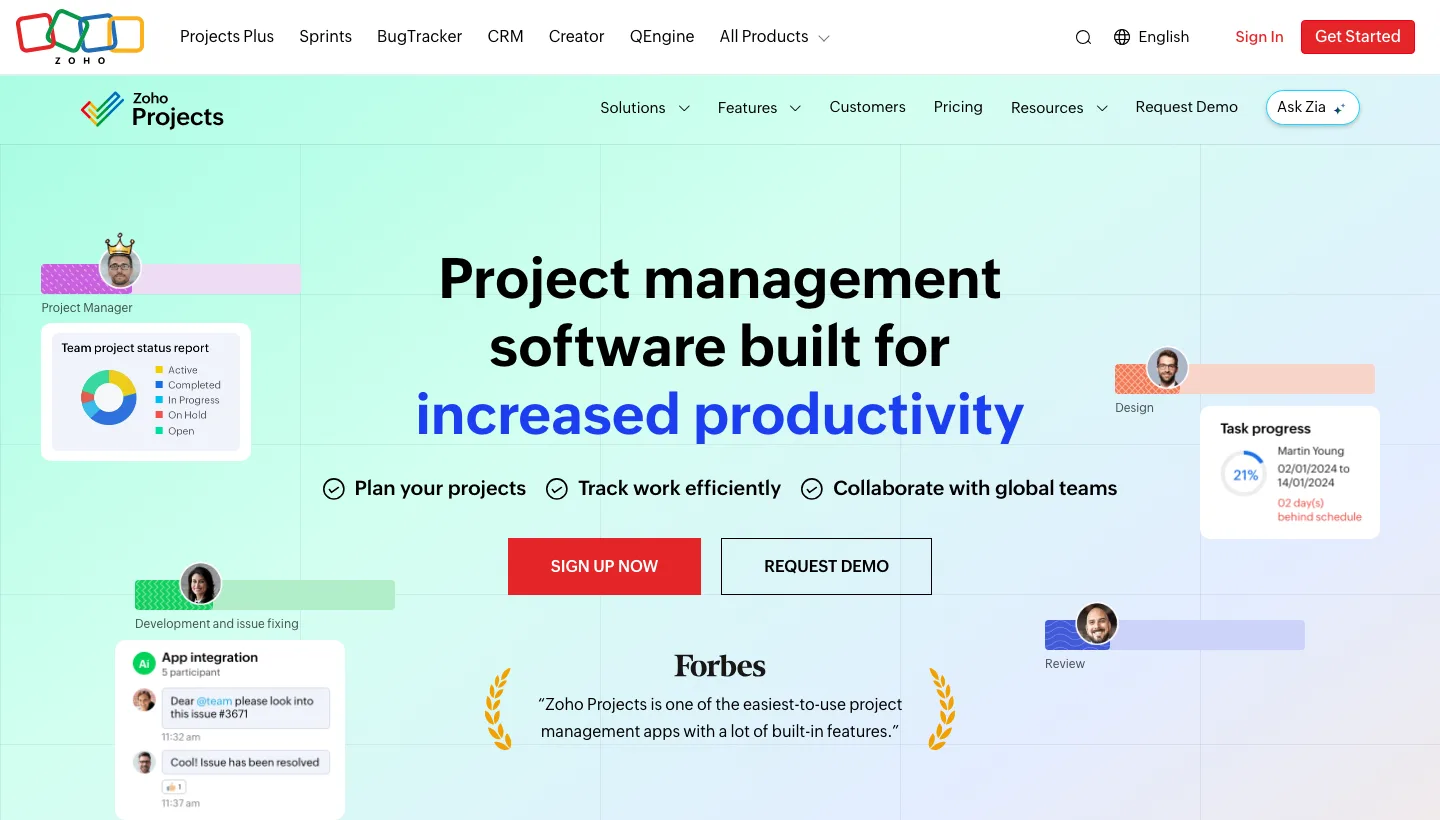
Zoho Projects makes the strongest case when a project is also a delivery record. It keeps task assignment, schedules, time logs and cost control in the same project, giving a small agency or service team a cleaner line from planned work to the hours and budget behind it.
The product covers planning, task tracking, collaboration and reporting. Gantt charts show a schedule and dependencies, while time tracking handles billable and non-billable hours. Project budgets compare planned and actual cost, and Zoho Invoice can turn time logs into invoices.
Its value comes from deciding how you want projects to run. Templates, statuses, custom modules and workflow actions shape the process, but a team that only wants shared tasks may not need that surface area. For an agency already managing work, hours and client costs, Premium is the point where the product earns its place.
Who is Zoho Projects best suited for?
Small delivery teams
Start free for five users, then remove Premium's three-project ceiling as work expands.
Agencies billing time
Paid plans combine time logs, timesheets, budgets and invoicing for client work.
Zoho-based operations
Connect project delivery with Zoho CRM, Books, Invoice, Sprints, Desk and Analytics.
Teams automating routine work
Premium supports tailored views, statuses, modules and task blueprints for repeatable workflows.
Zoho Projects is less attractive when governance is the immediate priority. Enterprise, not Premium, adds SSO, the portfolio dashboard, critical path and baseline. If those controls are part of day-one requirements, price the higher tier before treating Premium as the answer.
Which core features does Zoho Projects offer?
Plans, dependencies and schedule control
Gantt charts let a team map a project plan, follow the task schedule and visualize dependencies. Enterprise and Ultimate add critical path and baseline, making those plans the threshold for a delivery lead who must identify schedule-critical work or compare progress with the original plan.
Time logs, budgets and billing
Premium lists time logs and timesheets, multi-level timesheet approvals, project budget and EVM. Time can be entered manually or through timers, with billable status recorded alongside the work. The Zoho Books and Invoice integration can create invoices from time logs and record expenses, which makes the product particularly relevant to teams that must account for the labor behind each deliverable.
Automation that has usable ceilings
The plan limits make a clear distinction between a trial workspace and an operating system. Free has 50 workflow-action executions each month. Premium moves to 5,000, Enterprise to 50,000 and Ultimate to 500,000. Premium adds tailored views, workflow statuses, project modules and task blueprints. That is the package to choose when repeatable handoffs need more than a shared checklist.
Zia, API and MCP access
Zoho lists smart AI capabilities with Zia from Premium, including Zia Insights, Search, Translate and the Ask Zia bot. Its Zoho MCP Server is listed on Free and carried into the paid plans; Zoho says it lets AI models understand project data and act on natural-language instructions. The documented REST API supports pushing and pulling data, but the older API is marked for deprecation, so a new integration should use V3 rather than build against the retiring version.
Connections around the project
Zoho Projects connects to other Zoho business applications, and its integrations include Slack, GitHub and Zapier. Zoho says the Zapier connection reaches more than 2,000 apps. Those connections matter most when project status has to reach the systems where clients, finance and product work already live, rather than becoming another dashboard someone has to remember to check.
How much does Zoho Projects cost across plans?
Price checked 27 Nov 2026
| Plan detail | Free€0 | Premium€4/user/mo | Enterprise€9/user/mo | Ultimate€14/user/mo |
|---|---|---|---|---|
| Billing shown | Free | Annual | Annual | Annual |
| Projects | 3 | Unlimited | Unlimited | Unlimited |
| Storage | 5 GB | 100 GB | 120 GB | Starts at 150 GB per organization |
| Workflow actions monthly | 50 | 5,000 | 50,000 | 500,000 |
| Timesheets and budgets | ✕ | ✓ | ✓ | ✓ |
| SSO and critical path | ✕ | ✕ | ✓ | ✓ |
| Zoho MCP Server | ✓ | ✓ | ✓ | ✓ |
Zoho Projects prices in euros, 27 Nov 2026.Zoho Projects pricing
A real five-person Premium team costs €20 a month on annual billing, before local taxes. The same team costs €25 a month on monthly billing, because Premium is €5 per user each month without annual billing. That €5 difference per team is modest, but it confirms that the annual figure is worth using only after the workflow has proved itself.
- Paid plans include a 15-day trial, and Zoho does not ask for card details
- Enterprise adds 10 read-only users, while Ultimate lists 100
- Enterprise lists Resources as an add-on; Ultimate includes 100 resources
- Zoho states that local taxes, including VAT and GST, are charged in addition to the displayed prices
When does Zoho Projects Enterprise justify the higher price?
Zoho Projects Enterprise is the point where the software becomes a governed planning system rather than a value-led team workspace. At €9 per user a month on annual billing, it adds SSO, two-factor authentication, a portfolio dashboard, critical path, baseline and 10 read-only users. Those are practical upgrade reasons, not features most small teams need on day one.
Enterprise lists Resources as an add-on. Ultimate moves to €14 per user monthly on annual billing, includes Enterprise features and lists 100 resources. Choose it only when capacity and resource assignment are central to managing work.
Where does Zoho Projects fall short for teams?
Zoho Projects offers a genuine free plan to start, but it remains a bounded workspace rather than an unrestricted small-team plan. Three projects and 50 workflow actions a month can cover a proof of concept or a narrow stream of work, yet a busy agency will meet both limits quickly. Premium is the real entry point for a team that needs unlimited projects and recorded time.
The other boundary is planning depth. Critical path, baseline, SSO and portfolio management sit on Enterprise, so an operations team that needs them cannot solve the problem by adding a small Premium feature. Resources also remain an Enterprise add-on, making the final cost less straightforward for a team trying to manage capacity.
Finally, technical teams should be deliberate about the API version. Zoho says the older REST API will be deprecated soon and identifies V3 as the newer route. The MCP server is broadly listed, which is useful, but a production integration should still be designed around the current API rather than the legacy one.
What are the top Zoho Projects alternatives?
Zoho Projects is strongest where time, budget and project execution need to stay close together at a low per-user price. The Adobe Workfront review is the better next read when intake, resource decisions, approvals and governance have become the work itself, and a quoted enterprise platform is acceptable. Workfront Planning and Fusion are sold as add-ons, so its configuration deserves a deliberate budget conversation.
The Asana review suits a team that needs project views, forms and owned work in a more focused work-management structure. Asana Starter begins at €10.99 per user a month on annual billing, while its goals, portfolios and approvals begin on Advanced. That is a better route when those cross-project controls matter more than Zoho Projects' lower entry price and time-tracking focus.
What is the final Zoho Projects verdict?
Zoho Projects represents a strong value decision for small delivery teams: free for a limited five-user setup, then €4 per user per month billed annually for unlimited projects, time tracking, and budgets. Its advantage is that schedules, billable time, costs, workflow automation and integrations can share the same project record.
Premium works when the job is running projects and tracking the work inside them. Enterprise is necessary when identity controls, portfolio management and critical-path planning are central. Do not expect Premium to cover a governed operations rollout.
Use the 15-day Premium trial to run a real client or internal project through its schedule, timesheets and budget. If the team needs SSO, portfolio reporting or critical path, price Enterprise before committing. Add Resources to the estimate only when resource management is also required.
How was this Zoho Projects review evaluated?
Zoho Projects prices, plan limits, and product capabilities were checked against official pricing, feature, API, integration, Gantt, and time-tracking pages on 27 Nov 2026. Prices are in euros as Zoho displayed them, and the approach follows how we check figures.
- Zoho Projects pricing and monthly-billing pages
- Zoho Projects feature, Gantt and time-tracking pages
- Zoho Projects API and integrations pages
What are the most common Zoho Projects questions?
Is Zoho Projects free?
Yes. Free supports up to five users and includes three projects, subtasks, a whiteboard, 5 GB of storage and 50 workflow-action executions each month.
How much does Zoho Projects cost for a team?
Premium costs €4, while annual billing puts Enterprise at €9 and Ultimate at €14 for each user per month. A five-person Premium team costs €20 a month before local taxes.
Does Zoho Projects support time tracking and invoicing?
Yes, on paid plans from Premium. Zoho lists time logs, timesheets, multi-level approvals and project budgets, and says its Zoho Invoice integration can create invoices from time logs.
Can an AI agent connect to Zoho Projects?
Zoho documents a REST API and lists the Zoho MCP Server across the plans. For a new API integration, use the newer V3 route because the older REST API is marked for deprecation.
 Reviewed byDanny Kirk
Founder of ReddiReach.
 Checked byAndrés Felipe
Digital designer and marketer.
Every figure is checked against the vendor's own page. Read our editorial standards.