
Key Takeaways
- Bitrix24 unites customer relationship management, project delivery, team chat, calls, websites, and HR workflows under a shared operational workspace.
- Bitrix24 offers a permanent free tier for unlimited users alongside paid Vibe+ editions starting at €59 monthly per company.
- Bitrix24 supports AI workflow builders, autonomous agents, custom chatbots, unlimited Market apps, and an extensive REST API on paid plans.
- Bitrix24 is not recommended for small sales teams seeking a lightweight, dedicated deal pipeline free from broader administrative suite complexity.
If you need sales, delivery and customer conversations in one workspace, Bitrix24 is a strong fit with flat organization pricing. A marketing tools directory can help when you need to compare that wider workspace with a focused CRM. Choose a more focused CRM if your team only needs to manage deals, because Bitrix24's paid plans also bring projects, chat, calls, websites and HR tools into the decision.
Agent access
- API
- Yes, For ongoing cloud access, paid Vibe+ from Basic Vibe+; paid legacy subscriptions retain API access through 30 Nov 2026, and annual plans purchased or renewed before 1 Sep 2026 retain it until the paid term ends
- MCP server
- Official, hosted, OAuth or connection token
- Works with
 ChatGPT
 Cursor
 n8n
- Automation
- Zapier, n8n
What are the primary pros and cons of Bitrix24?
What works
- Free plan for unlimited users, with no time limit
- Flat organization price within each plan's user cap
- CRM, projects, chat, calls and e-signature in one product
What to watch
- Telephony and Market apps require a paid plan
- Vibe+ annual launch prices do not apply to renewals
- Basic Vibe+ has a five-user cap
How does Bitrix24 streamline company operations and sales?
Bitrix24 gives you a free CRM, then treats sales as part of a larger company workspace. Leads, deals, contacts, companies, estimates, invoices and online payments sit alongside tasks, project views, chat, video calls, documents and sites. That makes it a credible stop on a marketing tools directory search when your real problem is fragmented work, not just a missing pipeline.
The practical appeal is its pricing shape. The free account can have unlimited users for as long as you need it. Paid plans charge one organization fee and set a user allowance, so adding the third, fourth or fifth teammate does not change the bill if you stay within that allowance. Basic Vibe+ begins at five users, Standard at 50, Professional at 100 and Enterprise at 250.
That is a better trade than per-seat CRM pricing for a company that genuinely wants one shared system. It is less compelling when only a small sales group will use the product, because you would be taking on a far wider workspace than that group needs.
Who gets the most value from using Bitrix24?
Growing service businesses
Keep leads, client conversations, tasks and internal communication together as your team grows.
Teams replacing subscriptions
Choose flat organization pricing when separate CRM, project, chat and website tools become costly.
Operations-heavy sales teams
Link deal pipelines to delivery, documents and staff coordination without stitching several systems together.
Large controlled deployments
Choose Enterprise or on-premise when central management, permissions and self-hosting are required.
The free plan is a sensible place for a team that needs core CRM and collaboration without committing a budget. A company with more than five users should not mistake Basic for an unlimited flat rate, though. Pick the plan by its user cap first, then by the tools that change your sales process.
Which collaboration and CRM tools are included in Bitrix24?
CRM, payments and sales automation
The CRM records leads, deals, contacts and companies, then extends into estimates, invoices, online payments, a product catalog, inventory management and e-signature. It can send clients automated notifications by SMS or email, move leads or deals through the pipeline with triggers, and notify sales representatives based on lead or deal status. Professional adds sales automation, call tracking, email marketing and ad automation, which makes it the first tier for a team that needs the CRM to run repeatable sales work rather than store it.
One contact center for incoming conversations
Web forms, widgets, live chat, social messages, messengers, telephony and email can feed the Contact Center, where Bitrix24 turns the message into a CRM lead. Basic Vibe+ lists email, WhatsApp and telephony integrations, while Standard adds WhatsApp marketing. That concentration is valuable when sales staff lose context switching among inboxes, but telephony is not part of the free plan.
Tasks, projects and team communication
Bitrix24 offers Kanban, Gantt and Scrum views for work, along with chat and video calls. Storage rises from 24 GB on Basic to 100 GB on Standard, 1 TB on Professional and 3 TB on Enterprise. Professional also adds task time tracking, task automation, RPA and HR management tools. Those are meaningful additions for a company tying delivery to sales, rather than for a sales team that only needs follow-up reminders.
CoPilot and the Vibe+ AI tools
Its free CoPilot can create marketing text, generate ideas, transcribe phone calls and autocomplete fields in a lead or deal. Standard Vibe+ and higher add AI voice to task, an AI chat assistant and AI meeting follow-up, while Standard and higher list unlimited AI in Bitrix24. Professional then adds AI repeated sales and AI automation agents. I would treat those features as workflow helpers, not the reason to buy the CRM, because the plan structure and core sales process should make sense before the AI layer does.
API, Market and Vibecode
Paid Vibe+ plans list unlimited Market apps and the REST API. The Market shows more than 850 apps, and Vibecode lets a business user describe an app, agent, chatbot or other business tool in a chat with AI, with hosting included. That gives a technical or operations team room to extend the workspace. Market apps require a paid plan, while free-plan REST API availability is not confirmed.
How does Bitrix24 price its workspace plans?
Price checked 27 Nov 2026
| Plan detail | Free€0 | Basic Vibe+€89/mo | Standard Vibe+€199/mo | Professional Vibe+€399/mo | Enterprise Vibe+€799/mo |
|---|---|---|---|---|---|
| Annual offer | Free forever | €59/mo | €120/mo | €240/mo | €480/mo |
| Users included | Unlimited | 5 | 50 | 100 | 250 |
| Storage | Not listed | 24 GB | 100 GB | 1 TB | 3 TB |
| REST API and Market apps | Not confirmed | ✓ | ✓ | ✓ | ✓ |
| Unlimited AI | Not confirmed | Not listed | ✓ | ✓ | ✓ |
| Sales automation | Not confirmed | ✕ | ✕ | ✓ | ✓ |
Bitrix24 prices in euros, 27 Nov 2026.Bitrix24 pricing
The annual figures are a Vibe+ Launch Offer for 12-month subscriptions, valid from September 1 to December 10, 2026. Bitrix24 says future renewals are billed at regular prices, so do not use the discounted annual figure as a permanent budget assumption.
For a 50-person organization, Standard is the relevant tier at €199 monthly or €120 monthly on the stated annual offer. That is one bill for up to 50 users, not a €199 charge for each person. For a six-person team, Basic is not enough, which makes Standard the actual starting plan even if only a handful of people need advanced features.
When should organizations upgrade to Bitrix24 Enterprise?
Bitrix24 transitions from a departmental collaboration workspace into a centrally governed corporate infrastructure through its Enterprise Vibe+ tier. It includes 250 users, with options shown up to 10,000, plus 3 TB of storage, unlimited branch accounts, centralized management, encryption at rest, multi-level permissions, Active Directory integration and priority support. It is the right cloud tier when one organization needs to coordinate many people or branches, not merely a larger CRM database.
The on-premise edition is a separate path for organizations that need Bitrix24 on their own server. Bitrix24 says that edition includes full access to the source code and API. Its own features and prices are separate, so get an on-premise quote rather than assuming the cloud plan table applies.
What limitations exist within the Bitrix24 platform?
Bitrix24 presents overwhelming functional scope as the primary reason prospective buyers hesitate. Bitrix24 is deliberately designed to cover sales, work management and internal communication in one place. That can remove integration work, but it also asks your team to make decisions about far more than a pipeline. If your success depends on fast adoption of a clean sales process, a dedicated CRM deserves a closer look.
The free plan is generous, but it is not a free version of every paid capability. Telephony and Bitrix24 Market apps sit behind paid plans, and paid Vibe+ plans list the REST API. Free-plan REST API availability is not confirmed. A team that needs Market apps should price Basic or above from the start.
Finally, read the user allowances literally. Flat pricing protects you from a rising bill within a plan, but it does not erase plan caps. Basic has five users, Standard 50 and Professional 100. Growth past a cap requires a higher organization plan, so revisit the plan before a hiring wave rather than after it.
What are the top CRM alternatives to Bitrix24?
Bitrix24 is best compared with a CRM that asks less of your organization. Read the  Capsule CRM review to compare its Free plan's one sales pipeline with Growth's five, then use the
 Close review to weigh a CRM that combines calling, email, SMS and AI, while keeping calling and SMS usage fees outside plan costs. The right alternative is the one whose scope matches the work you will actually put into it.
Should your company adopt Bitrix24?
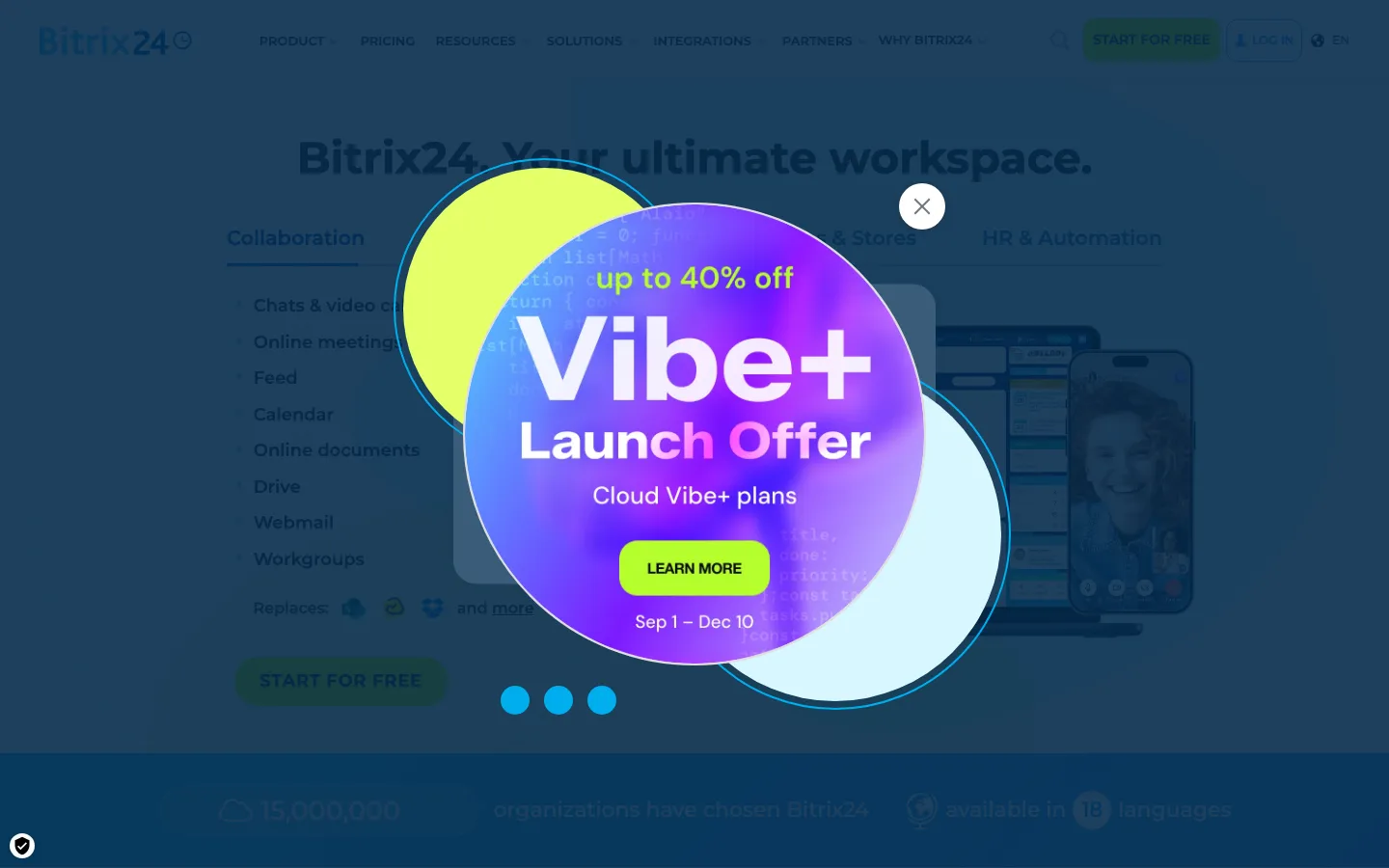
Bitrix24 delivers compelling unified value for organizations wanting sales execution, client delivery, and internal communications under a single roof. The free plan and flat organization pricing make the value case unusually strong, while the paid Vibe+ plans give a growing company automation, API access and room to build on the system. The tradeoff is real: you should only take on this breadth when your sales, delivery and communication work benefit from sharing a home.
Start with the free plan and map one real lead-to-delivery workflow. If paid tools are necessary, select the smallest Vibe+ plan that covers your whole team's user count, confirm the renewal price, and use the 15-day trial before committing to the annual term.
How were the Bitrix24 specifications verified?
Bitrix24 commercial pages, CRM specifications, and Market listings supplied the limits and capabilities reviewed on 27 Nov 2026. Prices are shown in euros as Bitrix24 displayed them, and the figures follow how we check figures.
- Bitrix24 product and CRM pages
- Bitrix24 Market and Vibe+ pricing pages
- Bitrix24 pricing FAQ
What are the most frequent questions about Bitrix24?
Is Bitrix24 free forever?
Yes. Bitrix24 says the free plan allows unlimited users to use the available tools free of charge for as long as they wish. Telephony and Market apps are paid-plan features.
How does Bitrix24 charge for users?
Each paid plan has a fixed organization price and a user limit. You can add people within that limit without a higher monthly charge, but Basic includes five users, Standard 50, Professional 100 and Enterprise 250.
Does Bitrix24 have an API?
Paid Vibe+ plans list the REST API and unlimited Market apps. Market apps require a paid plan, while free-plan REST API availability is not confirmed.
Can I try Bitrix24's paid features?
Yes. Bitrix24 offers a free 15-day trial for most high-tier features, and says no credit card is required.
Can Bitrix24 be hosted on my own server?
Yes. Bitrix24 offers an on-premise edition designed for your own server, with full access to the source code and API. It has separate features and pricing.
 Reviewed byDanny Kirk
Founder of ReddiReach.
 Checked byAndrés Felipe
Digital designer and marketer.
Every figure is checked against the vendor's own page. Read our editorial standards.