
Key Takeaways
- Botpress enables support teams to build autonomous agents capable of performing complex transactional actions and escalating to humans with full context.
- Botpress provides a free tier covering 100 conversations while Plus costs $150 monthly on annual billing for 250 conversations.
- Botpress Studio provides visual builder canvases, autonomous agents, knowledge integrations, database tables, and custom JavaScript execution environments.
- Botpress introduces financial budgeting risk for support leaders due to automatic conversation pack overages and rigid baseline seat caps.
Botpress is the customer support platform to choose when your agent needs to update an account, correct an order, or hand a difficult case to a person with its context intact. Skip it if your support team needs predictable fixed usage, because paid plans can automatically add conversation packs once the included quota is nearly used.
Agent access
- API
- Yes
- MCP server
- Official, local
- Works with
 Claude Code
 Cursor
 VS Code
- Automation
- Zapier
What are the key pros and cons of Botpress?
What works
- Free includes three seats, three AI agents, and 100 conversations
- Agents can take multi-step actions and pass case context to a human
- Team adds routing, role-based access, analytics, and unlimited seats
What to watch
- Paid conversation packs are added automatically at 95% of quota
- Plus includes only three seats, despite unlimited AI agents
- Voice appears only with the custom Enterprise plan
How does Botpress automate customer support interactions?
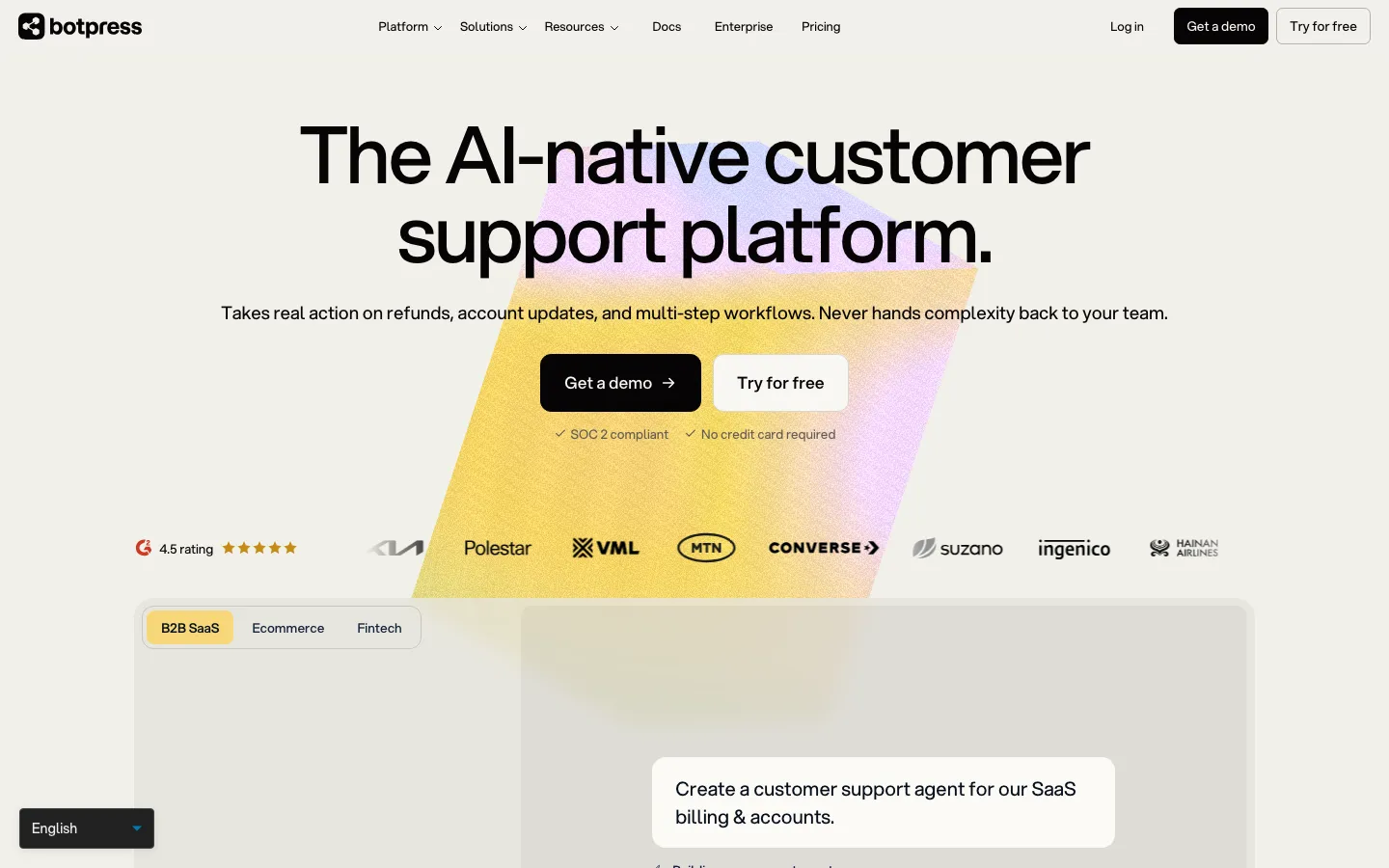
Botpress is an AI-native customer support platform for teams that want an agent to complete a defined step, such as an account update or refund, then bring a person in when judgment is still needed. In a marketing tools directory, its value is the workflow you can safely let the agent carry through, not a chat window alone.
At human handoff, Botpress says the ticket keeps its conversation history, account details, and troubleshooting already attempted. A handoff that repeats the whole problem undoes the convenience of automation.
Botpress can sit on top of an existing helpdesk or operate as Botpress Desk, its standalone helpdesk. Studio, knowledge bases, tables, and the Hub make sense for questions requiring more than a policy document. Decide where the agent may act, where it must escalate, and who owns the knowledge behind its answers.
Which organizations should use Botpress for support?
Support teams with complex cases
Use actions and escalation rules when routine tickets need account context, careful routing, and a human decision.
Small teams proving a workflow
Free gives three people and three agents 100 conversations to establish whether a support journey is worth expanding.
Operations with shared queues
Team fits groups that need unlimited seats, routing, roles, analytics, and collaboration around escalated customer conversations.
Builders connecting business systems
Studio, tables, knowledge, and the integration Hub suit teams assigning clear owners to permissions and ongoing data upkeep.
I would not start with Botpress merely to add a basic answer box to a site. Its better fit is a support operation that has a defined workflow to automate and a person accountable for the exceptions. The free plan gives you a bounded way to establish that fit before paid conversation volume becomes the deciding cost.
What agent-building capabilities does Botpress include?
Build support agents around real workflows
Botpress Studio provides a visual canvas for conversation logic, branching, actions, and integrations, plus a code editor for custom actions and edge cases. It fits a process that begins with a question but needs a lookup, an update, and a decision. Write down the rules before asking an agent to handle a sensitive request.
Put current knowledge behind the answer
Knowledge Bases combine websites, documents, tables, and structured data. Teams can add documents, import websites or FAQs, and connect tables, spreadsheets, and CSVs. The API can manage knowledge-base files. That is a route to current support information, not a replacement for deciding what is approved and when uncertainty requires escalation.
Take action, then hand off cleanly
Botpress describes multi-step workflows for account updates, order corrections, and refunds, with escalation rules, fallback logic, and context passed to support. This is its strongest case over a lighter chat product: it is designed for moments where an agent must act, not only retrieve text. Keep actions narrow at first.
Use the channels and helpdesk that fit your operation
The plan comparison lists webchat and WhatsApp, with white-label webchat on Plus and higher. Botpress can work with an existing helpdesk or as a standalone helpdesk. Voice is shown with Enterprise, not the published Free, Plus, or Team plans.
Give a larger support team controls
Plus is for a solo operator or small group, and includes three seats. Team adds unlimited seats, teams and role-based access, routing and assignment, analytics, and collaboration. Compare Team when those controls matter to the people supervising queues and taking escalations.
Connect information and actions through the Hub
The Botpress Hub publishes integrations for tools and channels, while Studio supports custom integrations and external APIs. Ask whether the connection can read the precise record, authenticate safely, and take only the action you intend. Give one owner responsibility for that answer before an agent gains access to customer data.
How is Botpress pricing structured across tiers?
Price checked 14 Nov 2026
| Plan detail | Free$0 | Plus$150/mo | Team$750/mo | EnterpriseCustom |
|---|---|---|---|---|
| Billing basis | Free | Annual billing | Annual billing | Custom pricing |
| Included conversations | 100 | 250/mo | 1,500/mo | Custom |
| Seats | 3 | 3 | Unlimited | Unlimited |
| AI agents | 3 | Unlimited | Unlimited | Unlimited |
Botpress prices in US dollars, 14 Nov 2026.Botpress pricing
The starting plan for paid support automation is Plus at $150 a month on annual billing, or $189 billed monthly. It includes 250 conversations, three seats, unlimited AI agents, and $25 of AI usage. The same plan is a poor fit for a four-person support operation, whatever the number of agents, because it still has three seats.
Team is $750 a month on annual billing, or $939 monthly. Its 1,500 included conversations, unlimited seats, routing, role-based access, analytics, and collaboration add controls that Plus does not publish. For a five-person team that needs those controls and that allowance, the published bill is $750 a month on annual billing, before overages or storage. That is the relevant team bill, not five copies of Plus.
- Plus adds packs of 100 conversations for $65, or $0.65 per conversation.
- Team adds packs of 100 conversations for $50, or $0.50 per conversation.
- Plus and Team can add storage for $40 a month.
- At 95% of a workspace's AI spend limit, paid plans automatically purchase an additional $10 AI spend credit grant.
The most important cost rule is not the plan price. At 95% of a paid conversation quota, Botpress automatically adds a 100-conversation pack. You cannot turn off that auto-recharge without pausing conversations entirely. Those packs persist until you remove them in billing settings, while unused conversations in a pack expire at month end. Treat the published allowance as the base bill, then budget the peak month separately.
What additional options does Botpress Enterprise provide?
Botpress Enterprise tailors contract pricing and conversation volumes specifically to high-throughput organizational deployments. It adds dedicated support, an uptime SLA, a security review, custom storage, and the voice channel. It is for an operation whose requirements exceed Team, not a shortcut around clear escalation rules.
The operational requirement should lead that conversation rather than a guessed monthly total.
What limitations should teams expect with Botpress?
Botpress masks potential billing volatility behind entry-level plan structures that escalate with automatic conversation overages. Botpress measures both conversations and AI usage, and the two units do different jobs. A conversation counts when an exchange has at least two end-user messages in the billing month. One spanning two months counts in both months, and anonymous sessions count separately.
Automatic conversation packs are the sharper limitation. Botpress warns you at 75% and 100% of quota, but adds a pack at 95% and does not offer a setting to turn that recharge off. That keeps support live, but puts the burden on the team to monitor volume before the threshold.
Free has hard storage limits and no storage add-on, while Plus and Team can expand storage for $40 a month. Plus also limits the workspace to three seats. The real choice is often whether $150 Plus proves the workflow or the operation already requires $750 Team controls.
What are the top alternative platforms to Botpress?
Botpress alternatives should be evaluated against specific customer service workflows rather than generic conversational platform classifications. If you want no-code data-source connections and guardrails for a customer-facing agent, read our Chatbase review. If your priority is an open-source support platform with a shared inbox, live chat, and a help center, the  Chatwoot review is the more useful next comparison. Botpress remains the stronger fit when multi-step actions, a visual agent builder, and a complete escalation context are central to the work.
Should your company adopt Botpress for support?
Botpress is a good choice for a support team that has outgrown a static answer bot and can define the actions an agent is allowed to take. Its combination of visual workflows, knowledge, data, and human handoff gives it a clear role in complex support. Free is useful for proving one narrow workflow; Team is where the controls become credible for a busy multi-person operation.
The trade-off is cost control. Conversation volume, AI usage, storage, and automatic packs all matter. If your team cannot actively monitor those thresholds, choose a setup with a billing model that creates fewer surprises.
Begin with one low-risk support journey on Free, including the exact point where a human takes over. Move to Plus only when 250 monthly conversations and three seats match your operating reality, then use Team when routing, roles, and shared queue ownership are requirements rather than nice-to-haves.
How was this Botpress evaluation conducted?
Botpress documentation, Studio development guides, knowledge bases, and billing tables supplied the facts verified on 14 Nov 2026. Prices are in US dollars as Botpress displays them, and every figure follows the rules in how we check figures.
- Botpress pricing page
- Botpress customer support platform and Studio pages
- Botpress knowledge base and integration Hub pages
What are the most frequent questions concerning Botpress?
Is Botpress free?
Yes. Free includes 100 conversations, three seats, and three AI agents, with no top-ups or overages.
What counts as a Botpress conversation?
An exchange with at least two end-user messages in the billing month counts as a conversation. One spanning two months counts in both months, and anonymous sessions count separately.
What happens at the Botpress conversation limit?
At 95% of a paid quota, Botpress automatically adds a pack of 100 conversations. The packs remain until removed in billing settings, while unused conversations in a pack expire at month end.
Can Botpress work with an existing helpdesk?
Yes. Botpress says it can work on top of an existing helpdesk or operate as a standalone helpdesk through Botpress Desk.
 Reviewed byDanny Kirk
Founder of ReddiReach.
 Checked byAndrés Felipe
Digital designer and marketer.
Every figure is checked against the vendor's own page. Read our editorial standards.