Key Takeaways
- Chatbase turns approved customer support documents into autonomous conversational bots capable of executing actions and transferring context to human agents.
- Chatbase charges $150 monthly on annual billing for Basic, granting three team seats, one agent, and 4,000 message credits.
- Chatbase includes API access and custom workflow triggers across all paid tiers, enabling automated systems to execute external business logic.
- Chatbase imposes usage-based message credit limits and a $25 monthly fee for each additional bot, making flat-rate alternatives preferable for high-volume support.
If you own support knowledge and need an agent that can answer, act, and transfer context to a person, Chatbase deserves a close look. Its message-credit model suits teams that can budget usage, but it is a poor match if a fixed conversation cost matters more than flexible workflows.
Agent access
- API
- Yes, Basic Plan or higher
- MCP server
- Official, hosted, OAuth 2.1
- Works with
 ClaudeClaude Code
 ChatGPT
 Cursor
 VS Code
- Automation
- Zapier, Make
What are the primary advantages and trade-offs of Chatbase?
What works
- Approved knowledge can ground replies before a human handoff
- Actions can look up orders, update records, and create tickets
- Chat, email, and voice support several customer contact paths
What to watch
- Actions can use multiple model requests in one response
- Basic and Business include only one agent each
- Advanced analytics start on the Business plan
How does Chatbase transform documentation into customer-facing support agents?
Chatbase turns your approved material into a customer-facing agent for support, sales, and product guidance. It works across chat, email, and voice, and it can send the conversation, context, and customer details to a person when automation reaches its limit. That makes it a more involved option than a simple website widget, and a sensible entry in a marketing tools directory only when someone on your team owns the knowledge behind it.
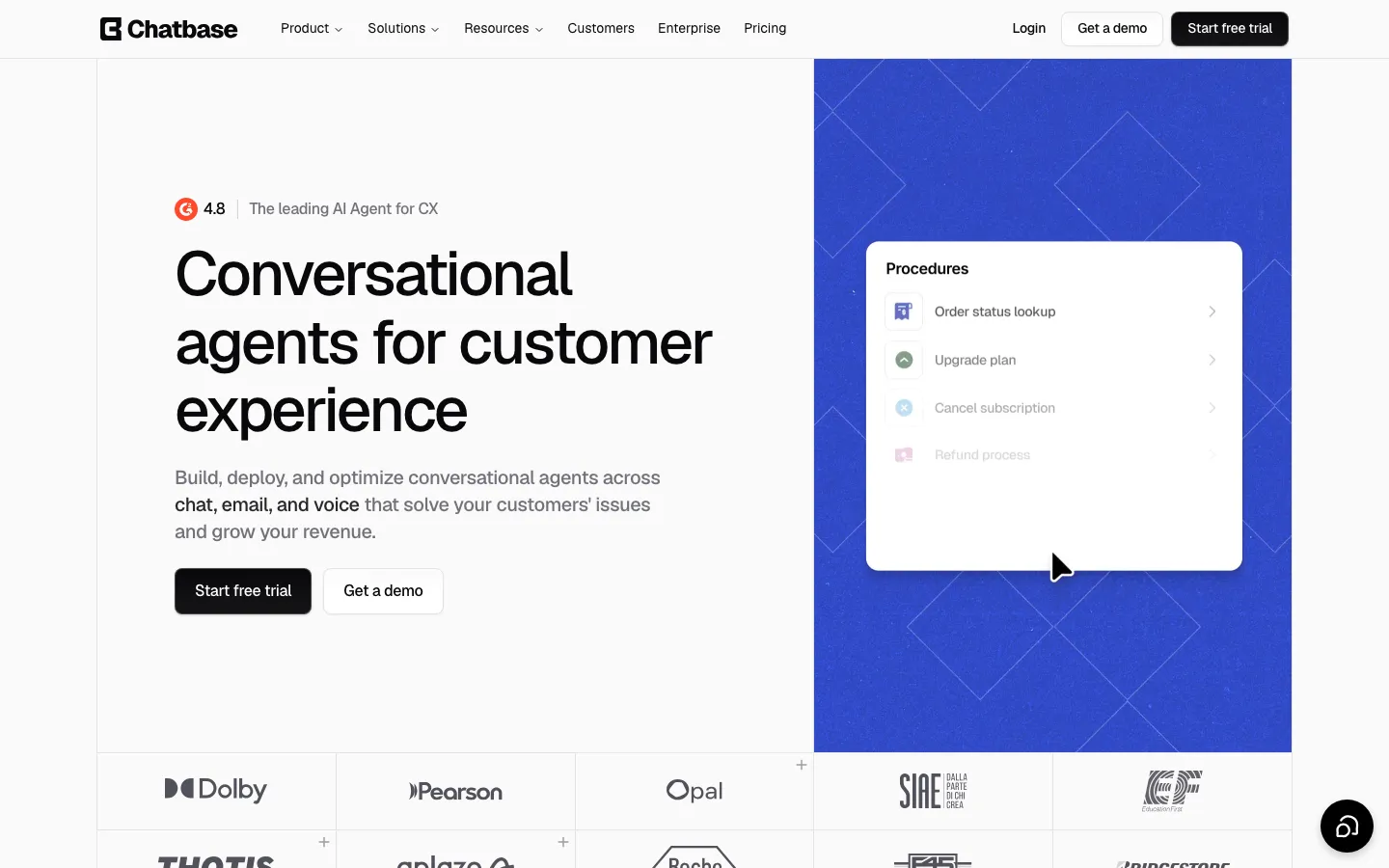
The operating model is clear: connect data sources, give the agent a role and guardrails, then test the scenarios your customers actually bring. Procedures let you define steps in plain language with actions built in. For a return, for example, the agent can collect details, check eligibility, and escalate a case instead of merely pointing a customer to a policy page.
The decision is less about whether an agent can write an answer and more about whether your team can keep its source material, escalation paths, and permissions in order. If those foundations are weak, a polished chat window will only expose the gaps faster. If they are strong, Chatbase gives you a route from an answer to an action without losing the human team.
Which support and operations teams gain the most value from Chatbase?
Support teams with answers
Maintain approved documentation and give routine questions a consistent answer before an escalation reaches your team.
Product guidance teams
Help visitors find product information, while reserving exceptions and sensitive conversations for people with clear ownership.
Teams with service workflows
Connect order lookups, record updates, and tickets when each action has defined permissions and an exception path.
Leaders who review transcripts
Use topics, sentiment, and trends to find recurring questions and improve the knowledge or procedures behind them.
Chatbase is a weak fit for a team that wants to install an agent and leave it alone. It asks for operational judgment: which sources are approved, which actions can run, what counts as a failure, and exactly when a person takes over. That is worthwhile for a mature support operation, not a shortcut around one.
What knowledge base integrations, actions, and handoff tools are in Chatbase?
Knowledge, roles, and guardrails
Chatbase lets you connect data sources, define an agent role, and set guardrails without code. It also provides a playground for testing models and settings. The useful discipline is to begin with a small body of material that has a clear owner. You can add breadth later, after common questions and awkward edge cases have a reliable answer.
Actions and procedures
Actions can look up orders, update records, create tickets, and trigger workflows in connected systems. Procedures describe a sequence in plain language and can include those actions. This is the feature that moves Chatbase beyond answering questions, but it is also where caution belongs: any action that changes a record needs defined permissions, a fallback, and a human review path for exceptions.
Channels and human handoff
You can publish an agent across chat, WhatsApp, email, Slack, and more, while the core product positioning also includes voice. When a human is needed, Chatbase says the conversation, context, and customer details travel with the handoff. That continuity is valuable, but it only helps if your team has named owners for escalations and a service standard for picking them up.
Widgets and analytics
Widgets can put interactive components inside an agent response rather than limiting it to text. Analytics cover topics, sentiment, and trends, while advanced analytics start on Business. Use those views to decide what needs attention in the knowledge base or a procedure, not as a substitute for the resolution and escalation measures your support team already uses.
API and integrations
API access is included on every displayed plan. The standard integration list includes  Zendesk, Salesforce,
 HubSpot,
 Shopify,
 Slack, and
 Zapier. Enterprise includes help with custom integrations and actions for internal systems. A listed connector is not a guarantee for a particular workflow, so verify the data, permissions, and failure behavior required for your use case before you rely on it.
How do Chatbase message credit tiers and add-on costs function?
Price checked 27 Nov 2026
| Plan detail | Basic$150/mo | Business$500/mo | EnterpriseCustom |
|---|---|---|---|
| Billing | Billed yearly | Billed yearly | Custom pricing |
| Message credits monthly | 4,000 | 15,000 | Custom |
| Workspace seats | 3 members | 5 members | Unlimited, no seat fees |
| AI agents | 1 | 1 | Custom |
| API access | ✓ | ✓ | ✓ |
| Advanced analytics | ✕ | ✓ | ✓ |
Chatbase prices in US dollars, 27 Nov 2026.Chatbase pricing
Basic is the realistic starting point for a small team because it includes API access, integrations, basic analytics, three workspace members, and 4,000 credits. The $150 monthly equivalent is billed yearly. Every model request costs credits according to the model, and an action can result in multiple requests. A second agent is listed separately at $25 per AI agent per month, so a two-agent setup has a $175 monthly equivalent before any other add-ons.
- Basic includes one agent, three workspace members, 4,000 credits, and basic analytics
- Business raises the allowance to 15,000 credits, five members, and advanced analytics
- Each additional AI agent costs $25 a month
- Basic and Business begin with a seven-day trial
What custom volume allowances and security controls come with Chatbase Enterprise?
Chatbase Enterprise serves organizations needing tailored message credit volumes, unlimited team members, advanced analytics, and custom security controls. It is also where Chatbase lists white-labeling, service-level agreements, and help building custom integrations and actions for internal systems. Those are meaningful capabilities, but the price is not published, so the contract should name the volume, workflow scope, and response commitments you actually need.
Where does the Chatbase message credit model create budget friction?
Chatbase imposes a message credit model that serves as the primary operational constraint for scaling customer conversations. A request costs credits based on the chosen model, and an action may require multiple requests to complete a response. That makes the plan price a poor proxy for your actual monthly use. Estimate the questions and actions you expect, then run the seven-day trial against representative conversations before treating 4,000 or 15,000 credits as enough.
Agent count can also change the bill quickly. Basic and Business include one agent each, with additional agents priced at $25 a month. Workspace seats are more generous, at three and five members respectively, but an organization that needs separate agents for several products or brands should calculate that arrangement rather than assume the base subscription covers it.
Finally, Business is the threshold for advanced analytics and source suggestions. If reporting on topics, sentiment, and trends will drive the program, Basic can be a limited starting point. Enterprise adds the control features many larger teams expect, but its custom price means you need the full cost before you compare it fairly.
Which AI support platforms and open-source tools compete with Chatbase?
 Chatbase alternatives like Chatwoot provide strong open-source and self-hosted options when teams require complete data infrastructure control. Its cloud Hacker plan is free for up to two agents, while published paid cloud plans run from $19 to $99 per agent each month, checked 27 Nov 2026. Read the Chatwoot review if control over deployment matters more than adding actions to a knowledge-based agent.
 Crisp takes a different pricing approach: its published Free-to-Plus workspace range runs from Free to $295 a month, checked 27 Nov 2026. Free includes no AI credits, while paid plans have capped included credits. Enterprise has custom pricing. The Crisp review is the better next read if predictable workspace pricing is your priority.
Is Chatbase the most practical solution for AI-driven customer support?
Chatbase makes a practical choice for teams seeking support workflows that combine vetted knowledge bases with automated actions and human escalation. Grounded replies, practical actions, and context-preserving handoff make a coherent support workflow, but the credit model means the $150 headline is not the decision. Choose it only after representative questions and actions show that the allowance and agent count fit the job.
Start the seven-day trial with frequent questions, one handoff, and one representative action. Count model requests, review the outcomes with the people who own the source material, then select a plan from the resulting usage rather than from the plan label.
How were Chatbase API features, message limits, and pricing verified?
Chatbase prices, limits, and features were checked against Chatbase's own home, product, procedure, integration, and pricing pages on 27 Nov 2026. Chatwoot and Crisp alternative facts were checked against each vendor's own pages on the same date. Prices are shown in the currency each vendor publishes, and every figure follows how we check figures.
- Chatbase home and product overview pages
- Chatbase procedures and integrations pages
- Chatbase pricing page, including annual plan details
- Chatwoot and Crisp vendor pages for alternative facts
What are common technical questions about training and deploying Chatbase?
Does Chatbase offer a trial?
Yes. Basic and Business each list a seven-day trial. Use it with representative conversations and actions so the credit use reflects your expected work.
How do Chatbase message credits work?
Each request to the AI model uses message credits based on the model you choose. An enabled action can require multiple requests in one customer interaction.
Can Chatbase hand a conversation to a person?
Yes. Chatbase says a human handoff includes the full conversation, context, and customer details. Your team still needs clear escalation ownership.
Is Chatbase API access included?
Yes. API access is listed as included on Basic, Business, and Enterprise. Confirm the exact data and permissions needed for your workflow before rollout.
 Reviewed byDanny Kirk
Founder of ReddiReach.
 Checked byAndrés Felipe
Digital designer and marketer.
Every figure is checked against the vendor's own page. Read our editorial standards.