
Key Takeaways
- Buffer provides independent creators and lean social media marketing teams with a streamlined publishing queue across multiple social channels.
- Buffer offers a free tier for three channels, while Essentials costs $5 and Team costs $10 per channel monthly billed yearly.
- Buffer includes standard API connectivity across all subscription tiers alongside documented technical integration patterns for automated publishing agents.
- Buffer becomes expensive for agencies managing numerous client accounts because per-channel fees compound rapidly across expanded social publishing rosters.
If you need to publish on several channels without taking on a large suite, Buffer is the best fit for a creator or small social team: its Free plan covers three channels and Essentials costs $5 per channel a month when billed yearly for the first 10 channels. Look elsewhere if your publishing needs formal approvals from the start, since those workflows are on Team, or if a growing roster of client channels makes per-channel billing hard to defend.
Agent access
- API
- Yes, all current Buffer plans, including Free
- MCP server
- Official, hosted, OAuth for most documented AI tools; Bearer API key for n8n and MCP clients that accept request headers
- Works with
 ClaudeClaude Code
 ChatGPT
 Cursor
 n8n
- Automation
- Zapier, Make, n8n
What are the main benefits and limitations of using Buffer?
What works
- Free plan covers three channels with no expiry
- Paid plans remove the scheduled-post limit
- API access is available on every plan
What to watch
- Every paid channel adds to the monthly bill
- Free allows only 10 scheduled posts per channel
- Approval workflows require Team
How does Buffer simplify multichannel social media scheduling and monitoring?
Buffer keeps the everyday social job in one place: turn an idea into a post, arrange it in a queue, publish it across the channels that matter, respond to comments, then look at the result. That is a sensible division of labor for a small team that does not need an elaborate operating system just to keep a calendar moving. If you are still mapping the category, the marketing tools directory gives you the wider picture.
Its strength is not that it promises every social workflow. It is that the price follows the thing most small teams can count, the number of channels they actually run. Free connects up to three channels and permits 10 scheduled posts per channel. Essentials removes that scheduling cap for one user, adds advanced analytics and costs $5 for each channel per month on annual billing. Team costs $10 per channel, adds unlimited team members, access levels and approval workflows.
That arrangement makes Buffer unusually easy to explain to a solo operator or a small business. A person managing six profiles pays $30 a month on Essentials with annual billing. The same six profiles on Team cost $60 a month. The calculation is useful because it shows the real dividing line: buy Essentials when one person needs a deeper queue and reporting, then move to Team only when the publishing work needs people, access controls and sign-off.
Which creators and marketing teams gain the most value from Buffer?
Independent creators
Free suits one person scheduling a few channels without an ongoing software bill.
Small businesses
Essentials gives one operator unlimited scheduling and analytics on selected brand profiles.
Content teams
Team gives contributors shared access, approvals and unlimited scheduled posts across active channels.
Automation builders
The API lets technical teams connect publishing and performance data to their workflows.
A large client portfolio needs a more careful comparison. Buffer charges the standard per-channel rate for channels one through 10, then says channels above 10 cost less per channel, so the average cost falls as the roster grows. That discount makes a bigger account list more affordable, but you should still price the exact channel count and decide whether Team's governance meets the workflow.
What publishing, engagement, and analytics tools does Buffer include?
Publishing across current social channels
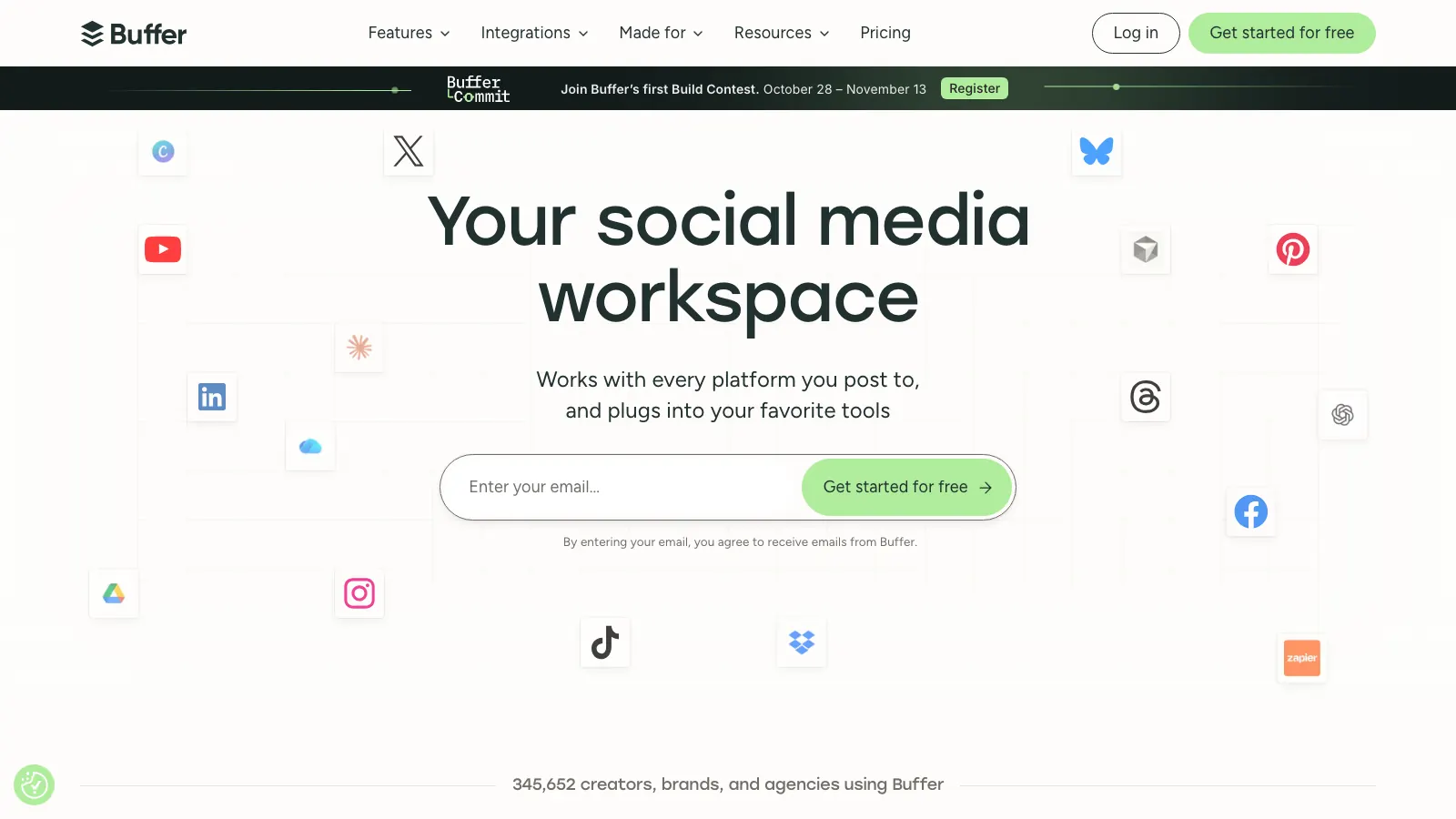
Buffer lists publishing support for Facebook, Instagram, TikTok, LinkedIn, Threads, Bluesky, YouTube Shorts, Pinterest, Google Business, Mastodon, X and Substack. The useful point is range, not a promise that every network behaves identically. Buffer distinguishes channel and profile publishing behavior, and it supplies mobile reminders where a post has to be finished in the native app. Your team can keep one content calendar while still accounting for each platform's limits.
A queue built around ideas and drafts
All plans include drafts, templates, a board view and the browser extension. Free includes 100 ideas, while Essentials and Team make ideas unlimited. That is enough structure for a small editorial process: capture a prompt, turn it into a draft, move it into the publishing queue and reuse the useful patterns. I would not confuse that with a full content approval system, because the control that makes sign-off visible arrives with Team.
Comments, analytics and AI assistance
Community Inbox appears on every plan, and Buffer lists replies for comments across the supported social channels. Essentials and Team add advanced analytics, while the AI Assistant is included across the plans. Those tools suit a team that needs to see what landed and create the next post faster. They do not remove the need for a person to decide what a brand should say, which is why the Team plan's access levels and approval workflows matter when more than one person publishes.
API, agents and integrations
Buffer's developer site describes an API for agents, automation tools and custom integrations. Its documentation names Claude, ChatGPT, Cursor, Raycast and Perplexity as available agent connections, and the product site says an agent can pull performance data, plan content and send content into the queue. The plan limits are material: Free has one API key and 1,000 requests per channel each month, up to 3,000; Essentials has three keys and 3,000 requests per channel, up to 30,000; Team has five keys and 10,000 requests per channel, up to 100,000.
Buffer also lists integrations for Canva, Google Drive, Dropbox, Unsplash, Zapier and Claude, alongside automation options such as Make, n8n, IFTTT and Microsoft Power Automate. For a technical team, that makes Buffer more than a manual scheduler. It gives an existing content process a publishing endpoint without forcing every person into the same interface.
How does Buffer structure its per-channel subscription pricing?
Price checked 27 Nov 2026
| Plan detail | Free$0 | Essentials$5/channel/mo | Team$10/channel/mo |
|---|---|---|---|
| Billing | Free forever | $60 per channel yearly, first 10 channels | $120 per channel yearly, first 10 channels |
| Connected channels | Up to 3 | Paid per channel | Paid per channel |
| Scheduled posts | 10 per channel | Unlimited | Unlimited |
| User accounts | 1 | 1 | Unlimited |
| Advanced analytics | ✕ | ✓ | ✓ |
| API keys | 1 | 3 | 5 |
| Approval workflows | ✕ | ✕ | ✓ |
Buffer prices in US dollars, 27 Nov 2026.Buffer pricing
The annual figures are simple because Buffer bills paid plans by channel, not by seat. The standard rate applies to the first 10 channels, and Buffer says channels above 10 cost less per channel without publishing the discounted rate in its pricing information. A six-channel Essentials setup is $360 a year, and the same number of channels on Team is $720 a year. Both paid plans offer a 14-day free trial.
There is no separate enterprise tier in the published plan table. Team is the top published plan, which means it is the place to look if your real cost comes from collaborators, permissions and higher API use rather than from a larger menu of modules.
Where does Buffer struggle to meet complex agency publishing demands?
Buffer's clarity has a boundary. The per-channel model is useful when you can name each active profile and explain why it belongs in the calendar. Its volume discount means channels above 10 cost less per channel, so larger portfolios do not scale at the standard rate forever. Buffer does not state that discounted rate in the published pricing text, however, which makes an exact quote essential for a large or shifting client roster.
The second limit is governance. Essentials has advanced analytics, first-comment scheduling and a larger API allowance, but it still has one user account and no approval workflows. If a post needs a clear draft-to-approval handoff, Team is the real starting plan. That is a legitimate reason to pay twice the Essentials channel rate, but it is also a reason not to call Essentials a complete team plan.
Free is generous enough to establish whether Buffer supports the channels you use, but it is not a working content queue for a busy publisher. Ten scheduled posts per channel refill as posts publish, so it works for a light rhythm. A team that plans weeks of content at once will reach that ceiling sooner than the $0 price suggests.
What alternative tools exist for social publishing and brand tracking besides Buffer?
 Buffer handles direct social distribution, while AI Peekaboo monitors whether brands surface in generative AI responses. Its API and MCP access are included from $30 a month, checked 27 Nov 2026, which makes the AI Peekaboo review relevant when that visibility belongs beside your social reporting.
If post approval workflows are part of the decision,  Iconosquare review is worth weighing: its Free plan is €0, and Starter begins at €9 a month on annual billing, as checked on 27 Nov 2026. Approval workflows require Scale, from €69 a month on annual billing, checked 27 Nov 2026. If you want AI to propose a posting plan for review,
 Influence review covers Influence IQ, which suggests posts and a schedule after you describe what you want to share.
Is Buffer the most cost-effective social media scheduler for you?
Buffer Essentials represents the most sensible plan for individual operators when the free queue limit is exceeded. Move to Team only when access levels and approval workflows are part of the publishing job. Start free if you run three or fewer channels and want to check the workflow, then use the standard first-10-channel rate to price Essentials or Team against the profiles you genuinely manage.
Count the channels you genuinely publish to, price both paid plans against that number, then let approval needs make the call. Essentials is the economic default for one operator. Team is worth its higher rate when the handoff between drafting and publishing needs control.
How were Buffer features, channel limits, and developer tools verified?
Buffer pricing guides, developer documentation, and publishing specifications were thoroughly examined on 27 Nov 2026. Prices are in US dollars, as Buffer shows them, and every figure follows how we check figures.
- Buffer pricing and plan comparison
- Buffer publishing, integrations and product pages
- Buffer developer documentation for API and agent access
What are common practical questions about setting up Buffer?
Is Buffer free?
Yes. Buffer Free is free forever, supports up to three connected channels and allows 10 scheduled posts per channel.
How much does Buffer cost for six channels?
On annual billing, Essentials costs $5 per channel each month, so six channels cost $30 a month. Team costs $10 per channel each month, so six cost $60 a month.
Does Buffer include approval workflows?
Yes, but only on Team. Buffer lists access levels and content approval workflows on that plan.
Can AI agents work with Buffer?
Yes. Buffer offers API access on every plan and documents agent connections for Claude, ChatGPT, Cursor, Raycast and Perplexity.
 Reviewed byDanny Kirk
Founder of ReddiReach.
 Checked byAndrés Felipe
Digital designer and marketer.
Every figure is checked against the vendor's own page. Read our editorial standards.