
Key Takeaways
- Front combines email inboxes, customer messaging, and cross-departmental collaboration into a shared workspace for support, operations, and account teams.
- Organizations can adopt Front on annual plans starting at twenty-five dollars monthly per seat, with Professional priced at sixty-five dollars.
- Front supports modern automated workflows through documented Core APIs, webhook events, custom plugin SDKs, and Model Context Protocol servers.
- Teams seeking basic single-channel customer ticketing or bundled artificial intelligence capabilities without separate add-on costs should consider alternatives to Front.
If your customer work crosses several people and several channels, Front is the stronger pick than a simple ticket queue. It fits support, operations and account teams that need shared ownership of a conversation, but the useful plan starts at $65 per seat per month on annual billing once you need omnichannel support.
Agent access
- API
- Yes, Starter, Professional, and Enterprise
- MCP server
- Official, hosted, OAuth 2.1 with PKCE
- Works with
 ClaudeClaude Code
 ChatGPT
- Automation
- Zapier, Make
What are the primary pros and cons of using Front?
What works
- Shared inboxes with assignments, tags, comments and shared drafts
- Omnichannel support from Professional, including social and WhatsApp
- A 14-day Professional trial without a credit card
What to watch
- Starter has one channel type and stops at 10 seats
- Autopilot and Copilot cost extra on lower plans
- Professional and Enterprise begin with a demo request
How does Front streamline shared email and customer communications?
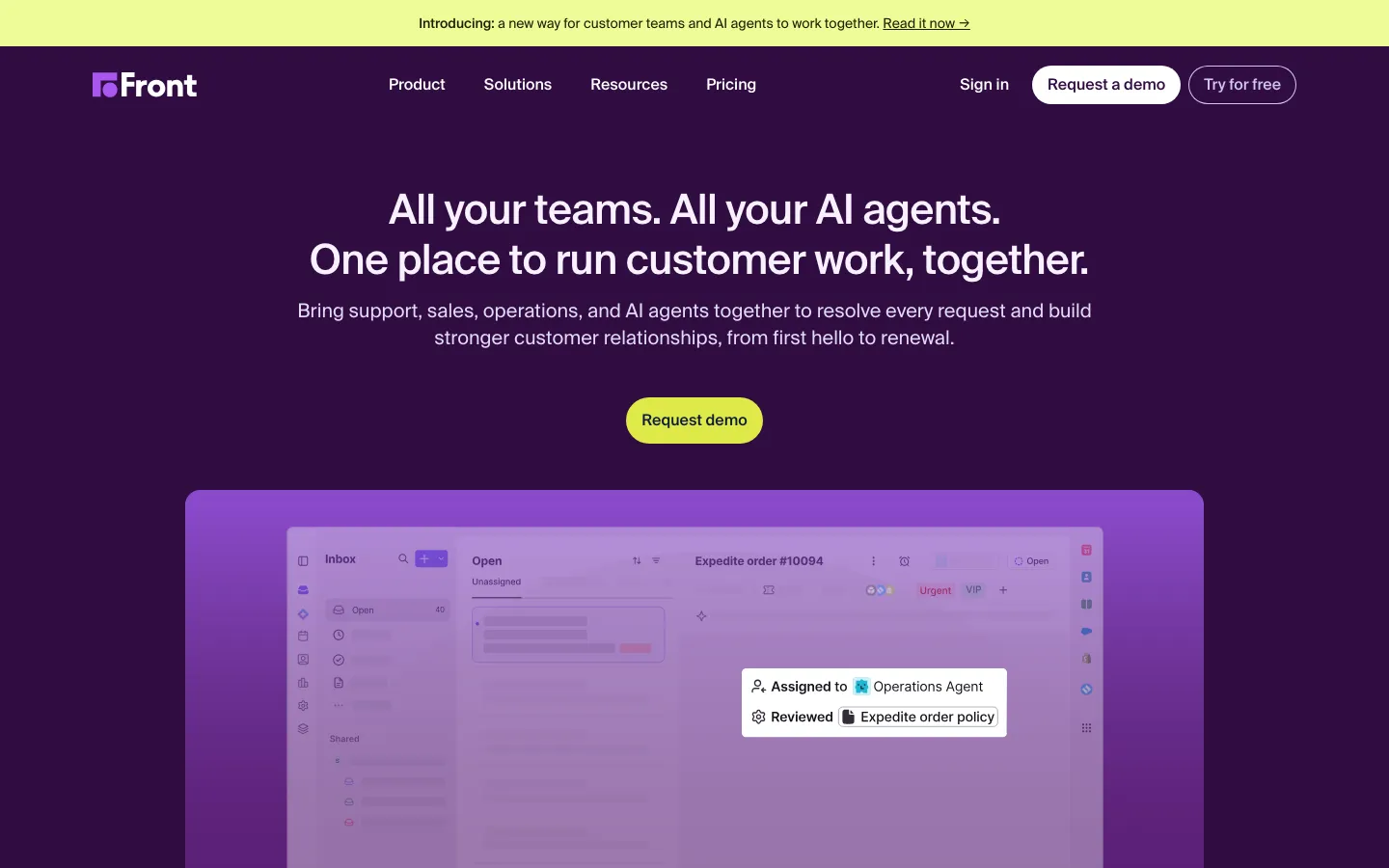
Front gives a team one place to work through customer conversations instead of handing each message from person to person. The shared inbox has views, assignments, tags, internal comments and shared drafts, with templates, scheduling and snoozing around it. That combination suits a conversation that needs context from several colleagues, rather than a queue where one agent closes one ticket. If you are mapping a wider software stack around support, browse the marketing tools directory by category.
It also reaches beyond email. Starter has a single channel type, email, Resolve chat or SMS. Professional and Enterprise are omnichannel, covering email, SMS, social, WhatsApp and more. That makes Professional the real starting point for a team serving customers wherever they write.
Front's plans rise in capability with the coordination problem. Starter offers a shared inbox, ticketing, basic analytics and a public knowledge base. Professional adds multiple workspaces, macros, advanced analytics, SSO and SCIM. Enterprise adds unlimited rules and macros, custom roles, custom reports, multilingual knowledge bases, AI-powered routing and tagging, plus Copilot, QA and CSAT.
Which collaborative service teams benefit most from Front?
Small single-channel teams
Starter combines one channel, a shared inbox and ticketing for ten paid seats.
Customer operations teams
Professional supports omnichannel work, five workspaces, macros and advanced reporting for complex handoffs.
Account management teams
Shared drafts, comments and assignments coordinate colleagues around each customer conversation.
Enterprise AI programs
Enterprise adds Copilot, QA, CSAT, routing and tagging for external AI agents.
The weak fit is a lean team that wants a low-cost, high-volume ticket desk. On Starter, one channel type means you choose email, chat or SMS rather than combining them. On Professional, five seats cost $325 a month on annual billing before any AI add-ons. That is sensible when the inbox replaces scattered personal inboxes and manual handoffs, but excessive if the team only needs straightforward ticket resolution.
Which team collaboration and omnichannel inbox features does Front provide?
A shared inbox built for handoffs
The practical value is the collaboration layer. Views sort work, assignments establish ownership, and tags create a common vocabulary. Internal comments and shared drafts let a support lead, an account owner and an operations colleague shape the same response before it is sent. Guest accounts and real-time teammate availability add more control when the right answer sits outside the immediate team.
Channels and customer self-service
Professional and Enterprise combine channels in the same workspace. Front lists a customer portal with ticket forms. Its knowledge bases progress from basic on Starter to customizable and then customizable, multilingual help on Enterprise. Native WhatsApp is separate: Front lists Meta-billed WhatsApp costs plus a 20% administration fee, and makes the channel available on Professional and Enterprise.
Automation, reporting and control
Starter caps automation at 10 rules. Professional adds macros and lifts that limit to 20 rules, while Enterprise has unlimited rules and macros. Analytics follow the same path from basic to advanced to custom reports. This is why a team that merely needs an inbox can start small, while a team routing complicated work to the right owner will feel the limits much sooner.
AI for customer work
Autopilot is Front's omnichannel AI agent for complex customer work, priced from $0.39 for each conversation. Copilot brings together account context, suggests next actions and prepares replies. It costs $20 per seat each month on Starter and Professional, then is included in Enterprise. Compass measures AI agents, and the plan comparison also lists support for external AI agents. Treat those charges as a separate line in the budget, not a free feature of the entry tiers.
Developer tools for agents
Front's developer portal documents the Core API and Plugin SDK, plus webhooks, application triggers and MCP server guidance. That gives a technical team several ways to connect Front to an internal workflow. Its paid API rate-limit increase costs $200 per 100 requests per minute each month, so volume matters if your integration will handle a large stream of conversations.
How are Front monthly and annual seat tiers priced?
Price checked 27 Nov 2026
| Plan detail | Starter$25/seat/mo | Professional$65/seat/mo | Enterprise$105/seat/mo |
|---|---|---|---|
| Billing shown | Annual billing | ||
| Seat limit | Up to 10 | Up to 50 | Not listed |
| Channel type | Single | Omnichannel | Omnichannel |
| Workspaces | 1 | Up to 5 | Unlimited |
| Automation | Up to 10 rules | Up to 20 automation rules, plus macros | Unlimited rules and macros |
| Reporting | Basic | Advanced | Custom reports |
| AI assistant | $20/seat/mo add-on | $20/seat/mo add-on | Included |
Front annual plan prices in US dollars, 27 Nov 2026.Front pricing
For a real team bill, five Professional seats are $325 each month under annual billing. Adding Copilot for all five raises that to $425 a month before Autopilot usage. The $25 Starter price is lower, but it covers only one channel type and up to 10 seats, so it is not a substitute for Professional when you need email, SMS and social together.
- Autopilot starts at $0.39 per conversation on all three plans
- Copilot is a $20 per-seat monthly add-on on Starter and Professional, included in Enterprise
- Native WhatsApp adds Meta-billed costs plus a 20% administration fee
- An API rate-limit increase costs $200 per 100 requests per minute each month
What features and support levels are included in Front Enterprise?
Front publishes Enterprise at $105 per seat each month on annual billing, while directing buyers to request a demo. It is the tier for a larger organization that needs unlimited workspaces, unlimited rules and macros, custom roles and permissions, custom reporting, and multilingual knowledge bases. Enterprise includes Copilot, QA and CSAT. Copilot is a paid add-on on Starter and Professional.
What drawbacks and cost barriers affect teams adopting Front?
Front requires teams to purchase higher-tier plans to access essential omnichannel and customer collaboration capabilities. Starter is deliberately narrow, with one channel type, one workspace and basic reporting. Professional opens the omnichannel workflow and has a 50-seat limit. Its plan card directs buyers to request a demo, while Front also lists a free trial for Professional features. That makes a quick cost comparison harder than a fully self-serve plan.
AI costs deserve extra scrutiny. Autopilot is not included on any tier and its conversation billing can grow with customer volume. Copilot is an add-on until Enterprise. Native WhatsApp is also extra, with a 20% administration fee on top of Meta's charges. Put each of those against a month of real volume before treating Front's seat price as the full bill.
Which shared inbox tools offer competitive alternatives to Front?
 Gist review is useful if you need live chat in a product, app or website alongside a team inbox and saved replies. Compare that focus with Front when the team needs customer messaging and shared handoffs in the same workflow.
 Gladly review is worth considering when a team needs every past chat, call and email threaded across channels. That history-first view gives you a clear comparison point against Front's shared inbox workflow.
What is our overall evaluation and final verdict on Front?
Front justifies its premium pricing when managing customer conversations requires tight, cross-departmental team coordination. Its shared inbox, ownership controls and omnichannel plans give a growing support or operations group a more coherent way to work than separate inboxes and handoffs. The trade-off is a bill that grows with seats, AI usage and channels, making it poor value for a basic one-channel help desk.
Run the 14-day Professional trial with the channels and handoffs your team actually uses. Price five seats, Copilot and expected Autopilot conversations together before choosing annual billing.
How were Front software features and pricing plans evaluated?
Front pricing details, platform limits, and API documentation were verified directly against vendor resources on 27 Nov 2026. Prices are in US dollars, as Front shows them, and every figure follows the rules in how we check figures.
- Front pricing page and plan comparison
- Front product and integrations pages
- Front developer portal documentation
What are the most frequent questions asked about Front?
How much does Front cost?
On annual billing, Starter costs $25 per seat each month for no more than 10 seats. Professional costs $65 for as many as 50 seats, while Enterprise costs $105 per seat each month.
Does Front have a free trial?
Yes. Front offers a free 14-day trial with Professional features. It says no credit card is needed to start, continue or complete the trial.
Can Front handle several customer channels?
Yes, on Professional and Enterprise. Starter supports one channel type, while the higher plans are omnichannel for email, SMS, social, WhatsApp and more.
How much do Front AI features cost?
Autopilot starts at $0.39 per conversation. Copilot is a $20 per-seat monthly add-on on Starter and Professional, and is included in Enterprise.
 Reviewed byDanny Kirk
Founder of ReddiReach.
 Checked byAndrés Felipe
Digital designer and marketer.
Every figure is checked against the vendor's own page. Read our editorial standards.