
Key Takeaways
- Glide allows operations teams to convert structured spreadsheet databases into responsive, cross-platform internal business applications without writing software code.
- Glide provides a free tier alongside paid plans starting at twenty-five dollars monthly for Basic, fifty dollars for Plus, and one hundred twenty-five dollars for Pro.
- Glide Pro introduces external agent orchestration through native MCP protocol support, complementing internal AI agent workflows directly inside the GlideOS environment.
- Glide operates GlideOS as an independent platform separate from Glide Classic, requiring completely distinct account credentials and manual migration of legacy applications.
Glide is the best fit when you need to turn a spreadsheet-led internal process into a private app for a small operations team, and Pro at $125 a month is the first plan with unlimited publishing and MCP. Skip it if you are moving an existing Glide Classic app and expect a simple upgrade: GlideOS is a separate product, account and subscription with no seamless migration tool.
Agent access
- API
- Yes, Business and Enterprise plans for Glide Classic
- MCP server
- Official, hosted, OAuth through a Glide account sign-in
- Works with
 ClaudeClaude Code
 ChatGPT
 Cursor
What are the main advantages and drawbacks of Glide?
What works
- Start an internal app from a spreadsheet, prompt or file
- Inspect a displayed calculation in plain English
- Use more than 1,000 listed service integrations
What to watch
- Free cannot publish an app or enable a workflow
- Credits can mean an extra cost beyond the plan
- Glide Classic has no seamless route into GlideOS
How does Glide transform spreadsheet data into internal business applications?
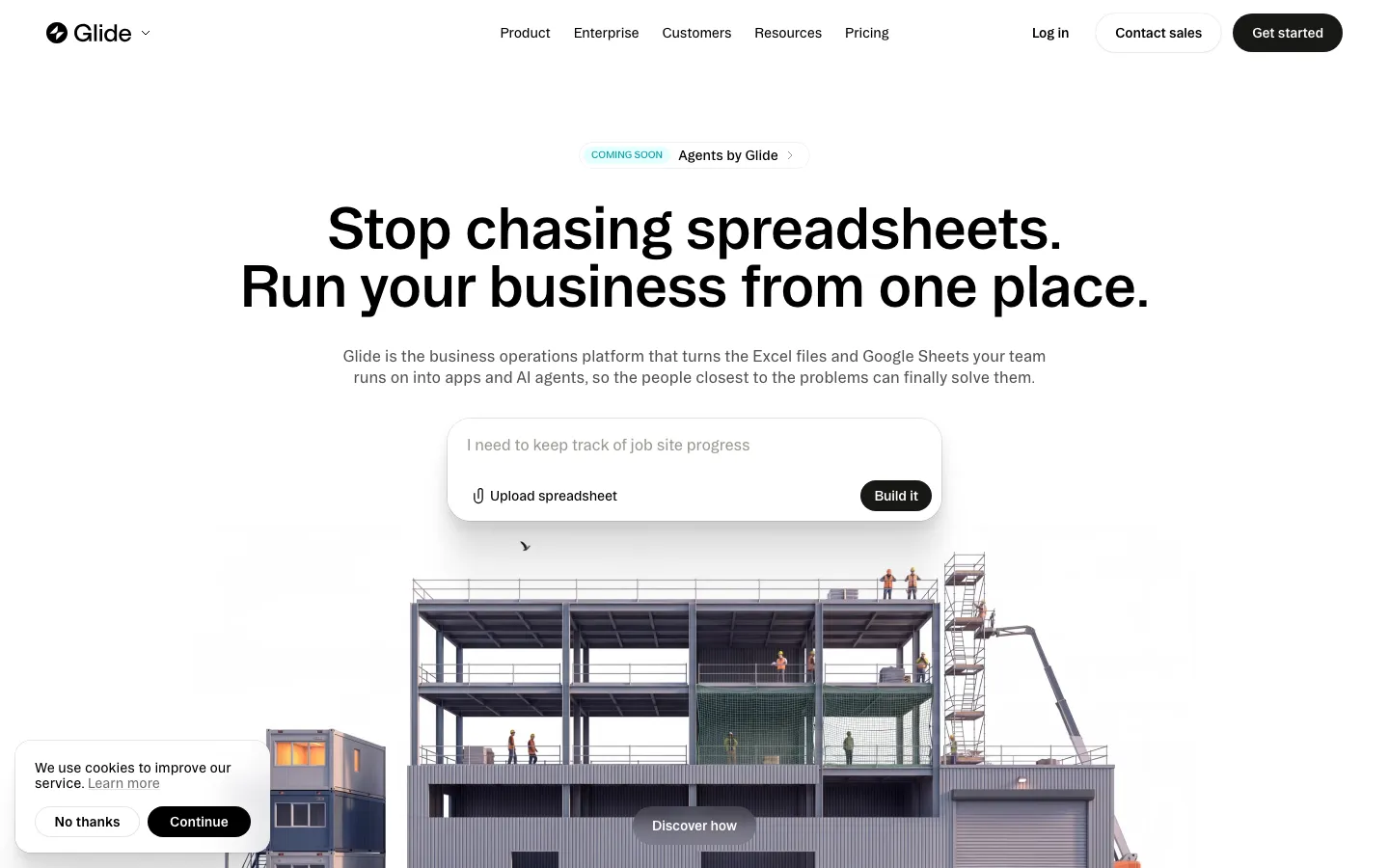
Glide solves operational bottlenecks by replacing clumsy spreadsheet front-ends with tailored mobile and desktop business apps. Glide lets you start from that spreadsheet, a written prompt or a file, then create an app for desktop and phone. It belongs in the marketing tools directory only if the app removes a real bottleneck.
Glide says its platform is optimized for internal business applications, with examples including inventory, field inspections and crew scheduling. I would use it to make one workflow legible and usable, not to rebuild every system at once. Start with stable data, a repeated job and a clear owner, then add apps or workflows only when the first one earns its place.
Which operations teams and organizations benefit most from Glide?
Operations teams
Turn a reliable inventory or scheduling spreadsheet into an app for the people updating it.
Field teams
Give staff a phone-friendly view that updates the same live information as the back office.
Team leads
Explore one process on Free before paying to publish it for colleagues or guests.
Platform owners
Use Pro or Enterprise when roles, permissions, support and connected tools need central ownership.
Glide is a weaker fit for an existing Classic customer who needs continuity above all else. Classic apps continue to function, but GlideOS requires a separate subscription and account. The two products cannot share data, and Glide does not offer a seamless migration technique. That turns a move into a rebuild decision, so budget the process work, not merely the new plan.
What application building, workflow, and data features does Glide include?
From spreadsheet to app
A spreadsheet is not required, but it is GlideOS's natural starting point. Its SheetSense system reads sheets, formulas, lookups and notes; a prompt, PDF or screenshot can also instruct the agent. Glide then builds an app for desktop and phone, so the team can begin with business context it already has.
Inspectable calculations and shared data
Glide says a user can click a number to see how it was calculated in plain English. That matters when a number is used to allocate stock or plan work. Apps can stay private to the company by default, with views for employees, managers, customers and partners. Permissions still need an owner when the data serves several audiences.
Apps, workflows and connections
Basic permits two published apps and one enabled workflow. Plus moves to five of each, while Pro lists unlimited apps and workflows. Glide's catalog lists more than 1,000 services, including Gmail, Slack, Airtable and Salesforce. Start with the handoff that loses time or creates errors, then confirm the connection's permission and operation.
Bring your own agent through MCP
Pro adds building with your own agent through MCP. Glide says Claude, ChatGPT, Cursor and other agents can connect to the same apps, data and permissions as its own agent, while Glide provides hosting, data, workflows and authentication. The app, tables, permissions and workflow stay in Glide's shared system if the team changes agent.
Governance for larger teams
Pro adds organization-level roles and permissions, human support and premium integrations. Enterprise adds custom team size, single sign-on, a choice of LLM provider, 30-day data backups, priority support and a dedicated success manager. Those are governance upgrades for organizations that need formal ownership of access and deployment.
How is Glide priced across its paid plans and usage tiers?
Price checked 27 Nov 2026
| Plan detail | Free$0/mo | Basic$25/mo | Plus$50/mo | Pro$125/mo | EnterpriseCustom |
|---|---|---|---|---|---|
| Team members | 2 | 2 | 3 | Starting at 5 | Custom |
| Published apps | 0 | 2 | 5 | Unlimited | Unlimited |
| Projects | 10 | 10 | 20 | 100 | Unlimited |
| Enabled workflows | 0 | 1 | 5 | Unlimited | Unlimited |
| Build with own agent | ✕ | ✕ | ✕ | ✓ MCP | ✓ |
GlideOS prices in US dollars, 27 Nov 2026.Glide pricing
The plan price is not the whole cost model. GlideOS uses credits for LLM work. Free has limited credits, Basic starts with 100, Plus with 250 and Pro with 500 for five members. Glide says additional credits can come from a higher limit, plan upgrade or added bundle.
For five people, Pro is the published bill at $125 a month. A three-person team can use Plus at $50 if five apps and workflows are enough, but it cannot bring its own agent through MCP. Free is an evaluation space, with zero published apps and zero enabled workflows. Annual plans are coming soon, so model monthly price and likely credit use rather than assuming a discount.
What enterprise security and governance controls does Glide provide?
Glide Enterprise equips larger organizations with formal platform governance, advanced compliance, and centralized administrative controls. Glide lists custom team size, single sign-on, enterprise integrations, audit logs, publishing approval, project-level roles, a choice of LLM provider, 30-day data backups, priority support and a dedicated success manager. A team that needs another internal dashboard should exhaust Basic, Plus and Pro first.
What migration issues and product limitations exist in Glide?
Glide creates significant friction through the strict functional separation between GlideOS and its legacy Classic product. GlideOS has its own plan, subscription and account, and it cannot share Classic data. Classic apps remain available, but Glide says there is no seamless migration tool. If the existing app is business-critical, map the rebuild and data handoff before buying.
Credits are the second watchpoint. The plans show baseline credits, but Glide also sells more. That can be sensible for active building, yet the fixed plan price cannot forecast the bill without an estimate of AI-assisted work. Lower tiers are also narrow: Free has two members, 10 projects, zero published apps and zero workflows; Basic reaches two apps and one workflow. A team with several processes may reach Plus or Pro sooner than the $25 entry price suggests.
What no-code platforms offer viable alternatives to Glide?
Glide is a strong choice when the job starts with an internal process and the team needs to keep apps, data, permissions and workflows together.  Gumloop review lists its Pro plan at $37 a month, checked 27 Nov 2026. Compare that with Glide before committing when the team is deciding between a private app and work handled by an AI agent.
 IFTTT review describes Applets that respond to triggers. Its Free plan listed $0 and 1,000 credits a month on 27 Nov 2026. Glide's plans make published apps, team members and enabled workflows central to the purchase, so choose it when the process needs an owned interface and shared data, rather than a trigger-based Applet.
Is Glide the best no-code app builder for your operational processes?
Glide earns its place when your team has an operational process trapped in a spreadsheet and needs a private app around it. The progression from two apps and one workflow on Basic to unlimited publishing, roles and MCP on Pro is easy to understand. Its best argument is not that anyone can generate software, but that the generated app, data, permissions and workflow stay together for the team that runs the work.
The answer changes for Classic customers. Do not treat GlideOS as an automatic upgrade. Treat it as a separate platform and decide whether the process is worth rebuilding. That may still be the right decision, but the cost is the migration work and data design as much as the subscription.
Use Free to shape one low-risk internal process, then choose Basic or Plus only if their publishing limits match the job. Move to Pro when unlimited apps and workflows, organization roles or MCP are requirements, and plan a separate rebuild for any Glide Classic app.
How was this Glide review and feature audit conducted?
Glide pricing tables, core capabilities, integrations, AI agent specs, and Classic migration documentation were reviewed on 27 Nov 2026. Prices are in US dollars as Glide shows them, and each figure follows how we check figures.
- GlideOS pricing and plan comparison
- GlideOS product, integration and bring-your-own-agent pages
- Glide Classic page for the distinction between the products
What are the most frequent questions regarding Glide app development?
Is GlideOS the same as Glide Classic?
No. GlideOS is a standalone product with separate plans, subscriptions and accounts. Classic apps continue to function, but the products cannot share data and Glide does not offer a seamless migration tool.
Can I try GlideOS for free?
Yes. Free is $0 a month with limited credits, two team members and 10 projects. It lists zero published apps and zero enabled workflows.
Do I need a spreadsheet to use Glide?
No. Glide says you can begin with a written prompt, PDF or screenshot. A spreadsheet can give the agent useful business context, including sheets, formulas, lookups and notes.
Does Glide work with AI agents?
Yes. Pro includes building with your own agent through MCP. Glide says agents such as Claude, ChatGPT and Cursor can connect to the same apps, data and permissions as its own agent.
 Reviewed byDanny Kirk
Founder of ReddiReach.
 Checked byAndrés Felipe
Digital designer and marketer.
Every figure is checked against the vendor's own page. Read our editorial standards.