
Key Takeaways
- GTmetrix equips developers and technical SEO professionals with on-demand Lighthouse audits, comprehensive waterfall charts, and geo-targeted test locations to pinpoint specific website performance bottlenecks.
- GTmetrix allows free speed testing without payment details, while its Lite tier begins at five dollars and ninety-nine cents monthly for fifty monthly runs.
- GTmetrix supplies an official REST API and MCP server integration, granting ten trial credits on Lite alongside recurring daily credit allowances on Core tiers.
- GTmetrix lacks built-in real-user monitoring, server log parsing, and unified crawler workflows, requiring teams with broad technical SEO requirements to explore specialized audit platforms.
GTmetrix is the right first tool when you need to explain why a page is slow without putting a large monitoring contract in front of a technical SEO or development team. Start free for Lighthouse-powered reports and waterfall charts, then pay from $5.99 a month when one monitored URL, five test locations, and API or MCP trial credits solve the job; use the JetOctopus review instead when crawling, server logs, search data, and AI-bot activity belong in the same operation.
Agent access
- API
- Yes, Basic/Free includes 5 trial API credits; Lite has 10 trial API/MCP credits, while Core, Advanced, and Expert include daily API/MCP credits.
- MCP server
- Official, hosted, OAuth, or an API key for manual configuration
- Works with
 Claude
 ChatGPT
 Cursor
What are the main GTmetrix pros and cons?
What works
- Free, Lighthouse-powered reports with Web Vitals and waterfall charts
- Paid plans begin at $5.99 a month, with five test locations on Lite
- API and MCP support for programmatic tests and report retrieval
What to watch
- Lite still gives you only one monitored slot and no team seats
- Hourly monitoring starts at Advanced, not on the lower paid plans
- API/MCP credits are an allowance, so automated testing has a real usage cost
What does GTmetrix do for technical optimization teams?
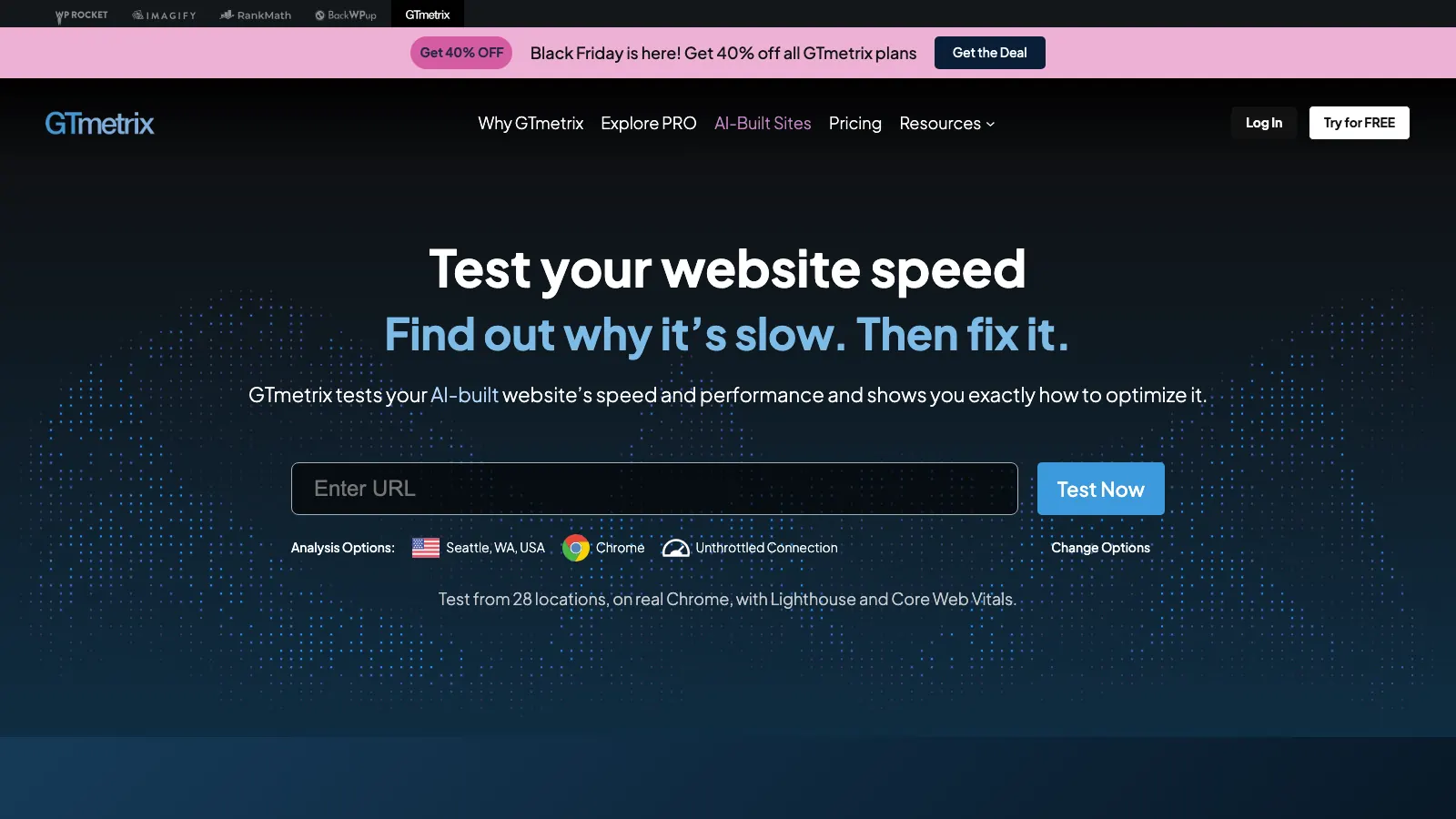
GTmetrix provides actionable technical diagnostics rather than broad speed evaluations when stakeholders report slow page loading. You need to see the load in a browser, find the request that holds it up, and have enough context to decide whether the fix belongs with engineering, content, or a third party. GTmetrix brings Lighthouse-based performance and structure results, Web Vitals, a request-by-request waterfall, and Chrome UX Report data into one report.
That makes it unusually practical for a focused diagnostic. The waterfall maps request-by-request loading, lets you inspect request and response headers, and plays back key metric milestones, while the report ranks audits by impact. A technical SEO can turn that into a clear handoff rather than forwarding an unexplained grade. It is also a sensible companion to the broader marketing tools directory when your site-health work includes jobs that are not page speed.
GTmetrix is less persuasive as the central observability system for a busy product. Its own plans are organized around on-demand tests, monitored slots, locations, API credits, and retention. That is a clean model for a defined set of important URLs. It becomes restrictive when every route, market, and release needs constant coverage.
Who should use GTmetrix for performance testing?
Developers fixing one page
Use the free report to trace a slow request before choosing a broader monitoring setup.
Technical SEO teams
Read Web Vitals, Lighthouse audits, and the waterfall together when prioritizing site-speed work.
Small agencies
Run controlled tests for client pages, then monitor the URLs that matter most.
Automation-minded teams
Use API or MCP credits to start tests and retrieve performance data from another workflow.
I would not choose GTmetrix as a site-wide technical SEO platform. It does not substitute for crawl and log analysis, nor does it turn a small monitored-slot allowance into broad release coverage. If domain and SSL expiry, robots.txt changes, or redirects are the immediate concern, the Little Warden review is the closer comparison.
What core performance features does GTmetrix offer?
Browser-based performance reports
GTmetrix says each test loads the page in a real Chrome browser. The report combines its Lighthouse-powered Performance and Structure scores with Web Vitals including LCP, CLS, and TBT. It also surfaces Chrome UX Report data where a website has sufficient Chrome traffic, so a team can put a controlled test beside field data rather than treating either as the full answer.
Waterfall and load playback
The waterfall is the feature that earns GTmetrix a place in a technical SEO toolkit. It breaks the load down request by request, lets you inspect request and response headers, and plays back key metric milestones. GTmetrix also offers a video replay and a screenshot-by-screenshot filmstrip view. Those views make a slow image, third-party tag, or blocked request easier to discuss with the person who can fix it.
Locations, devices, and analysis options
Paid plans add locations and mobile testing. Lite includes five locations, Core has 10, and Advanced and Expert have 28. GTmetrix also offers analysis options for the test setup, so a page can be checked in a scenario closer to the one the team needs to understand. Do not mistake a larger location count for ongoing monitoring capacity, though. The monitored-slot limit is separate.
Monitoring and alerts
A monitored slot is one URL paired with a set of analysis options and monitoring enabled. Free accounts can monitor one URL daily, weekly, or monthly. Lite also has one slot, Core has three, Advanced has 10, and Expert has 50. GTmetrix says monitored tests can send alerts when performance changes, while hourly monitoring begins on Advanced and continues on Expert.
API and MCP
GTmetrix REST API v2 can start tests, retrieve tests and reports, retest pages, update monitoring, and work with performance-alert information. Its MCP server brings the same performance engine into AI development tools and LLM clients, allowing an assistant to run tests, audit Core Web Vitals, and retrieve performance insights. API use draws on credits: a Lighthouse report costs one credit, while video and longer report retention add to the cost. That makes Core's 10 daily credits the more credible automation entry point than Lite's 10-credit trial.
How is GTmetrix priced across its tiers?
Price checked 27 Nov 2026
| Plan detail | FreeFree | Lite$5.99/mo | Core$11.99/mo | Advanced$29.99/mo | Expert$59.99/mo |
|---|---|---|---|---|---|
| On-demand tests | Not listed | 50/mo | 150/mo | Unlimited* | Unlimited* |
| Monitored slots | 1 | 1 | 3 | 10 | 50 |
| Test locations | Not listed | 5 | 10 | 28 | 28 |
| Mobile testing | Not listed | ✓ | ✓ | ✓ | ✓ |
| API/MCP credits | 5 trial credits | 10 trial credits | 10 daily | 50 daily | 100 daily |
| Hourly monitoring | ✕ | ✕ | ✕ | ✓ | ✓ |
GTmetrix prices in US dollars, 27 Nov 2026.GTmetrix pricing
Yearly billing brings Lite to $4.99, Core to $9.99, Advanced to $24.99, and Expert to $49.99 a month. GTmetrix was also showing a discounted price on 27 Nov 2026; the figures here are the regular prices. Lite, Core, and Advanced list no team seats. Expert lists five seats.
- Lite: 50 on-demand tests, one monitored slot, five locations, and one month of data retention.
- Core: 150 on-demand tests, three slots, 10 locations, 10 daily API/MCP credits, and six months of retention.
- Advanced: unlimited on-demand tests subject to fair use, 10 slots, hourly monitoring, and 50 daily API/MCP credits.
- Expert: 50 slots, five team seats, 100 daily API/MCP credits, and 12 months of retention.
Lite, Core, and Advanced list no team seats. Expert lists five seats at $59.99 a month, or $49.99 a month billed yearly. Enterprise has no published price.
What does GTmetrix Enterprise include for large teams?
GTmetrix Enterprise caters to teams requiring more than fifty monitored slots or commercial contractual controls beyond public self-serve tiers. GTmetrix lists extra monitored slots, daily API credits, team seats, highest queue priority, priority support, white-label PDF reports, and manual invoice or purchase-order processing. It is an operational upgrade, not a published package, so ask for the exact limits and price before treating it as a predictable scale path.
Where does GTmetrix fall short for enterprise monitoring?
GTmetrix pairs an inexpensive entry subscription with restrictive operational limits that can surprise growing development teams. Lite is a good paid diagnostic plan, but it has the same single monitored slot as the free account and no team seats. If your job is watching several important pages across markets, Core's three slots can still run out before its price does.
Automated use also needs planning. API and MCP credits cover tests and can be consumed by longer retention, PDF rendering, and video generation. Your first API key comes with five trial credits, free accounts included, but credits do not accumulate above the daily allowance. That is generous enough to learn the workflow, not a reason to assume an agent can test without limits.
Finally, GTmetrix is geared toward lab testing, monitored URLs, and diagnostics. It can show a team what a page did during a test and show CrUX where available, but a team that needs extensive real-user monitoring or a full crawl-and-log view should buy for that larger job rather than stretching a low-cost testing tool past its shape.
What are the best GTmetrix alternatives?
 AI Peekaboo review belongs beside GTmetrix only when the reporting question changes from page speed to whether a brand appears in AI answers. Its paid plans start at $30 a month and include API and MCP access, so it is not a page-performance replacement but can fill a separate visibility gap for the same team.
 JetOctopus is the better fit for a large-site technical SEO operation that needs crawl data, server logs, Google Search Console, GA4, and AI-bot tracking. Growth begins at $349 a month billed yearly. It is the right direction when those data sources, not a single page-load diagnosis, define the work.
 Little Warden is the closer alternative for monitoring site changes across a portfolio. It covers 30+ pre-built checks, including domain expiry, SSL certificates, redirects, robots.txt changes, Core Web Vitals, and tracking tags, instead of the performance testing GTmetrix does.
What is the overall verdict on GTmetrix?
GTmetrix earns its place before the expensive performance platforms. The free option offers enough to investigate a slow page, and its waterfall makes the diagnosis more useful than a score by itself. Lite is a fair next step when a controlled test location, one monitored URL, and a small API or MCP trial are enough.
Move past it when coverage is the problem. Advanced becomes relevant for hourly monitoring, Expert for a five-person team and 50 monitored slots, and Enterprise when the published limits stop matching the work. I would buy GTmetrix for a focused performance diagnosis and defined monitoring list, not as a substitute for an entire technical SEO data stack.
Use the free account to inspect your most important slow page and write down the URLs and test scenarios worth monitoring. Choose Lite only for one paid monitored scenario, Core for early automation, or Advanced when hourly checks are a real requirement.
How was GTmetrix evaluated for this review?
GTmetrix provided all verified tier costs, monitoring limits, product capabilities, API specifications, and documentation reviewed on 27 Nov 2026. Prices are in US dollars, as GTmetrix shows them, and the approach for dated figures is set out in how we check figures.
- GTmetrix pricing and plan information
- GTmetrix pages for Lighthouse reports, Web Vitals, waterfalls, monitoring, and alerts
- GTmetrix API and MCP documentation
What are the most common GTmetrix questions?
Is GTmetrix free to use?
Yes. GTmetrix offers free testing with no card required, including Lighthouse-powered reports, Web Vitals, and waterfall charts. A free account can monitor one URL daily, weekly, or monthly.
How much does GTmetrix cost?
Paid plans are Lite at $5.99 a month, Core at $11.99, Advanced at $29.99, and Expert at $59.99. Yearly billing lowers those monthly equivalents to $4.99, $9.99, $24.99, and $49.99.
How many pages can GTmetrix monitor?
Free and Lite each have one monitored slot. Core has three, Advanced has 10, and Expert has 50. Each monitored URL and analysis-options combination uses one slot.
Does GTmetrix work with AI agents?
Yes. GTmetrix offers an API and MCP server. Lite includes 10 trial API/MCP credits, while Core, Advanced, and Expert include 10, 50, and 100 daily credits respectively.
 Reviewed byDanny Kirk
Founder of ReddiReach.
 Checked byAndrés Felipe
Digital designer and marketer.
Every figure is checked against the vendor's own page. Read our editorial standards.