
Key Takeaways
- HelpDocs enables documentation teams to create, host, and brand customer-facing knowledge bases and internal engineering runbooks with unmetered access for anonymous end readers.
- HelpDocs prices its entry Sprout tier at ninety-nine dollars monthly billed annually for five editorial users, or one hundred twenty-nine dollars on month-to-month billing.
- HelpDocs includes bidirectional REST API access on every tier alongside Model Context Protocol support, allowing compatible artificial intelligence assistants to search, read, and draft documentation.
- HelpDocs deploys its Lighthouse widget strictly as a self-service documentation search and contact form, meaning teams must purchase dedicated external software for live chat.
HelpDocs is the right pick when you need a polished help center or internal knowledge base, and want to pay for the people who edit it rather than the people who read it. Pair it with a chat tool if your team needs live conversations, because Lighthouse is self-service help with a contact form rather than a chat tool.
Agent access
- API
- Yes, Sprout, Bloom, or Harvest, each listed with Read & Write API access
- MCP server
- Official, hosted, OAuth browser sign-in, or a bearer API key for headless clients
- Works with
 ClaudeClaude Code
 ChatGPT
 Cursor
 VS Code
- Automation
- Zapier
What are the main HelpDocs pros and cons?
What works
- Unlimited anonymous readers, with charges focused on editors
- AI drafting, rewriting and Ask AI included from Sprout
- Read and write API access and the Lighthouse widget from Sprout, plus an MCP server for compatible clients
What to watch
- Sprout costs $129 a month on monthly billing
- JWT SSO needs Bloom, while SAML and OIDC need Harvest
- Enterprise lists SOC 2 and ISO 27001 certification as in progress
What does HelpDocs do for knowledge management teams?
HelpDocs gives you one place to publish customer help, internal runbooks or product documentation. The useful part of its model is not a long feature list. It is the clean separation between the small group who maintain answers and the much larger audience that reads them, which makes the editor count the number to budget around.
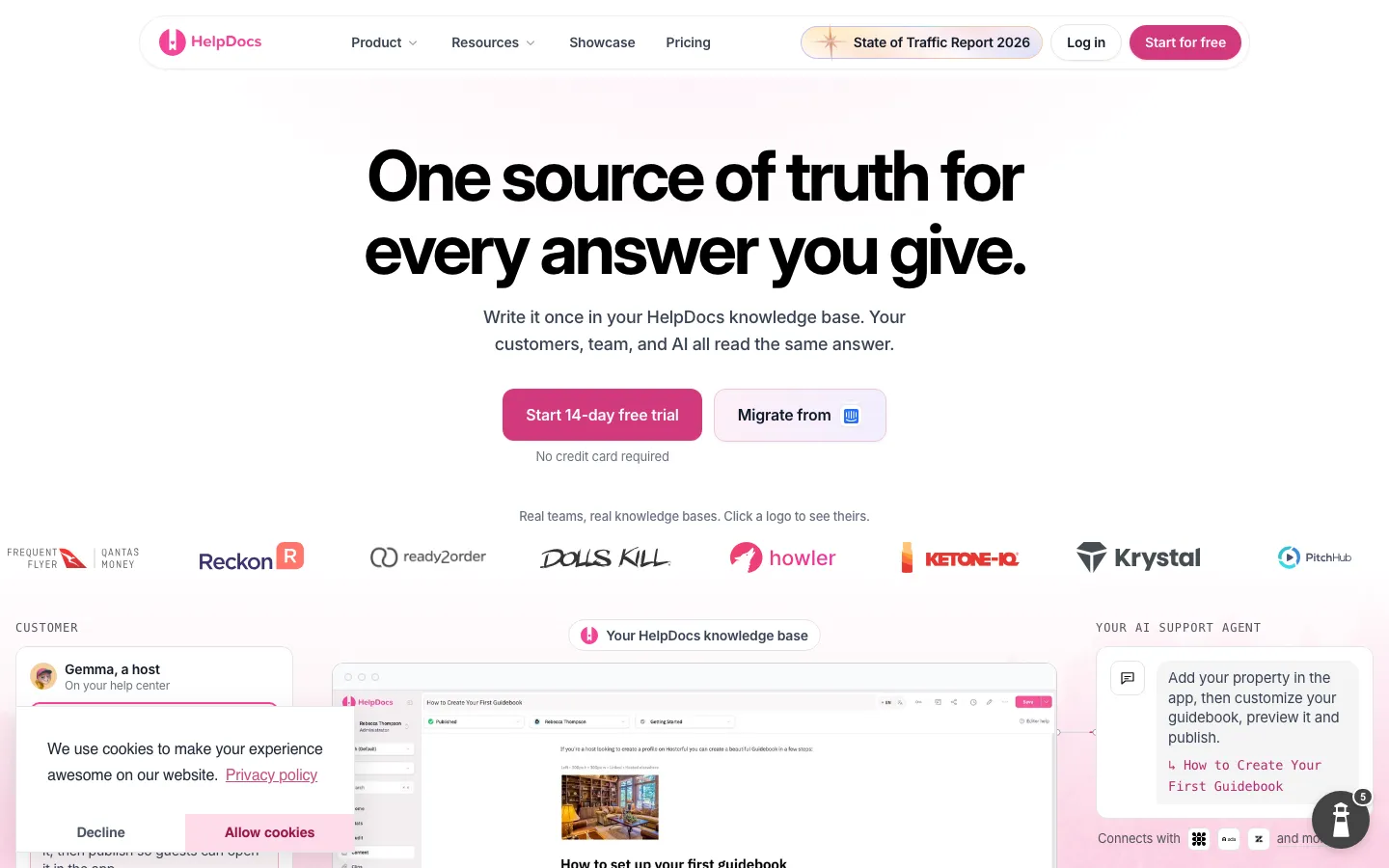
That puts it in a different lane from the rest of the marketing tools directory. HelpDocs gives public readers unlimited access, while its editor, custom domain, SSL, search optimization, analytics and unlimited articles sit inside the knowledge-base product. The Lighthouse widget brings that content into an app or website, so customers can search, read an article or reach a contact form without leaving the screen where they got stuck.
The strongest reason to pick it is that the documentation can also serve an AI workflow. HelpDocs lists clean Markdown for each article, an llms.txt index, an API and an MCP server. That is a practical setup for a team that wants people and compatible assistants to work from the same maintained material, rather than copying articles into prompts.
Who is HelpDocs best suited for?
Documentation teams
Teams maintaining a public help center that need unlimited readers while only a handful of people edit articles.
Product-led SaaS companies
Software teams that want searchable, contextual help inside their product through the Lighthouse widget and its Widget API.
Multilingual support teams
Companies publishing help across markets, with 20 languages on Bloom and unlimited languages on Harvest.
AI-ready documentation owners
Teams whose assistants need to search approved docs, read the full article and draft updates through MCP.
It is a weak fit when live chat must happen inside the widget. HelpDocs can supply self-service material and a contact form, but its own widget is not live chat. HelpDocs says it connects to chat tools if your team already runs one.
Which documentation features does HelpDocs provide?
Articles that stay consistent
Clips are reusable blocks that can appear in several articles, and dynamic Clips update wherever they are used. Variables work the same way for details such as a product name, support email or plan name. Those two controls make HelpDocs a better fit than a loose collection of pages when an answer is repeated across a help center and needs to change everywhere together.
AI for drafting and self-service
All plans include HelpDocs AI for drafts, rewrites, Ask AI, metadata, alt text and search tags. Sprout includes 1,000 AI credits a month, Bloom 5,000 and Harvest 10,000. Bloom also adds AI improvement and style enforcement, which matters once several writers need the help center to sound like one product rather than several.
Lighthouse in-product help
Lighthouse puts help articles, answers and a contact form behind a launcher in your product or on your site. Its Widget API can show or hide the panel, open a category or article, surface suggestions and launch the contact form. That makes it useful when you know where people get stuck and want to put the relevant answer near the task, not behind another browser tab.
Migration and language coverage
Every plan includes a migrator that can copy articles from another platform, import Word documents or CSV files, or lift content from a live help center. Sprout supports three languages, Bloom 20 and Harvest unlimited, with machine-translation allowances. The migration tools remove a common switching cost, but the language limit is still a clear reason to skip Sprout for an international product.
API and MCP access
HelpDocs lists read and write API access on its three published plans. Its MCP server lets a compatible client search articles and categories, read articles in full, and draft into the knowledge base. That is more useful than a public crawl when your team needs the assistant to work with the live knowledge base, but it also makes governance important: stale documentation remains stale when an assistant can reach it quickly.
How is HelpDocs priced across its tiers?
Price checked 27 Nov 2026
| Plan detail | Sprout$99/mo annual | Bloom$239/mo annual | Harvest$399/mo annual |
|---|---|---|---|
| Monthly billing | $129/mo | $299/mo | $499/mo |
| Editors included | 5 | 15 | 25 |
| AI credits each month | 1,000 | 5,000 | 10,000 |
| Languages | 3 | 20 | Unlimited |
| API access | Read and write | Read and write | Read and write |
| SSO | Not listed | Embedded JWT | SAML and OIDC |
HelpDocs prices in US dollars, 27 Nov 2026.HelpDocs pricing
For a five-person editing team, Sprout is the cleanest bill: $99 a month on annual billing, or $1,188 for a year. Once you need more than five editors, Bloom is the next tier: it accommodates up to 15 editors and adds 20 languages, an audit trail, advanced permissions and embedded JWT SSO for $239 a month annually.
- Every plan starts with a 14-day free trial and does not require a card.
- Anonymous viewers are unlimited and free. Editors are the people who sign in to write and manage content.
- Harvest includes 25 editors, then lists extra editors from $25 a month. HelpDocs says volume discounts start after 100 editors.
- Qualifying companies less than three years old with five or fewer employees can apply for 50% off for two years through the Greenhouse program.
What does HelpDocs Enterprise include for large organizations?
HelpDocs Enterprise begins at $1,250 per month billed annually, representing a $15,000 minimum yearly investment. It is for organizations whose documentation program needs provisioning, security review and contract controls, rather than teams that simply need more articles.
- SCIM provisioning, session timeout controls and sandbox accounts
- Unlimited revision and analytics history, plus users and domains set to your needs
- Additional accounts from $299 each per month, billed annually, plus priority support and invoice billing
- Written security reviews and a signed DPA, while SOC 2 and ISO 27001 certification are listed as in progress
The key boundary appears before Enterprise. Harvest adds SAML and OIDC SSO, anonymous mode, IP restriction and custom HTTP headers. If your security team needs those controls, it is the real starting tier, not Sprout.
Where does HelpDocs fall short for real-time customer support?
HelpDocs limits its Lighthouse widget to self-service knowledge searches and contact submissions rather than live conversational chat. Its widget lets people search and read articles or open a contact form. If live conversations are essential, HelpDocs says it connects to chat tools if your team already runs one.
The entry plan is also deliberate rather than cheap. Sprout limits you to five editors, three languages and 1,000 credits a month. That may fit a small documentation group, but it is not a solo-founder price, and the annual discount only makes sense once the team knows those limits will hold.
Finally, security gates arrive in steps. Bloom adds advanced permissions, an audit trail and embedded JWT SSO. Harvest is where SAML, OIDC, anonymous mode, IP restriction and custom HTTP headers appear. Map the access requirement first, or a low starting price becomes the wrong comparison.
What are the top HelpDocs alternatives?
Choose  HubSpot Service Hub review if you need documentation connected to a help desk, ticket routing and customer data shared with sales and marketing. HelpDocs is the narrower choice when the publishing workflow, editor pricing and embedded knowledge are the priorities.
Choose the Intercom review when live chat, ticketing and an AI agent need to work in one system. Its published structure combines inbox seats with a charge per Fin outcome, which is a different cost model from HelpDocs' editor-based plans.
What is the overall verdict on HelpDocs?
HelpDocs works best when five or fewer people maintain documentation that a much larger audience needs to read. Its published editor pricing, unlimited readers, widget and read and write API give that group a practical way to keep a help center current. The MCP server can put the same maintained material in reach of compatible assistants without creating another copy to manage.
Start a trial with the five people who would actually edit the knowledge base, migrate a representative set of articles and test the Lighthouse placement in your product. Move to Bloom when you need more than five editors, or when its language, permission or JWT controls solve a current requirement.
How was this HelpDocs review evaluated?
HelpDocs provided the official subscription pricing, account limits, Lighthouse specifications, and MCP technical pages reviewed on 27 Nov 2026. Prices remain in the US dollars HelpDocs shows, and the review follows how we check figures.
- HelpDocs pricing and annual pricing pages
- HelpDocs feature and AI pages
- HelpDocs Lighthouse and MCP pages
What are the most common questions about HelpDocs?
How much does HelpDocs cost?
Monthly plans are $129 for Sprout, $299 for Bloom and $499 for Harvest. Annual billing lists $99, $239 and $399 a month. Enterprise starts at $1,250 a month billed annually.
Does HelpDocs have a free trial?
Yes. Every plan has a 14-day free trial, and HelpDocs says no credit card is required to start.
What does HelpDocs charge for?
HelpDocs charges for editors, the people who log in to write and manage content. Anonymous readers of a published knowledge base are unlimited and free.
Can an AI assistant work with HelpDocs?
Yes. HelpDocs lists a read and write API and an MCP server that lets compatible clients search, read and draft into the knowledge base. It also serves articles as Markdown and publishes an llms.txt index.
 Reviewed byDanny Kirk
Founder of ReddiReach.
 Checked byAndrés Felipe
Digital designer and marketer.
Every figure is checked against the vendor's own page. Read our editorial standards.