
Key Takeaways
- Linkstorm crawls English-language websites on WordPress, Shopify, Webflow, and custom architectures to generate context-driven internal link opportunities across JavaScript-rendered content.
- Linkstorm scales pricing based on analyzed pages, charging $30 monthly for 1,000 URLs on Small and $200 monthly for 50,000 URLs.
- Linkstorm provides a no-login browser extension for quick audits, though teams should verify programmatic API and MCP availability before purchase.
- Linkstorm is ineffective for websites with non-English content, extensive short-form articles, or total catalog volumes that exceed its strict monthly URL allowances.
Linkstorm is a sensible buy when you need to find and add internal links across an English-language site that is not limited to WordPress, especially one with JavaScript-rendered content. It suits publishers and SEOs who can work within a URL quota, while teams that need a broader content platform or mostly short-form, multilingual coverage may get more from another tool.
Agent access
- API
- Not found on official pages
- MCP server
- Not found on official pages
What are the primary pros and cons of implementing Linkstorm?
What works
- Works across CMSs and JavaScript-heavy sites
- Unlimited projects and websites on every plan
- Can place approved links through its plugin or code snippet
What to watch
- Small stops at 1,000 URLs and 1,000 credits
- Auto-linking can add links without individual approval
- English content only; best suited to long-form pages
How does Linkstorm uncover internal linking opportunities across complex sites?
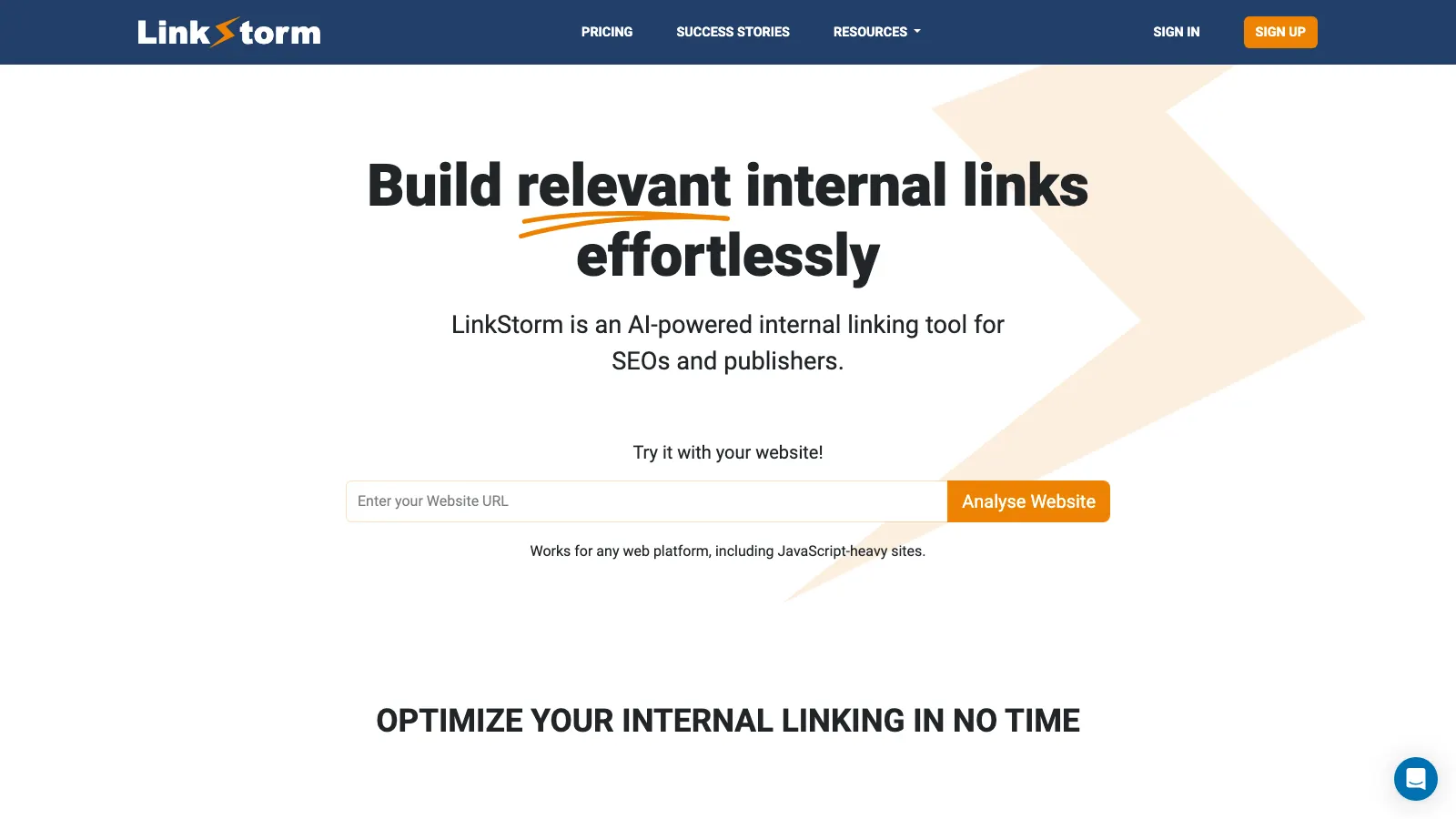
Linkstorm solves internal link degradation where expanding content archives outpace manual efforts to identify relevant context links. Linkstorm crawls content, presents internal-link opportunities, and works across WordPress, Shopify, Webflow, and custom-built sites. That makes it useful for a mixed stack and for JavaScript-heavy pages, unlike workflows that only fit one CMS. It is one of the more specialized tools in the marketing tools directory: it handles the linking job rather than trying to run the whole editorial operation.
The work starts in its Opportunities Report, where suggestions are ordered by relevancy score. A Pages Report shows inbound and outbound opportunities, while the depth column can surface pages that sit too far from the homepage. Those are practical ways to turn an old content backlog into a sequence of decisions instead of a crawl spreadsheet.
Linkstorm is strongest when implementation follows the recommendation. With the WordPress plugin or a site snippet in place, approved links can be placed in content automatically. Its separate auto-link setting goes further and adds links without manual input, though individual links can still be reviewed and removed later.
Who benefits most from adopting Linkstorm for internal SEO?
Multi-platform publishers
Improve internal links across WordPress, Shopify, Webflow, and custom websites from one workflow.
JavaScript-heavy sites
Analyze dynamic content where a simple HTML-only linking process misses useful page connections.
SEO consultants
Use unlimited projects and websites while choosing capacity by the total URLs analyzed.
Long-form content teams
Find opportunities in English long-form content, where Linkstorm recommends pages of 500 words.
It is a weaker fit for a team that wants an all-in-one content system, multilingual coverage, or mostly short-form link recommendations. Linkstorm only works with English content and is best suited to long-form pages. It recommends pages of at least 500 words, warning that shorter pages may yield fewer linking opportunities. The value comes from having enough suitable pages to make that focused workflow worth paying for, and enough editorial control to review what goes live.
Which crawling and internal linking features does Linkstorm deliver?
Opportunity and page reports
The Opportunities Report groups suggested internal links and orders them by relevancy score. The Pages Report records inbound and outbound opportunities for each page, so you can sort toward pages that need incoming links or pages that can supply them. Its search function also lets a team concentrate on a particular URL or title when a campaign has a clear priority.
Google Search Console context
Connecting Google Search Console combines ranking, CTR, and view data with the linking analysis. That gives the linking work a performance layer, not just a structural one. For an SEO lead, the useful part is prioritization: the extra metrics help decide which linking opportunities deserve attention before the rest.
Anchor and link issue checks
Linkstorm reports anchor-text distribution and asks teams to keep anchors descriptive, varied, and relevant. It also identifies internal link issues, including broken links, redirects, and nofollow links. The free one-page checker is a separate way to inspect a URL without an account, while the paid product applies the broader analysis across a site.
Implementation choices
Teams can approve suggestions one by one or in bulk. The WordPress plugin and code snippet can then place approved links in the content. Snippet-added links require an active paid subscription and active connection to Linkstorm's servers, and stop displaying if the subscription ends. Auto-linking removes the approval step, which is convenient for volume but changes the decision from choosing each link to reviewing the result afterward. I would keep the approval workflow until the recommendation quality is clear for your own site.
Free browser extension
The Internal Link Builder Chrome extension works without sign-up and analyzes content locally using an XML sitemap. It highlights potential anchors and lets you preview suggestions in context. That is a useful low-commitment way to find individual opportunities, but it does not replace the paid crawler for an ongoing site-wide workflow.
What are the URL-based subscription tiers for Linkstorm?
Price checked 27 Nov 2026
| Plan detail | Small$30/mo | Medium$60/mo | Large$120/mo | XL$200/mo |
|---|---|---|---|---|
| URLs | 1,000 | 5,000 | 20,000 | 50,000 |
| Credits | 1,000 | 5,000 | 20,000 | 50,000 |
| Projects | Unlimited | Unlimited | Unlimited | Unlimited |
| Websites | Unlimited | Unlimited | Unlimited | Unlimited |
Linkstorm prices in US dollars, 27 Nov 2026.Linkstorm pricing
The URL allowance, not the number of sites, sets the plan. A concrete team budget is $60 a month for a team's combined 5,000-URL workload on Medium, checked 27 Nov 2026. Small is a realistic starting point for a 1,000-page site, while a 20,000-page estate needs Large at $120. The plan table lists unlimited projects and websites, but does not state teammate access or seat charges, so confirm those terms before treating this as a complete team bill.
Credits refill monthly and match the URL cap on each plan. When the page quota is reached, Linkstorm stops analyzing additional pages but still provides opportunities for pages already analyzed. That is why a close count of crawlable pages matters more than an attractive entry price.
Where does Linkstorm fall short on language and capacity limitations?
Linkstorm imposes rigid URL scanning capacity limits that constrain large publishing sites and non-English content catalogs. Small is inexpensive at $30 a month, but its 1,000 URLs and 1,000 credits can be a quick ceiling for a publisher with archives, paginated listings, or multiple properties. Unlimited projects do not change that shared capacity question, so size the plan against the pages that actually need analysis.
The free Chrome extension offers a browser-based option without sign-up, while the paid tool uses a plugin or snippet for placement. Teams planning an API or MCP integration should confirm availability directly with Linkstorm before building that workflow.
Finally, auto-linking needs governance. The tool can add links automatically and lets you remove them later with one click. Snippet-added links also depend on an active paid subscription and server connection, so they stop displaying after cancellation rather than becoming permanent CMS edits. That can save time, but an internal-link system shapes a reader's path through a site. Start with reviewed suggestions, then widen automation only after the outputs consistently match your editorial rules.
Which search visibility tools should teams review as alternatives to Linkstorm?
 Linkstorm alternatives include AI Peekaboo, which evaluates generative search brand references rather than internal website link structures. Its plans begin at $30 a month with API, MCP, and Looker Studio access, price checked 27 Nov 2026, as the AI Peekaboo review explains.
 Quattr is worth investigating when a larger team wants internal linking alongside SEO, AEO, and GEO work, but it uses a demo-led pricing process. The Quattr review covers that broader platform.
 SEOmatic is the closer fit for programmatic publishing, with Launch from $99 a month, price checked 27 Nov 2026, and automatic internal linking as part of its production workflow. Read the SEOmatic review if generating pages from structured data is the first problem to solve.
What is the final verdict on Linkstorm for large-scale publishing?
Linkstorm earns its place when internal links are a repeatable production problem across a real content estate, not a once-a-year cleanup. Its platform coverage, Search Console context, and implementation options give a lean SEO team a focused way to act on a backlog. Do not buy it only because the starting price is low: buy the plan whose URL allowance fits the pages you need to analyze.
Run the free trial or browser extension first, count the pages you need in scope, and begin with reviewed suggestions. Move to automatic placement only when the links meet your own editorial and technical standards.
How were the specifications in this Linkstorm review checked?
Linkstorm technical limits, extension capabilities, and pricing plans were confirmed through official platform resources on 27 Nov 2026. Prices are in US dollars, as Linkstorm shows them, and every figure follows how we check figures.
- Linkstorm pricing and product pages
- Linkstorm platform and implementation guidance
- Linkstorm help articles and Chrome extension page
What are frequently asked questions regarding Linkstorm capabilities?
Does Linkstorm work on JavaScript-heavy sites?
Yes. Linkstorm says it supports JavaScript rendering and can analyze dynamic content, as well as sites on WordPress, Shopify, Webflow, and custom stacks.
How much does Linkstorm cost?
Small costs $30 a month for 1,000 URLs and credits. Medium is $60 for 5,000, Large is $120 for 20,000, and XL is $200 for 50,000.
What happens when the URL quota is reached?
Linkstorm stops analyzing additional pages, but continues to offer opportunities for pages it has already analyzed. Credits refill monthly.
Can Linkstorm add approved links automatically?
Yes. With the WordPress plugin or code snippet installed, approved links can be placed in content automatically. The snippet needs an active paid subscription and connection to Linkstorm's servers, and accepted links stop displaying after cancellation. The auto-link setting can also add links without individual approval.
Does Linkstorm have a free option?
Linkstorm offers a free trial with no credit card required. Its Internal Link Builder Chrome extension is also free, needs no sign-up, and works directly in the browser.
 Reviewed byDanny Kirk
Founder of ReddiReach.
 Checked byAndrés Felipe
Digital designer and marketer.
Every figure is checked against the vendor's own page. Read our editorial standards.