
Key Takeaways
- Pylon unifies customer support conversations from Slack, Microsoft Teams, email, and in-app chat into a centralized, accountable ticketing queue.
- Pylon prices its Professional tier at $89 and Advanced tier at $139 per seat monthly on an annual contract.
- Pylon connects to developer tools and workflows through a native REST API, webhooks, scoped authentication tokens, and an MCP server.
- Pylon requires committing to an upfront annual sales contract and excludes self-service trials or free tiers for smaller support operations.
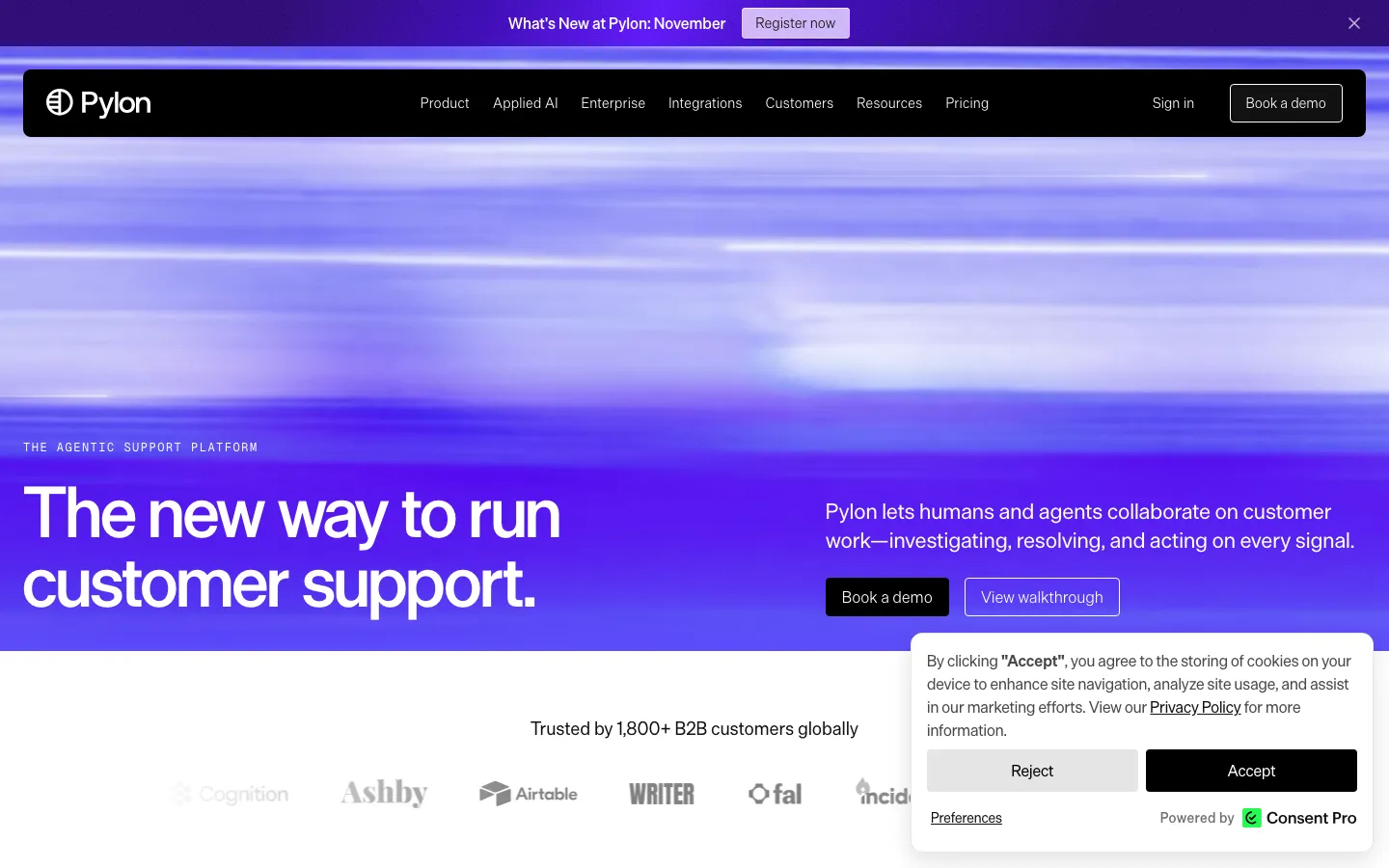
When B2B customer work is spread across Slack, Microsoft Teams, email and chat, Pylon gives your team one accountable queue. It is a strong choice for established post-sales teams that need shared-channel ticketing, account context and agentic support in the same system. Skip it if you want a lightweight AI layer on your current help desk, a free plan or a self-serve start.
Agent access
- API
- Yes, Professional, Advanced, and Enterprise.
- MCP server
- Official, hosted, OAuth 2.0. Pylon's developer docs also describe Bearer API-token authentication, while its support guide says MCP supports OAuth only.
- Works with
 ClaudeClaude Code
 ChatGPT
 Cursor
- Automation
- Zapier
What are the key advantages and drawbacks of Pylon?
What works
- One queue for B2B channels
- API and MCP access across every plan
- Seat and credit pricing, never per ticket
What to watch
- No free plan and sales-assisted trials
- Phone and Account Intelligence cost extra
- It replaces a help desk rather than sitting on top of one
How does Pylon streamline B2B shared-channel customer support?
Pylon makes most sense when support is already happening where B2B customers work. A shared Slack channel, a Teams thread and an email should not force a rep to reconstruct the same account story in three places. Pylon treats those conversations as issues in one workspace, with routing, queues, service targets and account context alongside them.
That is why it belongs in the marketing tools directory as a support platform, not just a chatbot. It combines ticketing with a knowledge base, surveys, analytics, workforce management and optional account intelligence. Pylon says its Assist Agent, Support Agent, Slack Agent, Automations and Skills work alongside people on customer work. For a post-sales leader, the appeal is one operating system for hard customer issues.
The trade-off is deliberate. Pylon positions itself as the help desk, not an AI layer for another help desk. That makes it a serious migration decision. If your team needs to replace a fragmented support workflow, the breadth is persuasive. If the goal is simply to automate a narrow slice of an existing system, it is more platform than you need.
Who gets the most value out of adopting Pylon?
Shared-channel support teams
Route shared-channel conversations, email and chat into accountable issues with service targets.
Complex B2B support
Keep account history, customer details and previous conversations beside each owned issue.
Technical post-sales teams
Connect support workflows to your wider stack through API, webhooks and MCP.
Support and success leaders
Use notebooks, health scores and activity timelines when success shares the system.
I would put Pylon in front of teams with enough B2B support complexity to justify a system. Its annual-contract seat price and sales-led trial are a poor match for a solo operator or a small team still deciding whether it needs a help desk at all. It is also the wrong shape for a company that must keep its existing support product and only wants an AI overlay.
Which ticketing and agentic support features does Pylon provide?
One B2B inbox across the channels that matter
Professional includes Slack Connect and communities, internal Slack channels, email, a chat widget, mobile chat SDKs, ticket forms, Discord, WhatsApp, Telegram and SMS. Microsoft Teams and Google Chat appear on Advanced and Enterprise, while phone is an add-on on any plan. Pylon also provides queues, routing, support hours and response and resolution targets, so the channel does not determine whether work is visible or owned.
Agents that can investigate, respond and escalate
Pylon separates customer-facing and internal work. Support Agent can resolve supported questions across channels and brings in people when judgment is needed. Assist Agent investigates issues, uses connected tools and takes action, while Slack Agent works inside Slack. Automations handle repeatable workflows, and Skills are reusable instructions for how the team investigates, resolves and acts. The agents run on credits, available pay as you go or as a committed plan.
Knowledge, reporting and account context
The built-in knowledge base includes articles, collections, AI article generation, AI answers and analytics. Prebuilt support dashboards cover service targets, CSAT and knowledge-base reporting. Advanced and Enterprise add custom dashboards, workforce reporting and a data-warehouse option. Account Intelligence is separate at $10 per customer account each month, adding notebooks, AI and custom fields, a health-score builder, scorecards, a customer-success home view and account activity timelines. It requires at least 50 customer accounts.
API, MCP and integrations without a plan gate
This is Pylon's most practical distinction for a technical team: its REST API, scoped API tokens, webhooks, iFrame embeds, custom apps, bring-your-own-agent option and MCP server are available across the plans. Its integrations cover CRM, issue tracking, call-recording, data-warehouse and AI tools. That gives an internal agent or workflow a route into the support system without turning developer access into an Enterprise-only conversation.
Security and regional controls
Pylon says it is independently audited to SOC 2 Type II and ISO/IEC 27001:2022, supports GDPR and offers US or EU AWS hosting. Its security page says workspace data is encrypted in transit and at rest, backups stay in the selected region, and AI providers processing data operate under zero-data-retention agreements. Advanced and Enterprise add HIPAA support and audit logs, while SCIM provisioning is Enterprise-only.
How does Pylon structure seat pricing and agentic credits?
Price checked 27 Nov 2026
| Plan detail | Professional$89/seat/mo | Advanced$139/seat/mo | EnterpriseCustom |
|---|---|---|---|
| Contract basis | Annual | Annual | Custom quote |
| Agentic credits | Pay as you go or committed | Pay as you go or committed | Pay as you go or committed |
| API and MCP | ✓ | ✓ | ✓ |
| Additional business-chat channels | ✕ | ✓ | ✓ |
| Custom reporting | Not listed | ✓ | ✓ |
| SAML SSO | Not listed | $125/mo add-on | Included |
| SCIM | Not listed | Not listed | ✓ |
Pylon plans, 27 Nov 2026.Pylon pricing
As an illustration, three Professional seats total $267 a month before credits on an annual contract, while three Advanced seats total $417. Pylon does not publish its minimum seat count for new customers, so confirm with sales that your team size meets it before treating either calculation as an available purchase. Monthly billing is available, but Pylon does not publish a monthly seat rate.
Plan for add-ons separately. Phone is $35 per seat each month on every plan. Account Intelligence is $10 per customer account each month and has a 50-account minimum, making its minimum published cost $500 a month before any seat fees. Price the channels and account workflow the team actually intends to run, not only the base seat line.
What custom governance controls does Pylon Enterprise include?
Pylon reserves enterprise-grade governance controls and custom quotation packages exclusively for its top-tier Enterprise deployment. SCIM provisioning is included there, while Advanced includes SAML SSO as a $125 monthly add-on and Enterprise includes it. The published grid also lists Enterprise-only data retention controls, SendSafely secure file uploads and compliance archiving. If procurement needs those controls, a Professional plan with API access is not a substitute for an Enterprise conversation.
What are the most notable operational limitations of Pylon?
Pylon asks for commitment early. There is no free plan, the free trial is set up with a sales representative, and standard contracts are annual. A team can buy credits as it needs them or commit upfront, but needs a quote for its intended setup. That is reasonable for a core support system, but adds friction if you are comparing a few small tools alone.
The base price also tells you who Pylon is for. Professional starts at $89 per seat each month on an annual contract, and Microsoft Teams and Google Chat start on Advanced at $139 per seat. Phone and Account Intelligence add recurring cost. A lean support operation may find the system too expensive before it reaches the part of the product that makes Pylon distinctive.
Finally, replacement is part of the design. Pylon can connect to other systems, but its proposition is a unified support platform. Keep your current help desk if its ticketing model already works and you only need a specialized automation layer. Move to Pylon when the customer conversations themselves are the problem you need to unify.
Which help desk and shared-inbox tools compete with Pylon?
 Pylon alternatives include respond.io, which consolidates WhatsApp Business Calls, Messenger Calls, and VoIP alongside standard customer messaging. Compare it when voice and messaging channels, rather than a B2B shared-channel help desk, drive the buying decision. Read the respond.io review before choosing a system built around those flows.
 Re:amaze includes unlimited email inboxes, live chat, social media channels, public and internal FAQs, workflow macros and response templates. Compare it when your team needs those help-desk capabilities across its customer channels. Read the Re:amaze review for the details.
What is our definitive assessment of Pylon for B2B teams?
For an established B2B team whose customer work crosses support and success, Pylon is built to make every issue carry its channel and account context with it. Shared-channel ticketing, AI agents and developer access form a coherent operating system for work that would otherwise hop between tools.
That operating model comes with annual contracts, paid seats, credit usage and a platform migration. Choose Pylon when consolidating support and customer-success work is the goal. Pass when a small team needs a free experiment or an AI layer that stays on top of its current help desk.
Get the Professional and Advanced seat quotes for your real support team, confirm Pylon's undisclosed seat minimum, add the channels and account workflow you need, then decide whether the unified operating model is worth replacing your current help desk.
How did we audit Pylon pricing, API, and MCP capabilities?
Pylon published pricing, security standards, API documentation, and MCP capabilities were checked directly on 27 Nov 2026. Prices are in US dollars as Pylon displays them, and every figure follows how we check figures.
- Pylon pricing and product facts
- Pylon ticketing, Support Agent and enterprise pages
- Pylon API, MCP, integrations and security pages
What are the common questions about deploying Pylon?
How much does Pylon cost?
Professional is $89 per seat monthly and Advanced is $139 per seat monthly on annual contracts. Enterprise is a custom quote. AI capabilities use credits, available pay as you go or as a committed plan.
Does Pylon have a free plan or trial?
There is no free plan. Pylon offers free trials for prospects, set up with a sales representative.
Does Pylon charge per ticket?
No. Pylon prices by seats and agentic credits rather than per ticket or per resolution.
Does Pylon support API and MCP access?
Yes. REST API, scoped API tokens, webhooks, custom apps and the Pylon MCP server are listed on every plan.
Is Pylon secure and compliant?
Pylon says it has SOC 2 Type II and ISO/IEC 27001:2022 certifications, GDPR support and EU data residency on all plans. HIPAA support and audit logs are on Advanced and Enterprise, while SCIM is Enterprise-only.
 Reviewed byDanny Kirk
Founder of ReddiReach.
 Checked byAndrés Felipe
Digital designer and marketer.
Every figure is checked against the vendor's own page. Read our editorial standards.