
Key Takeaways
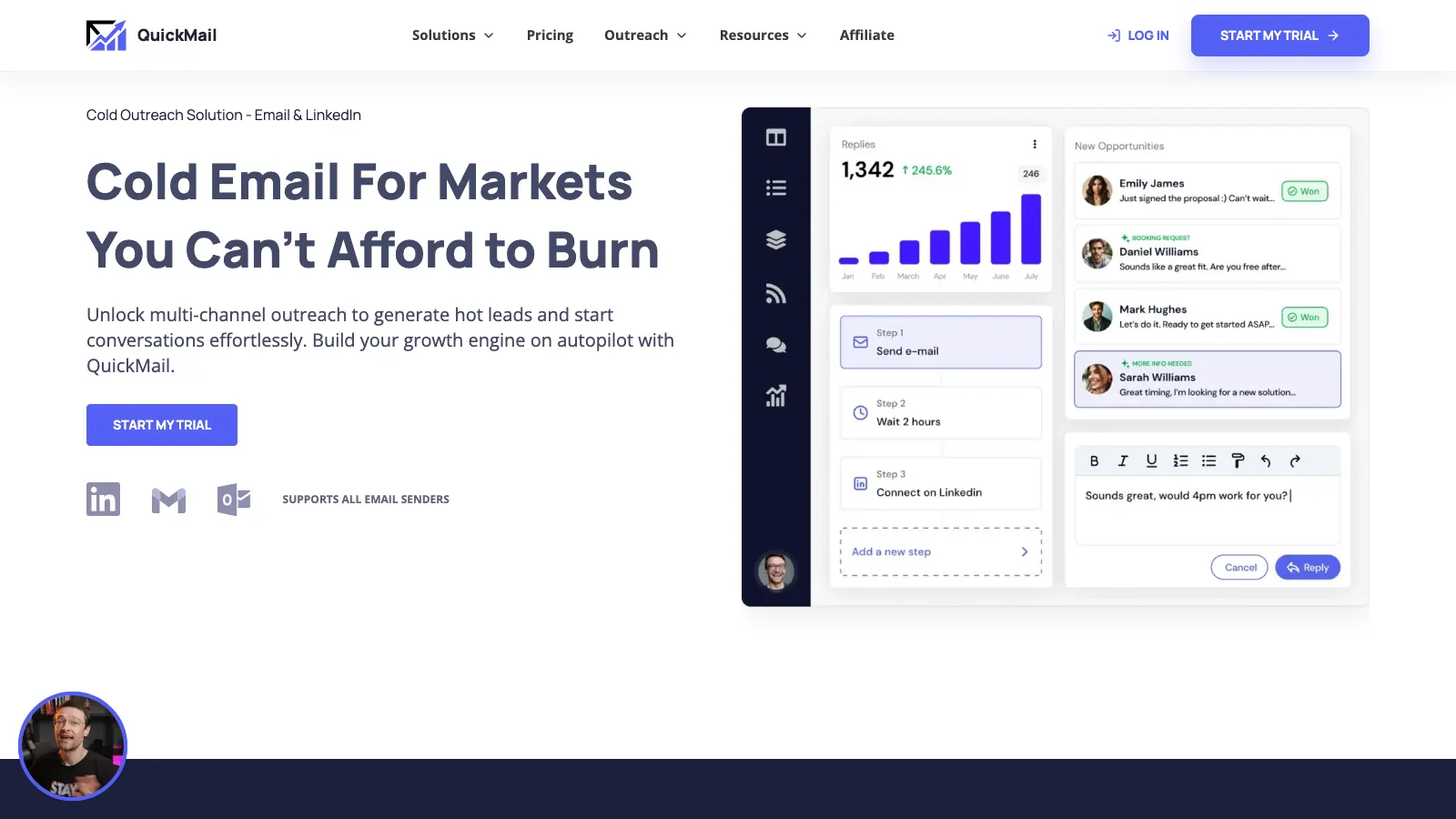
- QuickMail coordinates multichannel cold outreach across email inboxes and LinkedIn profiles while routing incoming prospect replies into one dashboard.
- QuickMail prices its Starter plan at $49 monthly, while the Growth plan costs $99 monthly for 25,000 active contacts.
- QuickMail unlocks native API access on Growth and reserves outbound webhook automation exclusively for its Agency subscription tier.
- QuickMail limits Starter users to 5,000 monthly emails and 1,000 contacts, requiring growing teams to purchase higher tiers.
If you need your outbound team to run email and LinkedIn from one shared workflow, QuickMail is the pick. Every listed tier permits unlimited senders, LinkedIn accounts and users. It is a weaker fit when Starter's capacity is too small and Growth's $99 monthly API tier is outside your budget.
Agent access
- API
- Yes, Growth plan ($99/month) or Agency plan ($299/month)
- MCP server
- Official, hosted, OAuth sign-in with a QuickMail account
- Works with
 Claude
 ChatGPT
- Automation
- Zapier, Make
What are the main pros and cons of QuickMail for cold outreach?
What works
- Published plans allow unlimited email senders,
 LinkedIn accounts and users
- AutoWarmer through MailFlow and inbox rotation on every plan
- One inbox for replies across both outreach channels
What to watch
- Starter permits no more than 5,000 monthly emails and 1,000 contacts
- API access begins on Growth, at $99 a month
- Webhooks and a second workspace start on Agency, at $299 a month
How does QuickMail manage unified email and LinkedIn outreach campaigns?
QuickMail combines email steps and LinkedIn actions in a campaign, then gathers the replies in one inbox. That makes it a focused option in the marketing tools directory for a team whose real problem is keeping outreach conversations and sending accounts together, rather than buying another place to store contacts.
The practical appeal is how it charges. QuickMail lists unlimited email senders, LinkedIn accounts and users across Starter, Growth and Agency. A three-person team using one Growth workspace therefore has the same published $99 monthly software bill as a one-person team, before any services outside QuickMail. That is a cleaner proposition than a plan that grows every time a teammate or mailbox joins.
There is a boundary to that generosity. QuickMail's plans are constrained by workspaces, uploaded contacts and monthly email volume. Starter is an inexpensive way to learn the workflow, but its 1,000-contact and 5,000-email limits make Growth the more realistic operating plan for a team with a continuing campaign.
Who gets the strongest ROI from deploying QuickMail?
Outbound sales teams
Growth combines email and LinkedIn campaigns, one inbox, API access and 100,000 monthly emails.
Lead-generation agencies
Agency provides two workspaces, webhooks and extra workspaces for $49 monthly.
Small founding teams
Starter supports contained outreach experiments with 1,000 contacts, 5,000 emails and a 14-day trial.
Teams with several senders
Published plans include unlimited senders and inbox rotation without per-sender software charges.
QuickMail is a weaker fit when you need a standalone prospect database. Its material points to CSV and Google Drive imports, LinkedIn ICP filtering and auto-connects, rather than describing a conventional database of prospects. Bring a reliable source of contacts, then use QuickMail to run the sequence and manage the response.
Which inbox rotation and multichannel tools does QuickMail include?
Email and LinkedIn in one sequence
QuickMail is built around a mixed outreach sequence: email steps can sit beside LinkedIn actions instead of forcing your team into separate campaigns. Its LinkedIn workflow uses an extension, and the product also describes a persistent connection option for accounts using two-factor authentication. The important point is operational, not cosmetic: one campaign can reflect how an outbound rep actually follows up.
A unified reply inbox
Replies from email and LinkedIn flow back to a single inbox. For an agency or sales lead, that prevents a reply from becoming invisible because it landed in the wrong channel. It also gives the people writing outreach and the people responding to it the same conversation record, which is more useful than simply adding another sending screen.
Deliverability tools included on every plan
All published plans include AutoWarmer through MailFlow and inbox rotation. QuickMail also describes Deliverability AI as a way to replace poorly performing senders, while Reword with AI rewrites outgoing email copy to make each message unique. Those are maintenance features, not a promise of inbox placement or campaign results, but they belong in the purchase decision because they reduce the number of deliverability jobs a small team has to coordinate elsewhere.
CRM, import and automation options
QuickMail publishes direct two-way synchronization with HubSpot and Pipedrive, plus CSV and Google Drive imports. Zapier appears on every published plan, including Starter. The API is on Growth and Agency, while webhooks are listed only for Agency. That tiering is clear enough to shape a build: Starter can support Zapier automation, Growth is for an agent or internal process that needs the API, and Agency is the requirement for webhooks.
Workspaces for client work
Agency includes two workspaces and lists each additional workspace at $49 a month. That is the feature that separates an agency purchase from a large Growth account. If you need to keep client programs apart, paying $299 for the base Agency plan is easier to justify than trying to treat one workspace as several client environments.
How much does QuickMail cost across Starter, Growth, and Agency?
Price checked 27 Nov 2026
| Plan detail | Starter$49/mo | Growth$99/mo | Agency$299/mo |
|---|---|---|---|
| Workspaces | 1 | 1 | 2, then $49 each |
| Uploaded contacts | 1,000 | 25,000 | 100,000 |
| Emails sent each month | 5,000 | 100,000 | 500,000 |
| Email senders, LinkedIn accounts and users | Unlimited | Unlimited | Unlimited |
| AutoWarmer with MailFlow | ✓ | ✓ | ✓ |
| API | ✕ | ✓ | ✓ |
| Webhook | ✕ | ✕ | ✓ |
QuickMail prices in US dollars, 27 Nov 2026.QuickMail pricing
The jump from Starter to Growth is $50 a month, but it changes the shape of the product. Growth expands contact capacity from 1,000 to 25,000, raises monthly sending from 5,000 to 100,000 and adds the API. That is why Growth is the relevant comparison point for an established outbound team, even when only one person runs the campaigns.
- Every published plan includes unlimited users, email senders and LinkedIn accounts
- Every published plan includes a 14-day trial
- Agency includes two workspaces, with additional workspaces listed at $49 a month
- Growth and Agency list Priority Expert Support, while Starter lists Expert Support
QuickMail asks for card information to start the trial. It says the trial does not automatically subscribe or charge you when it ends. That is a reasonable way to inspect the workflow, but the limits are the more important check: confirm your contact import and sending cadence fit the plan you are considering.
How does QuickMail support multi-client outbound agencies?
QuickMail does not publish an Enterprise tier. Agency is its highest named plan, at $299 a month, with 100,000 uploaded contacts, 500,000 monthly emails, two workspaces and webhooks. The next question for an agency is not an Enterprise quote, it is whether the $49 additional-workspace price and Agency limits match the number of client programs you need to isolate.
Unlimited users are particularly valuable in that setup. You can give a client or another operator access without moving the base subscription because of a seat count. The plan still needs a deliberate operating model, though: each workspace should have a clear owner, sending accounts and contact list, otherwise the separation that justified Agency disappears.
Where does QuickMail fall short for scaling sales teams?
QuickMail restricts its Starter tier to low contact caps that prevent it from serving as a true multi-user sales plan. Five thousand monthly emails and 1,000 uploaded contacts are hard ceilings, so a team that already knows it needs volume should price Growth first. The cheaper number looks attractive, but the lower limit is what determines whether that plan can do the job.
Machine access is not universal. Starter includes Zapier, but QuickMail lists API access from Growth and webhooks only on Agency. Budget for Growth if your process needs the API, and Agency only when webhooks are a requirement, rather than assuming every automated handoff needs an upgrade.
The LinkedIn side also relies on QuickMail's extension workflow. That can be perfectly practical for a rep-led motion, but it is a different fit from a tool dedicated to email infrastructure. Its published material does not describe a conventional prospect database either, so teams need their own list source or a LinkedIn-led discovery process.
Which sales prospecting and monitoring tools rival QuickMail?
 AI Peekaboo review is useful when the job is monitoring how AI answers describe your brand, rather than sending outreach. Its plans started at $30 a month on 27 Nov 2026 and include the API, MCP and Looker Studio, which makes it a different but complementary marketing workflow.
 SalesBlink review is worth reading if you need AI sequences, unlimited email accounts, unlimited warmup, AI credits and MCP for AI agents on every plan. Its official pages advertised plans from $25 a month on 27 Nov 2026, although the plan card also showed $29; yearly billing saves 15% and is charged once for the year.
 Smartlead review is the relevant next read for teams looking specifically at cold-email infrastructure. Its published Base price was $39 a month, or $32 a month billed annually, on 27 Nov 2026, and all plans include unlimited email accounts at no extra cost. Compare that approach with QuickMail's unlimited senders, included MailFlow warm-up and $99 Growth tier before you commit sending accounts to either system.
What is our final evaluation of QuickMail for sales development?
QuickMail earns its place when your team needs email, LinkedIn and replies to work as one operating loop. Its lack of per-seat and per-sender charges is meaningful, and the $99 Growth plan has the volumes and API access a serious small team is likely to need. The $49 plan is best treated as a limited entry point, not the default recommendation.
Start the 14-day trial only with a real sample of your workflow, then choose Growth if you need its 25,000-contact, 100,000-email limits and API. Move to Agency when workspace separation and webhooks are requirements, not nice-to-haves.
How did we verify QuickMail feature tiers and subscription pricing?
QuickMail specifications and plan capabilities cited in this review were verified directly against official documentation on 27 Nov 2026. Alternative prices and product facts come from each vendor's own pages on the dates stated above. Prices are in US dollars as the vendors show them, and every figure follows how we check figures.
- QuickMail pricing and product pages
- QuickMail deliverability, inbox rotation and LinkedIn pages
- QuickMail integrations and terms pages
What are the common questions about configuring QuickMail campaigns?
Does QuickMail include AutoWarmer?
Yes. QuickMail lists AutoWarmer through MailFlow on Starter, Growth and Agency at no separately published charge.
How much does QuickMail cost for a team?
Starter is $49 a month, Growth is $99 a month and Agency is $299 a month. All three published plans list unlimited users, so a team does not have a separate published seat charge.
Does QuickMail have an API?
Yes. QuickMail lists API access on Growth and Agency. Webhooks are listed on Agency only.
What is included in the QuickMail trial?
QuickMail lists a 14-day trial on its published plans. Card information is required at signup, and it says the trial does not automatically subscribe or charge you when it ends.
 Reviewed byDanny Kirk
Founder of ReddiReach.
 Checked byAndrés Felipe
Digital designer and marketer.
Every figure is checked against the vendor's own page. Read our editorial standards.