
Key Takeaways
- Slate provides content marketing teams with governed refresh workflows, shared brand governance, and integrated generative AI visibility tracking inside a single unified platform.
- Slate begins pricing at $499 monthly for its single-user Growth tier, with Scale priced at $999 and Agency starting at $2,000.
- Slate connects with external automated environments using a documented REST API and a specialized Model Context Protocol connector for Claude workspaces.
- Slate is impractical for solo bloggers or teams producing occasional articles who do not require enterprise content refresh management systems.
When existing pages need regular attention, Slate gives you a way to turn that maintenance work into a governed workflow instead of a trail of briefs and handoffs. It suits a content operation that needs refreshes, AI visibility tracking and shared brand context in one system, but Growth is for one user in one workspace at $499 a month.
Agent access
- API
- Yes, included on Launch ($99/month), Growth, Scale, and Agency & Enterprise.
- MCP server
- Official, hosted, OAuth 2.0 through Slate sign-in; the Claude connector also requires Slate's documented client ID and an organization client secret.
- Works with
 Claude
What are the primary strengths and potential drawbacks of using Slate?
What works
- Refreshes, publishing workflows and AI search data share one workspace
- Brand Kit carries approved context into workflow runs
- Sheets can run workflows in bulk across rows of work
What to watch
- Growth starts at $499 a month before optional extras
- Claude and Gemini tracking are add-ons outside Enterprise
- Agency mode is a paid add-on with its own constraints
How does Slate manage content governance and page refresh workflows?
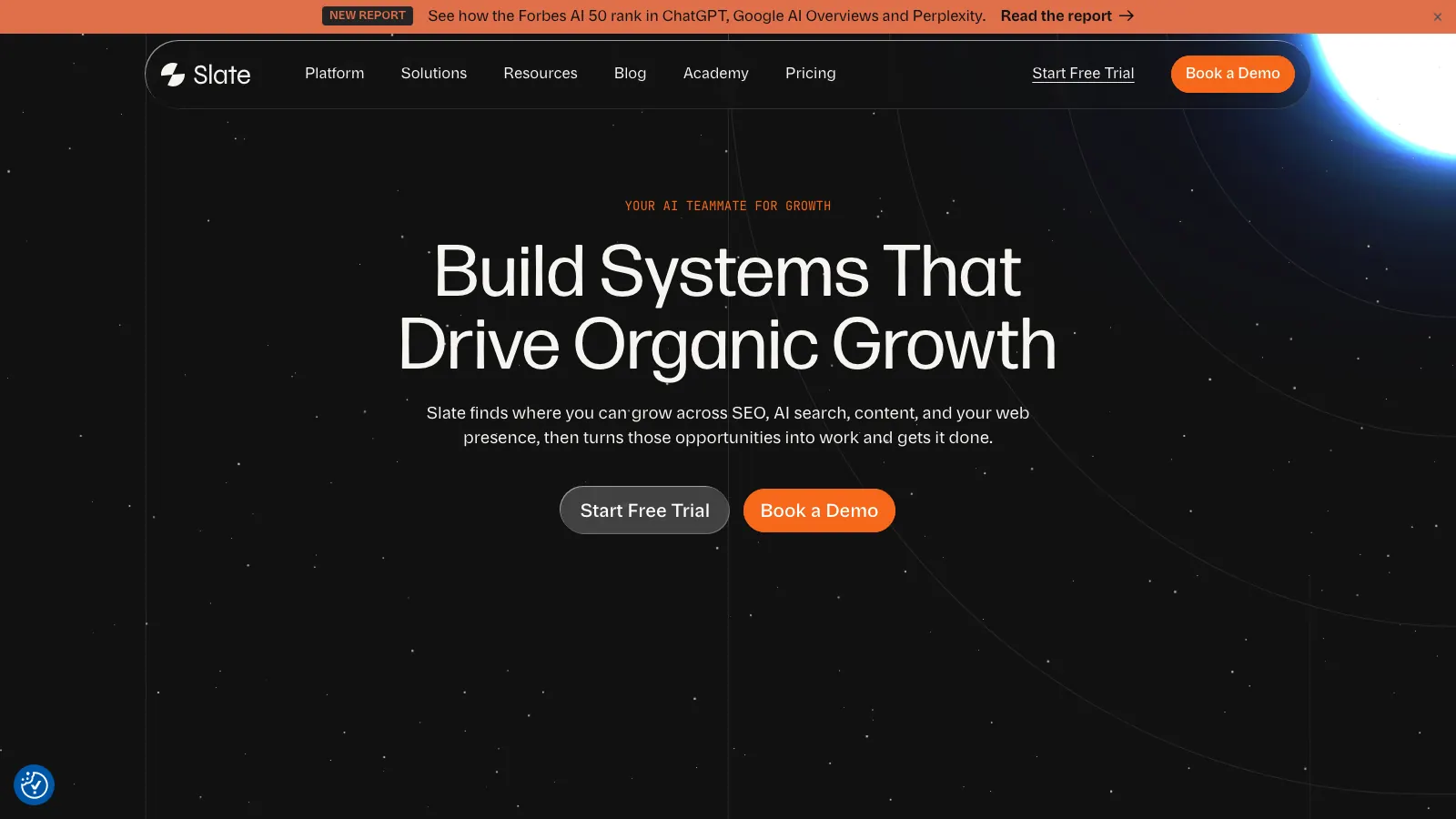
Slate is built for a content operation that has outgrown scattered briefs, spreadsheets and one-off prompts. It puts AI search tracking, content refresh, workflow automation and a shared brand context under one roof. If you are comparing the wider marketing tools directory, that combination is Slate's real distinction: it is trying to turn a signal into approved work, rather than merely reporting the signal.
The practical loop begins with data. Slate tracks visibility across ChatGPT, Perplexity, Google AI Overviews, Google AI Mode, Claude and Gemini, alongside traditional search data through APIs. It reports mentions, citations, share of voice and sentiment at prompt level. On Growth, Scale and Agency, Claude and Gemini are paid add-ons; Enterprise includes all six platforms.
From there, the product is geared toward execution. Its content-refresh material describes reviewing pages against ranking competitors, identifying gaps and preparing changes for human approval before CMS publishing. That makes Slate more useful to a team with a maintained site than to someone looking for another blank document.
Which content operations and marketing teams benefit most from Slate?
Content teams with a library
Refresh many established pages while maintaining one consistent brand and approval process.
Marketing operations teams
Run repeatable content jobs in bulk from sheets instead of manual handoffs.
Teams using Claude
Query Slate data and run workspace actions through the documented MCP connector.
Agencies with client workspaces
Keep each client workspace separate while agency users manage the broader organization.
I would not start with Slate just to generate a handful of articles. Its strongest case appears when the backlog is real: pages need revisiting, editors need guardrails and the work must reach a CMS without changing tools each time. The 14-day trial is a sensible chance to see whether that operating model fits before paying Growth's entry price.
What workflow automation and AI tracking features does Slate provide?
AI visibility alongside search data
Slate's AI Analytics tracks where a brand appears, which prompts cite it, competitors, sentiment and changes over time. Its platform list covers six AI search surfaces, while traditional-search monitoring runs through APIs. This is useful when your team needs one conversation about search visibility instead of a separate report for every surface.
Content refresh that can reach publishing
Slate's refresh workflow is its most persuasive feature. It is designed for large batches, with competitive gap analysis, a preview and approval step, then a route to publish to a CMS or export to Google Docs. Slate says it can refresh hundreds of pages at once, so the fit is a library with maintenance work, not a site with six pages.
Brand Kit and human review gates
Brand Kit stores voice, rules, audiences, positioning and documents so workflows can draw on the right context automatically. The product also supports version history, restores and required approval before changes go live. That is a better answer to AI content governance than pasting the same style prompt into every new chat.
Sheets and workflows for repeatable jobs
Sheets is Slate's spreadsheet-like bulk workspace. Each row represents a unit of work, and workflow columns run published workflows on the row data. You can use it for bulk SEO work or content generation, and it is the piece that makes a repeatable process practical across a large set of URLs.
REST API and Slate MCP
The REST API can run workflows, manage sheets and retrieve AEO Tracker data programmatically. Slate MCP connects a workspace to Claude, where it can access analytics, workflows, Sheets and Brand Kit context. The connection is read and write, so I would treat its permission scope as an operations decision, not a casual convenience.
CMS, data and team connections
Slate documents direct publishing to Webflow, WordPress and Sanity, plus connections for Google Search Console, GA4, Google Sheets and Slack. Workspace administrators can invite people and assign one of five roles. Those controls can support an editor, strategist and operator, but Growth itself includes one user and one workspace, so a shared setup needs Scale or a confirmed seat arrangement.
How are Slate monthly subscriptions and enterprise workspace tiers priced?
Price checked 27 Nov 2026
| Plan | Monthly | Users and workspaces | Published allowance |
|---|---|---|---|
| Growth | $499 | 1 user, 1 workspace | 15,000 credits, 10,000 AI answers, 1,000 pages monitored |
| Scale | $999 | Custom users and workspaces | 50,000 credits, 20,000 AI answers, 5,000 pages monitored |
| Agency | $2,000 | Custom users and workspaces | 100,000 credits, 50,000 AI answers, 10,000 pages monitored |
| Enterprise | Custom | Custom workspaces | Volumes, platforms and onboarding set around your team |
Slate prices in US dollars, 27 Nov 2026.Slate pricing
Annual billing saves 20% on the public plans. A one-person, one-brand, one-workspace setup has a published bill of $499 a month on Growth. For a shared editor, strategist and operator setup, Scale is the first public plan that lists custom users and custom workspaces, at $999 a month. Slate does not publish how many seats that price covers or a per-seat charge, so confirm the arrangement before treating $999 as a complete team bill.
The monthly bill is not only the plan sticker price. Workflow and agent work uses credits, while AI visibility uses a separate answer allowance. Agency mode is a paid add-on sold in packs of 25 client workspaces, and it is not available during a trial or on annual plans. That is the number to clarify if client workspaces are central to your delivery model.
What operational factors and cost barriers limit the adoption of Slate?
Slate's breadth is also its cost. At $499 a month for Growth, it asks you to have a process worth connecting. A small team that only needs periodic AI visibility reporting or occasional drafts can find the price hard to justify, even though the trial lowers the risk of looking.
The AI tracking plan needs attention too. The first four named AI platforms are included on Growth, Scale and Agency, but Claude and Gemini are paid add-ons on those plans. If those answers matter to your buyers, treat their coverage as part of the buying conversation, not an assumed inclusion.
Agency mode is not a free agency layer on top of the normal subscription. It requires a paid plan, comes in workspace packs and is unavailable on annual billing. Slate documents client workspaces and client-user access, but it does not state whether white-label reporting is included, so confirm that requirement before you make it a client-facing system.
Which competing content marketing platforms serve as viable alternatives to Slate?
 AI Peekaboo review is the better first stop when the job is focused AI-answer measurement and the data needs to reach an API, MCP or Looker Studio from a lower monthly starting point. It is not the replacement for Slate's content-refresh workflow and Brand Kit.
 Whalesync review is useful when a content database must stay current in two systems, such as Airtable and Webflow, through real-time two-way sync.
 Wordlift review is the closer read when you need a knowledge graph plus schema markup and data integration tools for structured content.
What is the overall buying verdict on implementing Slate?
Slate provides content teams managing extensive maintenance backlogs with an end-to-end operational platform from initial signal to final publication. Its refresh workflow and shared Brand Kit are the reason to consider it, while the REST API and Claude MCP connection add value for teams that already run content as an operating process.
Use the 14-day trial on a real content-maintenance job. Connect one data source, load a small group of existing pages into Sheets and decide whether the review and publishing flow saves enough handling to justify $499 a month for one user or a confirmed Scale configuration for a shared team.
How were the specifications and feature sets of Slate evaluated?
Slate official product documentation, pricing schedules, integration guides, and developer notes were verified on 27 Nov 2026. Prices are in US dollars as Slate lists them, and every figure follows how we check figures.
- Slate pricing and trial terms
- Slate product pages for AI visibility, refresh, Brand Kit and MCP
- Slate documentation for the API, Sheets, team roles and Agency mode
What are the most common questions regarding the Slate content platform?
Is there a free version of Slate?
No permanent free plan is listed. New accounts can start a 14-day trial without a credit card or sales call.
How much does Slate cost?
Growth costs $499 a month, Scale $999 and Agency $2,000. Annual billing reduces each public plan by 20%, while Enterprise is custom.
Does Slate track AI search visibility?
Yes. Slate tracks ChatGPT, Perplexity, Google AI Overviews, Google AI Mode, Claude and Gemini. Claude and Gemini are add-ons outside Enterprise.
Does Slate work with AI agents?
Yes. It documents a REST API for workflows, Sheets and AEO Tracker data, plus an MCP connector that gives Claude access to workspace capabilities.
 Reviewed byDanny Kirk
Founder of ReddiReach.
 Checked byAndrés Felipe
Digital designer and marketer.
Every figure is checked against the vendor's own page. Read our editorial standards.