
Key Takeaways
- Userlist provides customer messaging automation tailored for B2B SaaS teams by uniting behavioral email workflows, transactional notifications, and company-level user account tracking.
- Userlist starts at one hundred forty-nine dollars monthly for up to ten thousand users on monthly billing or one hundred nineteen dollars billed annually.
- Userlist connects with AI agents through a structured HTTP API, official developer programming libraries, and configurable webhook endpoints for behavioral lifecycle events.
- Businesses that only require basic newsletter broadcasting or lower price points should skip Userlist, as advanced experimentation features require significant monthly software investment.
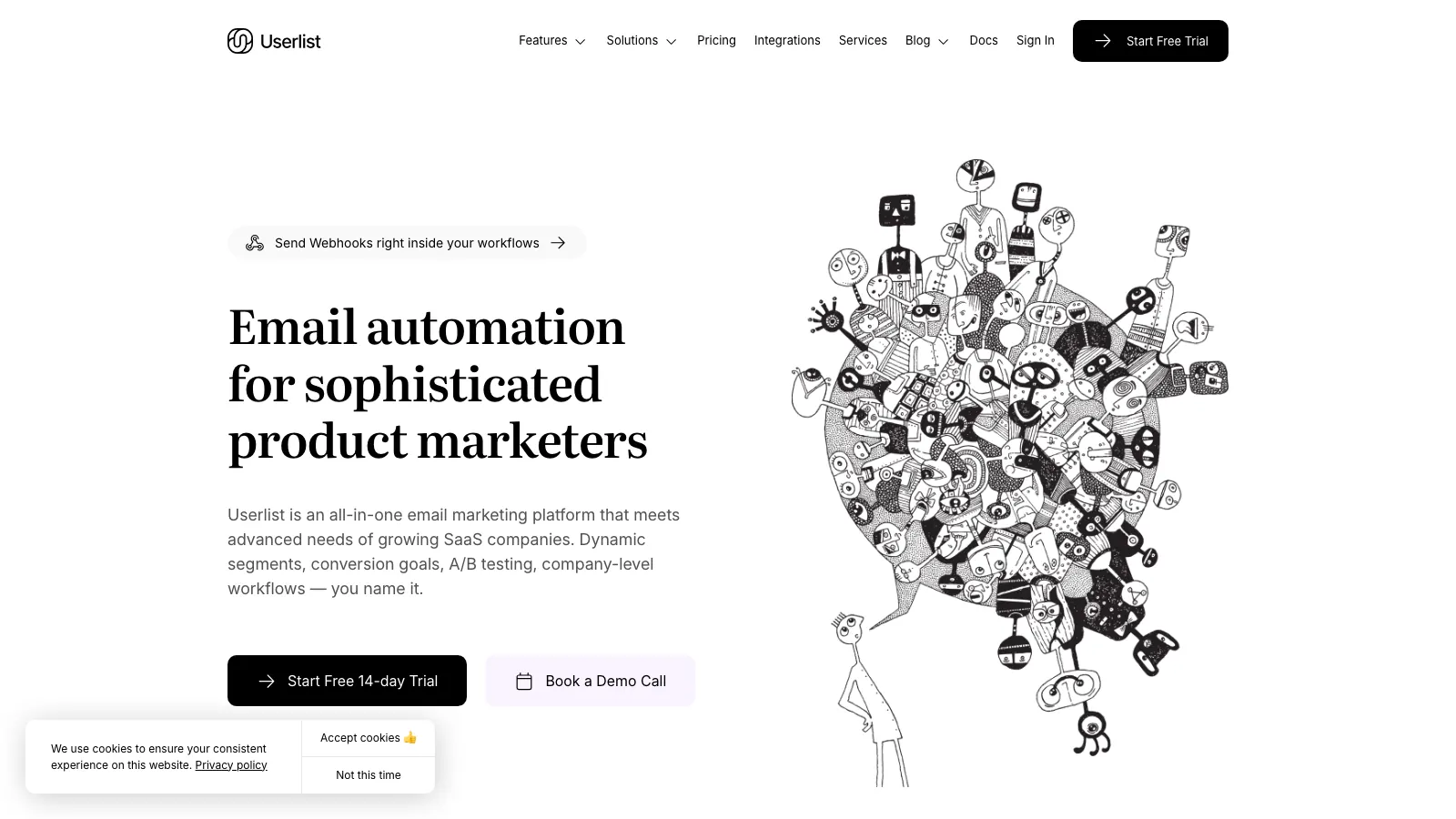
Userlist is a strong choice when you run lifecycle messaging for a SaaS product with company accounts, because it combines behavior-based workflows, transactional email and in-app messages. Pass if you only need a newsletter sender or need low-cost entry, since Basic starts at $149 a month for up to 10,000 users.
Agent access
- API
- Yes, Basic
- MCP server
- Official, hosted, OAuth
- Works with
 ClaudeClaude Code
 ChatGPT
 Cursor
 VS Code
- Automation
- Zapier, Make
What are the core pros and cons of Userlist?
What works
- Company-level workflows and many-to-many relationships
- Marketing, lifecycle and transactional email in one product
- In-app notifications and internal team messages on Basic
What to watch
- Basic begins at $149 a month
- A/B testing and conversion goals need Professional
- User fees start after 10,000 users
What does Userlist do for SaaS customer communication?
Userlist is organized around a product’s customer activity, not a simple mailing list. You can build lifecycle messages for acquisition, activation, retention and referral, then use the same system for broadcasts, transactional email, subscription preferences and in-app notifications. It is a more deliberate fit for a SaaS team than a general email sender because behavior and account structure shape the automation. Teams whose job is cold email and LinkedIn outreach should instead read the  Woodpecker review, which lists three warm-ups and unlimited email verification on its Email and Multichannel plans.
The important distinction is company data. Userlist supports users, companies and their relationships, including many-to-many relationships, and can trigger workflows from account-level events. That means an onboarding program can respond to the company’s activity rather than treating every person as an isolated contact. For a B2B product, that is the reason to consider Userlist before a more general-purpose campaign tool.
The product also reaches beyond email. A workflow can send a message inside your application, notify an internal address, update a user or company property, trigger a  Zapier workflow or webhook, and repeat actions until an outcome happens. If you need lead capture rather than customer automation, the marketing tools directory is a better place to compare the wider set of options.
Who is Userlist designed to serve best?
B2B SaaS teams
Use company-level events and relationships to automate onboarding and lifecycle communication for account-based products.
Product marketers
Build behavioral journeys for activation, retention and referral without separating lifecycle messaging from broadcasts.
Teams with in-app messaging
Send targeted notifications inside the product alongside email steps from the same workflow.
Developers supporting growth
Connect product data through HTTP API libraries and use webhooks for workflow-driven actions.
I would not put Userlist in front of a tiny team before it has meaningful product activity to work with. Its entry plan carries a serious monthly commitment, while its value lives in the data model, workflows and channels that a basic newsletter program will never use.
Which automation features are provided by Userlist?
Behavior-based visual workflows
Visual workflows are the center of Userlist. They can start from behavior, recurring schedules, anniversaries or multiple triggers, then branch through email, in-app notifications and internal notes. The builder also supports repeat-until cycles, production systems, Zapier and  Make actions, and webhooks. That breadth gives a product team one place to coordinate a customer journey instead of creating separate handoffs for every channel.
Company accounts and relationships
Userlist gives companies their own management, segments and workflows. It can trigger automation from account-level events, record users joining or leaving a company, and represent properties for users, companies and relationships. That is practical when one company has several users, or when an individual’s relationship to the account is meaningful to the message.
Lifecycle, marketing and transactional email
Basic includes marketing and lifecycle email, transactional email and broadcasts. Userlist also lists custom sending domains as a platform feature. Product teams can use the transactional side for password resets, activity notifications and billing receipts, while retaining lifecycle communication in the same platform. The message composer supports Liquid customization for conditional logic and dynamic content, which matters once one sequence needs to adjust to account or event data.
In-app messages and segmentation
In-app notifications put a targeted message inside the web application, while dynamic segments use behavior and attributes that change over time. Userlist also offers company-level segmentation and external segments. The useful result is consistency: the audience that qualifies for an email can be governed by the same product signals that determine whether an in-app prompt appears.
Experiments and reporting
Professional adds A/B split testing, conversion goals, advanced workflow features and advanced integrations. Its workflow testing can split a journey into up to five paths, and conversion goals use custom time windows. That is the upgrade line for a team that wants to measure competing versions of an onboarding journey rather than simply send it.
API and integrations
Userlist offers a developer-friendly HTTP API and libraries, including Ruby, Ruby on Rails, JavaScript and PHP. It also lists direct API integration and workflow webhooks, while its integration catalog includes categories for analytics, billing, CRM, customer data and no-code tools. For an AI agent, the documented machine interface is the HTTP API. Confirm MCP availability with Userlist before making it a dependency.
How are Userlist subscription tiers structured?
Price checked 27 Nov 2026
| Plan detail | Basic$149/mo | Professional$349/mo | EnterpriseCustom |
|---|---|---|---|
| Annual price | $119/mo | $279/mo | Talk to sales |
| Users included | 10,000 | 10,000 | Custom |
| Additional 1,000 users | $10/mo, $8/mo billed annually | $12/mo, $10/mo billed annually | Custom |
| Emails per month | 500,000 | 500,000 | Custom limit |
| Team seats | 5 | 10 | Custom |
| Custom properties | 20 | 50 | Custom |
| Custom events | 20 | Unlimited | Unlimited |
Userlist prices in US dollars, 27 Nov 2026.Userlist pricing
The first cost decision is volume. Both self-serve plans include 10,000 users and 500,000 emails a month, but each additional 1,000 users costs $10 a month on Basic or $12 a month on Professional. A 25,000-user Basic account has a $299 monthly bill: the $149 plan plus 15 blocks of 1,000 users at $10 each. Billed annually, that same Basic account is $239 a month, using the $119 plan price and $8 per additional 1,000 users.
- Basic includes a 60-minute roadmapping session for new accounts
- Professional includes group training for your team
- Enterprise offers custom message limits, company-level integration and a dedicated account manager
- Userlist offers a 14-day free trial for all plans, with card details required upfront
- New SaaS accounts with less than $500,000 in total funding can request a 50% discount for their first 12 months
What does Userlist Enterprise offer to growing companies?
Userlist Enterprise operates as a customized contract negotiated directly through sales rather than a published standard rate. Userlist lists custom message limits, custom company-level integration, done-for-you data planning, a dedicated account manager and monthly review calls. It is the logical route when the standard user or message limits will not fit. Userlist also publishes a plan-detail comparison covering allowances, custom properties and events, seats, and feature rows, while the Enterprise price remains unpublished.
Where does Userlist fall short for early startups?
Userlist asks for a meaningful budget before its workflow depth can pay off. $149 a month is a material floor for an email tool, even before a product exceeds 10,000 users. Annual billing reduces Basic to $119 a month. Eligible new SaaS accounts with less than $500,000 in total funding can request a 50% discount for their first 12 months, but that does not change the need for enough product activity to make the data model worthwhile.
The other sharp boundary is experimentation. Userlist presents A/B split testing and conversion goals on Professional at $349 a month, so a team that wants those capabilities pays more than twice the Basic monthly price. Basic still has visual workflows and the main messaging channels, but it is not the plan for a formal testing program.
Finally, some Enterprise details remain unpublished. The plan has custom limits and an account manager, but there is no public Enterprise price. Ask for the specific user allowance, message limit and company integration scope you need in the quote before treating it as a predictable budget line.
What software alternatives exist to Userlist?
 Userlist alternatives like AI Peekaboo solve brand monitoring challenges in AI models rather than multi-channel customer lifecycle messaging. Its plans start at $30 a month and include a read/write API, price checked 27 Nov 2026. White-label reports and share links unlock at $100 a month or more, as the AI Peekaboo review explains.
 Warmly is aimed at inbound and outbound GTM, with person-level website de-anonymization and an API and MCP option, but its annual plans start at $10,000, price checked 27 Nov 2026. Read the Warmly review if turning website activity into sales engagement is the priority.
What is the definitive verdict on Userlist?
Pick Userlist when your SaaS product needs its email automation to understand companies as well as individual users. The combination of company workflows, lifecycle and transactional messages, in-app notifications and an HTTP API makes a coherent operating system for that work. It is hard to justify when you only need campaigns, and the Professional jump must be budgeted before you promise an experimentation program.
Use the 14-day trial, which requires card details upfront, to confirm that your product events and company relationships map cleanly into the workflow model. Start on Basic for the core messaging stack, then move to Professional only when A/B testing and conversion goals are ready to change your team’s decisions.
How were Userlist capabilities and tiers verified?
Userlist integration guidelines, plan limitations, and pricing schedules were verified against official website resources on 27 Nov 2026. Prices are in US dollars, as Userlist shows them, and every figure follows how we check figures. Alternative facts and prices come from each tool’s own materials, checked on the dates shown above.
- Userlist pricing and annual pricing pages
- Userlist features and integrations pages
- Alternative tools’ own materials for the alternative facts
What are common questions regarding Userlist?
How much does Userlist cost?
Basic costs $149 a month for up to 10,000 users, or $119 a month billed annually. Professional costs $349 a month, or $279 a month billed annually. Enterprise is custom priced.
Does Userlist support company accounts?
Yes. Userlist supports company management, company-level segments and workflows triggered by account-level events, plus many-to-many relationships.
What does Professional add?
Professional adds A/B split testing, conversion goals, advanced workflow features, advanced integrations and group training for the team.
Can an AI agent use Userlist?
Userlist offers a developer-friendly HTTP API and libraries, and its workflows support webhooks. Confirm MCP availability with Userlist before making it a dependency.
 Reviewed byDanny Kirk
Founder of ReddiReach.
 Checked byAndrés Felipe
Digital designer and marketer.
Every figure is checked against the vendor's own page. Read our editorial standards.