
Key Takeaways
- Warmbox enables outbound sales teams and marketing agencies to warm between one and six email inboxes with uniform features across plans.
- Warmbox plans start with Solo at $15 monthly for one inbox and 50 daily emails, scaling to Growth at $139 monthly.
- Warmbox requires teams building programmatic agent workflows to confirm automated access directly with the vendor before deployment.
- Warmbox limits public standard tiers to 500 warm-up messages daily, requiring custom enterprise arrangements for higher volume outreach.
Warmbox is the sensible pick when you need to warm one to six sending inboxes without paying extra for feature tiers, starting at $15 a month. Skip it if your operation needs more than 500 warm-up emails a day on a published plan, because the standard tiers stop there and larger needs require a custom conversation.
Agent access
- API
- Not found on official pages
- MCP server
- Not found on official pages
What are the primary pros and cons of using Warmbox?
What works
- Every published plan includes the same warm-up features
- $15 a month starts one sender with 50 emails a day
- Four recipes allow automatic or flexible warm-up controls
What to watch
- Solo and Start-up cap daily volume at 50 and 250 emails
- Growth stops at six inboxes and 500 emails a day
- First results can take 15 to 30 uninterrupted days
What does Warmbox do to improve email deliverability?
Warmbox automates email warm-up interactions for small cold-email teams, pricing accounts strictly by inbox count and daily volume. ladder. That is why it is worth checking early in the marketing tools directory, before you commit a larger outreach setup to a more complicated plan.
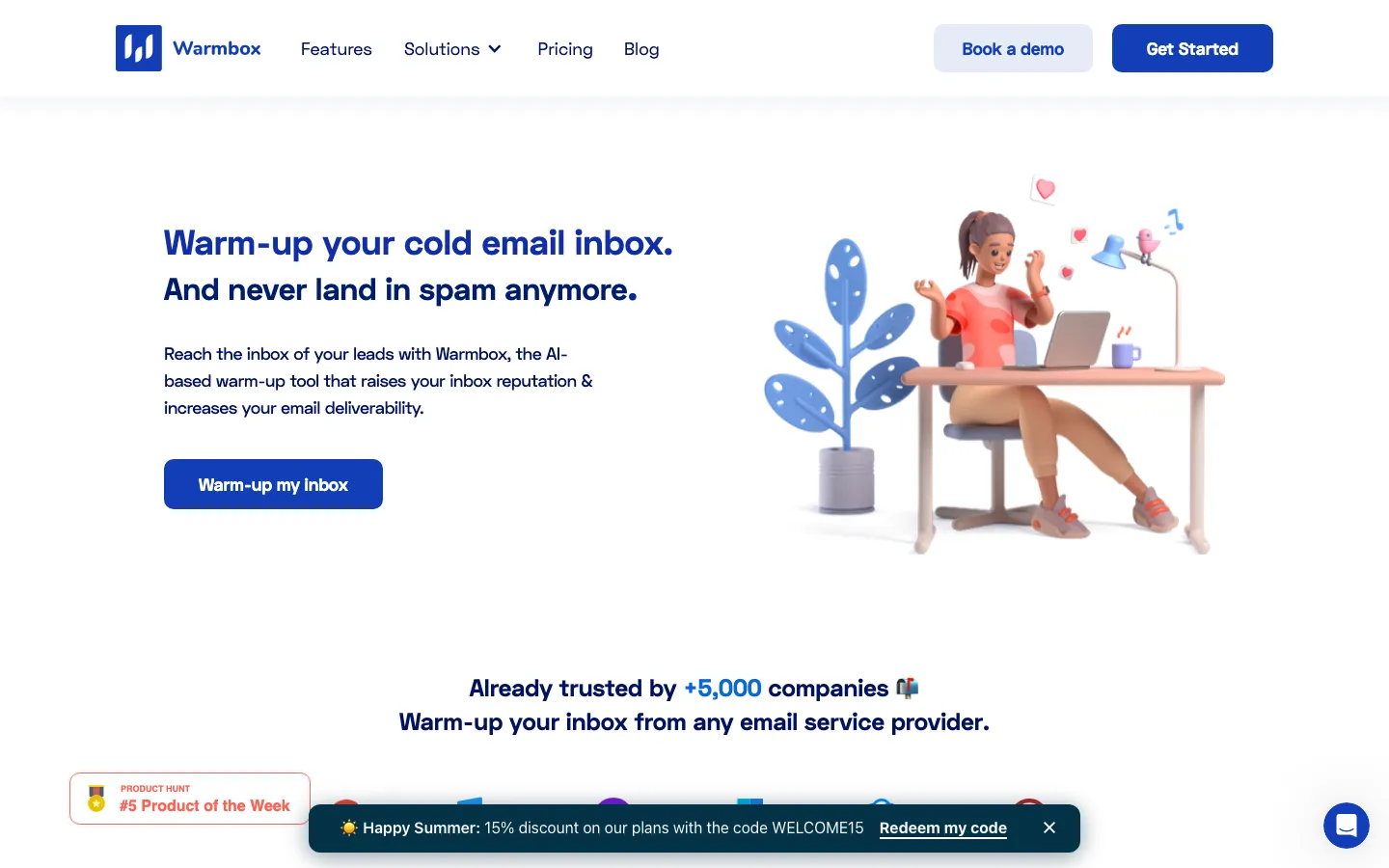
Warmbox connects to Gmail through Google Workspace OAuth, Outlook and Microsoft 365, Yahoo, iCloud, Amazon SES, SMTP and other listed providers. It sends messages from a connected inbox, removes messages from spam, opens and bookmarks them, and replies to some. The stated job is to build sender reputation through those positive interactions.
The useful distinction is not whether Warmbox has a long list of modules. All listed plans carry the same warm-up features. Your practical decision is how many mailboxes you run and how much daily activity each needs, which makes a small team bill unusually easy to see before you buy.
Who is Warmbox best suited for in email outreach?
One-inbox senders
Solo gives one sending inbox 50 daily warm-up emails for $15 a month.
Small outbound teams
Start-up covers three inboxes and 250 daily emails without dropping feature access.
Growing sales teams
Growth handles six inboxes, six members and 500 daily warm-up emails for $139.
Lead-generation agencies
Brand workspaces and added team members suit agencies managing multiple client sending inboxes.
Warmbox fits a team that wants one warm-up service to sit beside its existing sending stack. It is a less comfortable purchase for a high-volume program that needs a fixed, public price past six inboxes, because the next step is a custom plan rather than another printed tier.
What inbox warm-up features does Warmbox include?
Automated inbox interactions
Warmbox describes a daily sequence that sends messages from your inbox, moves messages out of spam, opens and bookmarks them, and replies to a portion. Its product pages list GPT4 and hybrid conversation options alongside millions of email templates. For a sender, the point is straightforward: the warm-up is active rather than a passive reputation report.
Recipes and scheduling controls
There are four warm-up recipes, with an automatic recommendation based on smart rules and a flexible route for experts. You can adjust the timing range, daily email volume and reply rate, then align activity with your working hours and time zone. That control matters when a uniform pattern would not look like your normal sending schedule.
A private network for warm-up
Warmbox says its network has more than 35,000 private inboxes across more than 100 countries, aged from two weeks to 15 years. Conversations take place between your inbox and that network. I see that range as the strongest reason to consider Warmbox over a bare-bones sender tool, because the network is the part doing the work while your own address establishes its history.
Blacklist and DNS checks
The free checker reviews IP and domain blacklist status across more than 120 checkpoints, and inspects SPF, DKIM and DMARC settings. It also produces shareable reports. Use those checks alongside the warm-up controls when your team needs visibility into its domain settings.
Monitoring and agency workspaces
The dashboard reports emails sent, reply rate, spam score and warm-up schedule. Agencies can add inboxes, team members and dedicated brand workspaces. That is enough structure for a small client roster, while larger agencies should move quickly to the custom-plan discussion instead of trying to force many senders into repeated Growth plans.
How does Warmbox structure pricing across its published tiers?
Price checked 27 Nov 2026
| Plan detail | Solo$15/mo | Start-up$69/mo | Growth$139/mo | TeamCustom |
|---|---|---|---|---|
| Inboxes warmed | 1 | 3 | 6 | Ask Warmbox |
| Emails per day | 50 | 250 | 500 | Ask Warmbox |
| Team members | 1 | 3 | 6 | Ask Warmbox |
| Support | Premium | Premium | Enterprise | Ask Warmbox |
| Warm-up features | ✓ | ✓ | ✓ | Not specified |
Warmbox monthly prices in US dollars, 27 Nov 2026.Warmbox pricing
There is no feature upsell to calculate inside the published range. A three-person team warming three inboxes pays $69 a month on Start-up, which includes three members and 250 emails a day. Six people warming six inboxes pay $139 a month on Growth, with six members and 500 emails a day. That direct match between seats, inboxes and volume makes the tier choice clearer than a plan built around optional modules.
- Solo is the low-cost way to begin with one inbox and 50 daily emails
- Start-up adds two inboxes, two members and 200 more daily emails for $54 a month
- Growth adds three inboxes, three members and 250 more daily emails for $70 a month
- Custom plans are available for agencies, enterprises and corporates with larger sending needs
The agency page advertises a free trial with no credit card required. It does not publish the custom-plan limits or price, so use the published tiers to budget only until you need more than six inboxes or 500 daily emails.
How does Warmbox support larger teams and high-volume senders?
Warmbox offers custom plans for enterprises, agencies and corporates with bigger needs and substantial sending volumes. Warmbox does not publish a custom inbox count, daily volume, team-member limit or price, so ask for a quote. That makes the enterprise proposition a capacity conversation, not a plan you can compare line by line against the $15, $69 and $139 tiers.
- Confirm the number of inboxes and daily warm-up emails in writing
- Confirm which team-member and brand-workspace limits apply
- Ask whether the free agency trial matches your intended setup
Where does Warmbox fall short for high-volume email operations?
Warmbox imposes immediate constraints on teams needing high daily email warm-up volume. Solo is limited to 50 emails a day, Start-up to 250 and Growth to 500. Those figures are reasonable boundaries for the published plan sizes, but they mean a busy outreach shop cannot treat $139 as an open-ended agency price.
Time is the other constraint. Warmbox says the first results usually appear after 15 to 30 days of uninterrupted warming, depending on the email address and provider. You should plan that window before changing a sender's job or judging the program from its first week.
The company frames the product around warm-up, settings, monitoring and its checker. That is a focused offer, which is a strength when you only need this job done. It also means the public plan comparison gives you fewer clearly defined levers once your operation becomes much larger.
What are the strongest alternatives to Warmbox for inbox warming?
 Warmup Inbox review lists a $15 per-inbox monthly plan, checked 27 Nov 2026, and says its REST API covers the full inbox lifecycle. It is the more relevant comparison when you need one inbox and want to evaluate programmatic lifecycle control alongside Warmbox.
Warmy review lists a 1M+ mailbox network, full API access and DMARC monitoring. Compare it with Warmbox when your team needs those broader deliverability capabilities instead of a published one-to-six-inbox warm-up plan.
What is the final verdict on using Warmbox for inbox warm-up?
Warmbox provides a straightforward buying choice for small outbound teams selecting among Solo, Start-up, and Growth based on inbox count and daily message volume. Treat custom pricing as a separate conversation rather than an automatic extension of the $139 Growth plan.
Pick the tier that matches your actual inbox count, keep warm-up running for the stated 15 to 30 days, and use the free DNS checker to inspect SPF, DKIM and DMARC settings alongside the warm-up controls.
How was the information in this Warmbox review gathered?
Warmbox published prices, operational limits, and features were verified against vendor documentation and integration pages on 27 Nov 2026. Prices are in US dollars as Warmbox presents them, and the approach follows how we check figures.
- Warmbox monthly pricing and plan details
- Warmbox feature and integration pages
- Warmbox agency and enterprise pages
What are the most frequent questions about Warmbox?
How long does Warmbox take to warm up an inbox?
Warmbox says first results usually take 15 to 30 days of uninterrupted warming, depending on the email address and provider.
Which inboxes can connect to Warmbox?
Warmbox lists Gmail through Google Workspace OAuth, Outlook and Microsoft 365, Yahoo, iCloud, AOL, Yandex, Zoho, Sendgrid, Sendinblue, Mailgun, Amazon SES and SMTP inboxes.
How much does Warmbox cost for a team?
Start-up costs $69 a month for three inboxes, three members and 250 emails a day. Growth costs $139 a month for six of each, except it allows 500 emails a day.
Does Warmbox offer larger plans?
Yes. It offers custom plans for enterprises, agencies and corporates with bigger sending needs, but does not publish their price or limits.
 Reviewed byDanny Kirk
Founder of ReddiReach.
 Checked byAndrés Felipe
Digital designer and marketer.
Every figure is checked against the vendor's own page. Read our editorial standards.