
Key Takeaways
- Make provides operations teams and digital agencies with an interactive visual canvas to design and monitor complex multi-app automations.
- Make offers a free tier containing one thousand credits monthly while charging variable rates for larger automated runs.
- Make integrates artificial intelligence agents, AI workflows, JavaScript, Python scripts, drag-and-drop elements, and Model Context Protocol connections.
- Make challenges monthly budget forecasting because operations consume usage credits rapidly and halt scenarios once balances deplete.
Make is the right automation platform for an operations team that needs to map a multi-step process visually, connect a broad app stack and keep a close eye on each run. Choose another route if predictable usage costs matter more than a visual canvas: Make bills by credits, and a complex scenario can consume far more than one per run.
Agent access
- API
- Yes, Core, Pro, Teams, and Enterprise
- MCP server
- Official, hosted, OAuth or API key
- Works with
 ClaudeClaude Code
 ChatGPT
 Cursor
- Automation
- Zapier, Make
What are the core pros and cons of Make?
What works
- Prompt-led and drag-and-drop visual building
- More than 3,500 listed app integrations, plus custom API integrations
- Execution history and Make Grid make running work easier to inspect
What to watch
- Most actions use credits, while advanced Make AI Provider features may use more
- Unused credits expire when the billing term ends
- Scenarios pause when credits run out
What automation capabilities does Make deliver for complex workflows?
Make is strongest when the job is bigger than a single trigger and response. It calls each automated workflow a scenario: data comes in from one app, can be transformed on the way, then moves to another. That visual chain is useful when campaign, lead or support data crosses several owners, because the whole path is visible instead of buried in separate rules. The marketing tools directory puts it alongside the other tools your team may connect.
Your first decision is not whether Make can connect the apps. It lists more than 3,500 integrations and offers custom integrations for services with an API. The important question is whether your team can explain what should happen to an incomplete record, a duplicate or a failed handoff. Teams that can answer that question will get more from Make than teams hoping the canvas will decide the process for them.
The credit model is the constraint that keeps the choice honest. One module action usually consumes one credit, but a scenario can use from two to thousands in a run, and certain AI Provider features use more. A free account is a good way to model one bounded workflow. It is not a reliable indication of the bill for a busy process until you know the actions and volume involved.
Who gets the most benefit from Make?
Marketing operations teams
Connect campaign and lead systems when field ownership, exceptions and handoffs are agreed across participating teams.
Small business builders
Use the free allowance to prove one repeatable workflow before committing production volume and paid credits.
Technical operations teams
Combine integrations, transformations and code when a visual process needs tailored logic, documented rules and clear ownership.
Agencies with process owners
Keep client automations visible when a named owner can manage credentials, changes, failures and documented client handoffs.
Make is a poorer fit when the team wants an automation tool to remove process decisions. The canvas makes a process legible, but it cannot supply missing rules about data ownership or exceptions. It is also a weak fit for a budget that cannot tolerate a usage variable, since the vendor's billing unit follows actions rather than people or scenarios.
What visual building and integration features does Make provide?
Visual scenarios
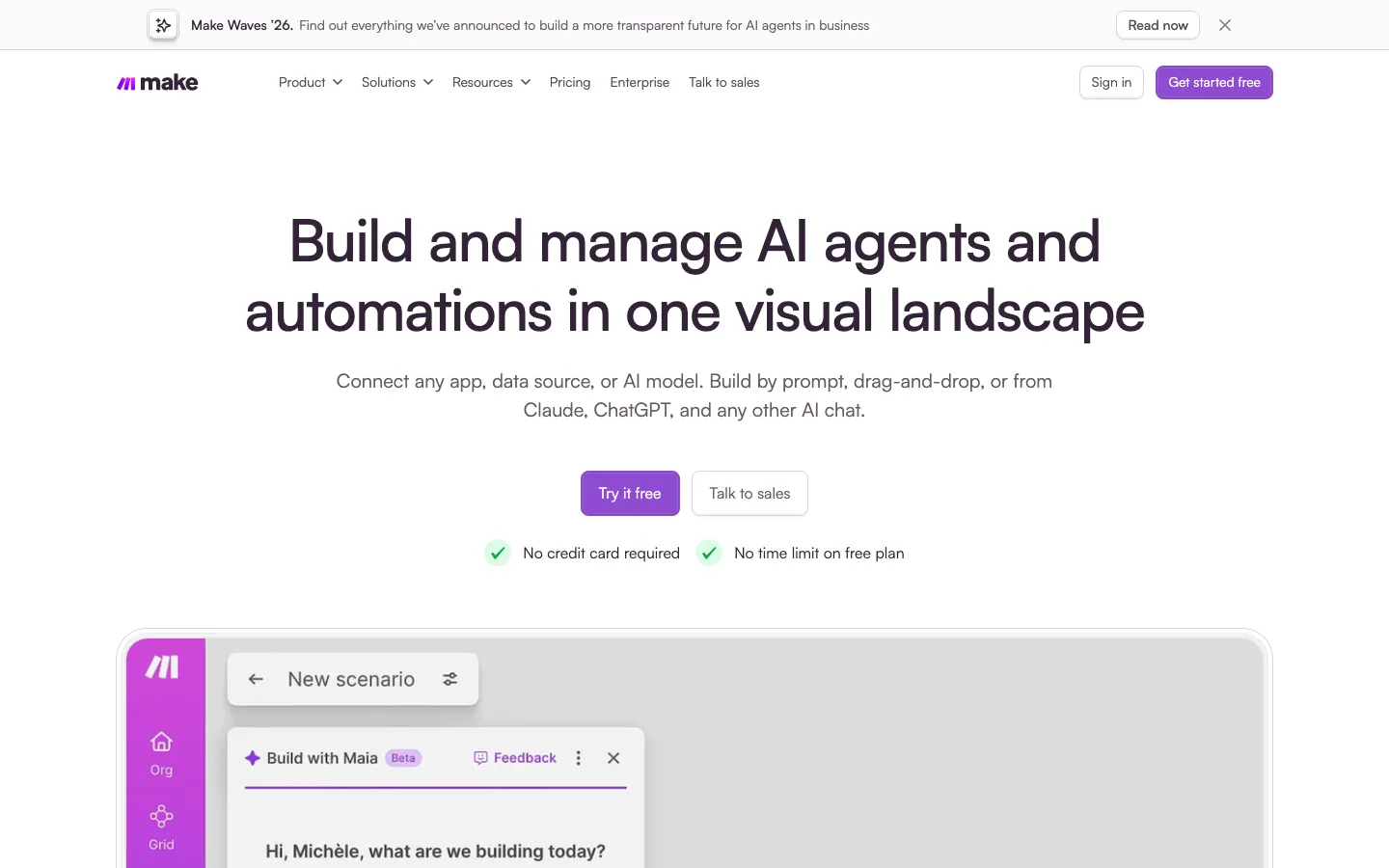
Make gives your team three ways into a scenario: prompt, drag and drop, or MCP. The visual environment also covers building, testing, debugging and running. That helps when someone else needs to understand a workflow, provided module names and rules are written clearly.
Data work between systems
Scenario modules can read, search, create, update and delete data. They can also transform data and aggregate a row into an array or text. That makes Make a better fit for a handoff that needs reshaping than for a simple notification alone. Give one system ownership of each important field before you automate it, otherwise a polished scenario only spreads inconsistent data faster.
Integrations and custom connections
Google Sheets, Airtable and  Slack appear in Make's integration catalog, alongside thousands of other connections. Make says it can add a custom integration for anything with an API. Treat that range as permission to investigate, not as proof that every action you need is available. Confirm the trigger, read and write actions for your particular systems before you decide on the architecture.
AI agents and custom code
Make separates an AI Agent, which receives a goal and tools, from an AI Workflow, where you define the path and AI handles decisions. JavaScript and Python can be added when visual modules are not enough. A repeatable business rule belongs in the controlled path; an AI decision needs a clear review point and consequence if it is wrong.
Visibility and governance
Execution history shows what happened in a particular run, while Make Grid maps what is running across the business. The product also lists access control, roles and permissions, separated workspaces, SSO and 2FA enforcement. These are the features that make Make credible beyond a personal automation: an owner can see what failed, decide who may change it and avoid sharing a connection password just to keep work moving.
How is Make priced across credit packages?
Price checked 27 Nov 2026
| Plan detail | FreeFree | EnterpriseContact sales |
|---|---|---|
| Monthly credits | 1,000 | Confirm allowance with sales |
| Free-plan term | No time limit | Not applicable |
| Data storage | 1 MB per 1,000 credits | 1 MB per 1,000 credits |
| Data stores | 1 | Up to 1,000 per organization, 1 MB minimum per store |
| Enterprise app integrations | ✕ | ✓ |
| Dedicated support | Not stated | 24/7 support available |
Make plans and credit terms, 27 Nov 2026.Make pricing
Make prices usage in credits, so confirm your paid quote, included credit allowance and team terms before you commit. The safer comparison is usage: count the actions in one normal run, include the likely retries and exceptions, then multiply by the expected run volume before you rely on any paid tier.
- Most actions consume one credit, while some advanced features using Make's AI Provider consume more
- Extra credits can be bought in 1,000- or 10,000-credit bundles at the fixed price in your subscription
- Core, Pro and Teams can automatically buy 10,000 credits before they run out
- Extra credits expire after one month on monthly subscriptions, or after one year on annual Pro and Teams subscriptions
For a team, the decisive number is the credit count your real scenario uses when it has to handle normal and awkward inputs.
What enterprise-grade features does Make Enterprise include?
Make's Enterprise tier becomes relevant when your team needs enterprise-only apps, custom configuration and 24/7 support alongside its automation work. Make also lists a Value Engineering team, overage protection, advanced security and organization-wide governance.
- Enterprise-only apps and custom configuration
- 24/7 support from a dedicated team
- Value Engineering assistance and overage protection
- Advanced security and organization-wide governance
Move to that conversation when access control, support and a governed operating model are the actual bottleneck. Confirm plan eligibility for the specific controls your team needs. If the real issue is still whether one scenario earns its credit use, the free allowance gives you a cleaner first decision.
Where does Make fall short for operations teams?
Make requires difficult operational tradeoffs regarding monthly credit forecasting across high-volume automated scenarios. The vendor says a scenario may perform anything from two to thousands of credits in one run. That is reasonable for a platform doing real transformations, searches and writes, but it means a workflow that looks small on the canvas may not be cheap at volume. Some advanced features using Make's AI Provider may consume more than one credit per action.
Running out of credits is operational, not cosmetic. Make says scenarios do not continue until credits are added. Incoming webhooks are queued up to the available webhook queue storage, then processed after scenarios resume, while polling scenarios look for records since their last successful run. Decide whether that pause is acceptable before you put a revenue, support or compliance process through Make.
The platform also rewards operational discipline. Execution history and Grid help an owner inspect the work, but neither replaces a clear change process. A team should know which credentials connect each service, who may edit a scenario and what the manual fallback is before the workflow becomes business critical.
What are the leading alternatives to Make?
 n8n review also uses a visual canvas, while offering managed cloud, self-hosting or a combination of both. Assess it beside Make when that deployment choice matters to your technical team.
 NocoDB review covers a no-code database interface designed to feel like a spreadsheet, with the choice to use its hosted database or bring your own PostgreSQL or MySQL database. Consider it when the first job is organizing operational data, then decide whether an automation platform belongs beside it.
What is the final verdict on Make?
Make earns its place when your team needs to turn a real process into a visible, inspectable scenario across many apps. The visual builder, broad catalog and run history are meaningful advantages for operations work that has branches, data changes and multiple owners. The price of that flexibility is that you must understand your usage before you can understand your bill.
Use the Free plan to map one repeated workflow within its 1,000-credit monthly allowance, then record the credits used by normal and exceptional runs before you make a high-volume or business-critical workflow live.
How were the features and pricing of Make verified?
Make homepage details, product specifications, pricing breakdowns, integration catalogs, and AI Agent pages supplied the facts on 27 Nov 2026. The published facts in this review follow how we check figures, and unknown paid-plan prices are left out rather than estimated.
- Make pricing page for Free-plan allowance, credit rules and billing behavior
- Make product page for visibility, governance and Enterprise capabilities
- Make home, integrations and AI Agents pages for building options and connections
Where can teams find practical how-to guides for Make?
What are frequently asked questions about Make?
Does Make have a free plan?
Yes. The Free plan has no time limit and includes 1,000 credits a month, 1 MB of data storage and one data store.
What is a Make scenario?
A scenario is Make's name for an automated workflow. It can receive data from one app, transform it and pass it to another app.
How do Make credits work?
Most actions consume one credit. Reading, searching, creating, updating, deleting, transforming and aggregating data all count, while router and listed error-handler modules do not.
What happens when Make credits run out?
Scenarios stop until credits are added. Incoming webhooks queue up to the available storage and are processed when scenarios resume.
 Reviewed byDanny Kirk
Founder of ReddiReach.
 Checked byAndrés Felipe
Digital designer and marketer.
Every figure is checked against the vendor's own page. Read our editorial standards.